 Saved
 2 looks
 Works in ChatGPT & Gemini
 Updated 6 Nov 2026

 Newest first
Cinematic
Collection
Cinematic AI Photo Prompts for ChatGPT & Gemini
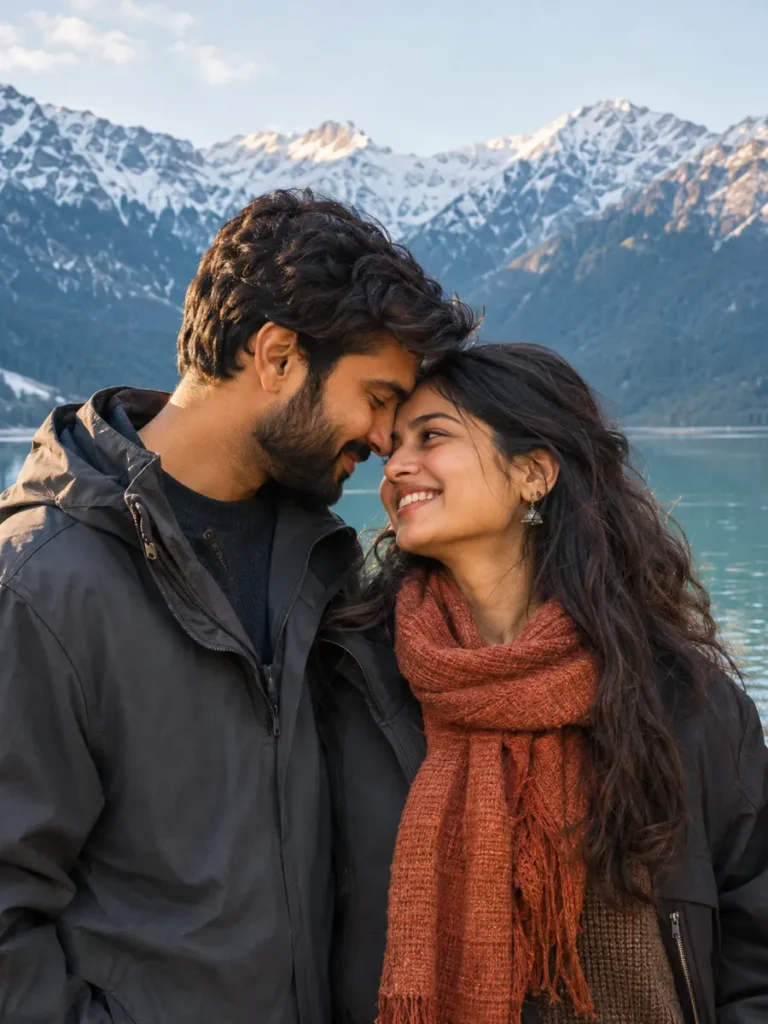
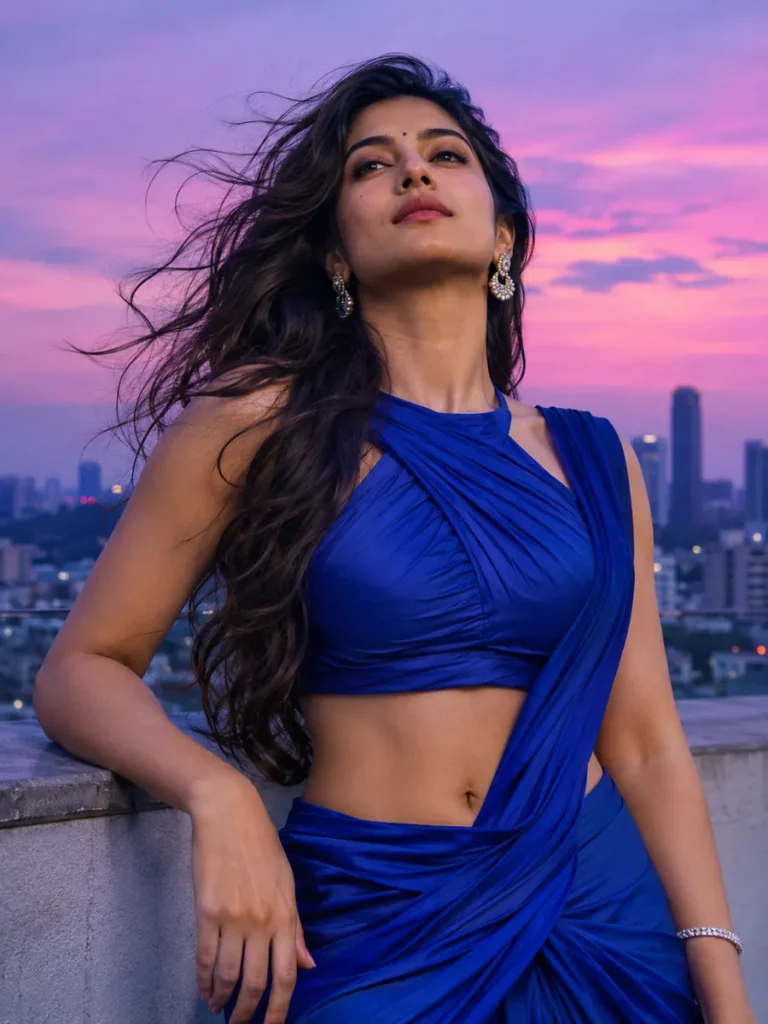
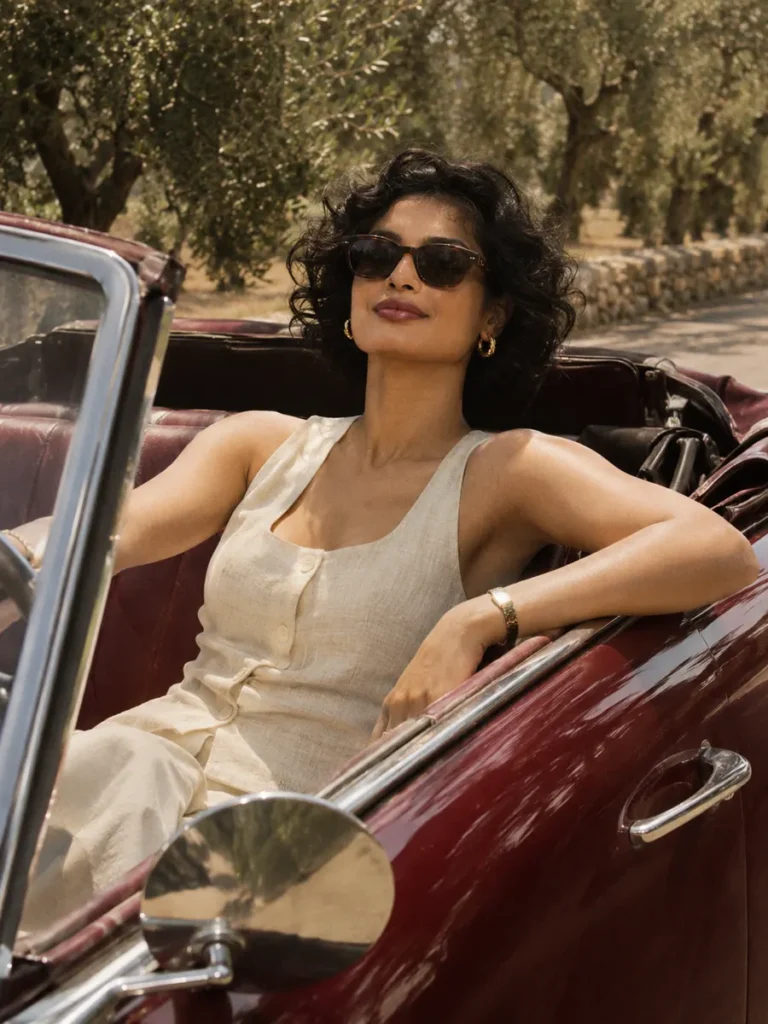
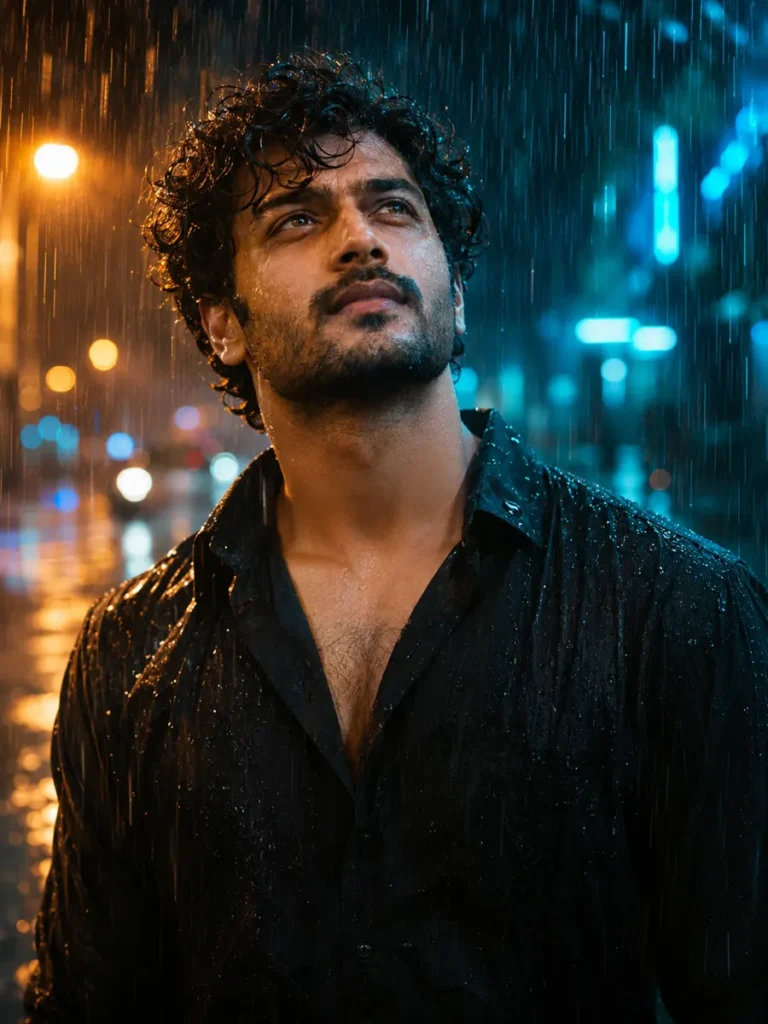
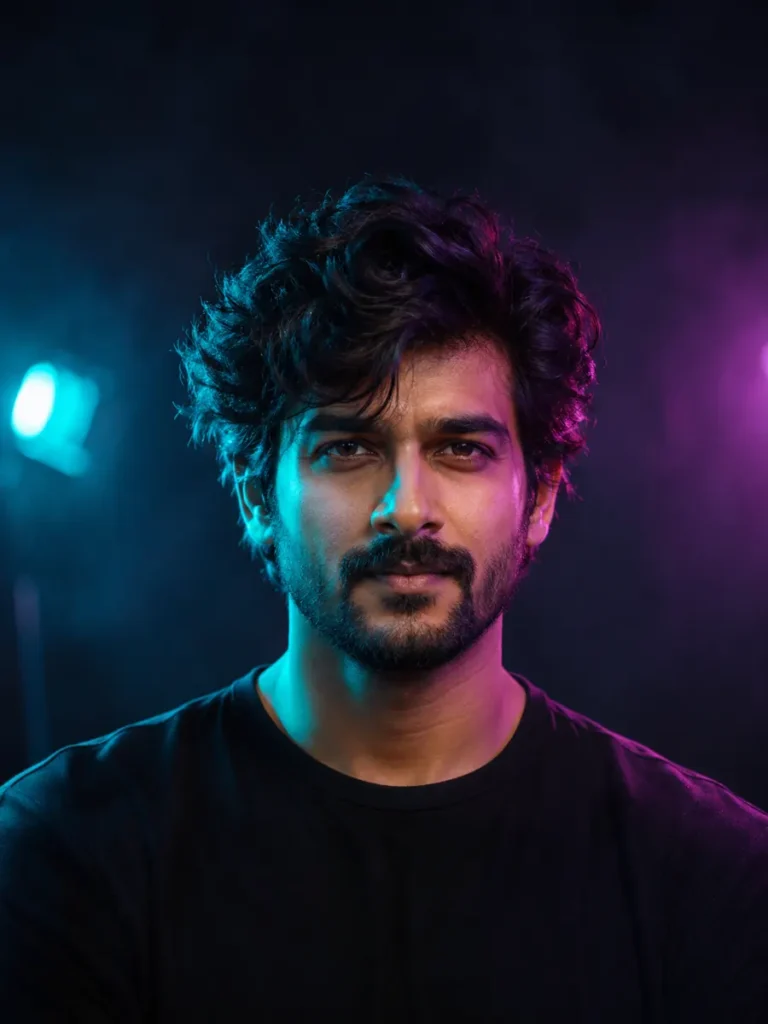
Film-like photo styles, from rainy city lights to an airy beach portrait, ready to adapt to your own reference photo.
2 looks
Works in ChatGPT & Gemini
Updated 6 Nov 2026
Newest first

New
Tips for
cinematic photos
Use a clear, well-lit photo with your face towards the camera.
Keep the first lines of the prompt. They ask the tool to keep your face.
Want a small change? Reply in the same chat, like “make the light warmer”.
A cinematic photo starts with a clear mood. Try the cool reflections of a city after rain or a bright coastal scene, then change one part of the prompt at a time.
Make this style work with your photo
Pick the light first
For the rain look, keep the cyan and amber lights behind the face. For the beach look, ask for balanced daylight so the skin does not become washed out.
Use one clear scene
Describe a single setting rather than mixing several locations, lighting styles and camera effects in one request.
Keep the face readable
After generating, check the eyes, skin texture and facial shape. Ask for softer light if the effect hides important details.
Ready to try it?
Open a look for its full prompt and photo requirements. Copy it, open ChatGPT or Gemini, upload your photo there and paste. Keep the identity instructions when you customize the scene.