 Saved
 2 looks
 Works in ChatGPT & Gemini
 Updated 6 Nov 2026
 Newest first
Studio
Collection
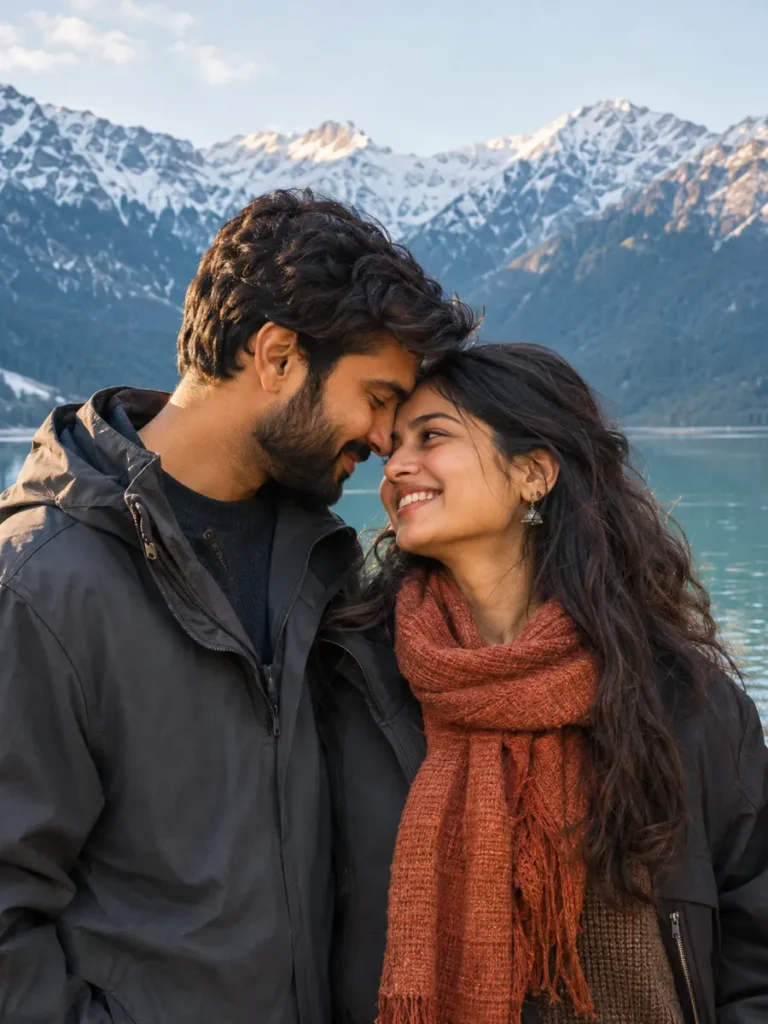
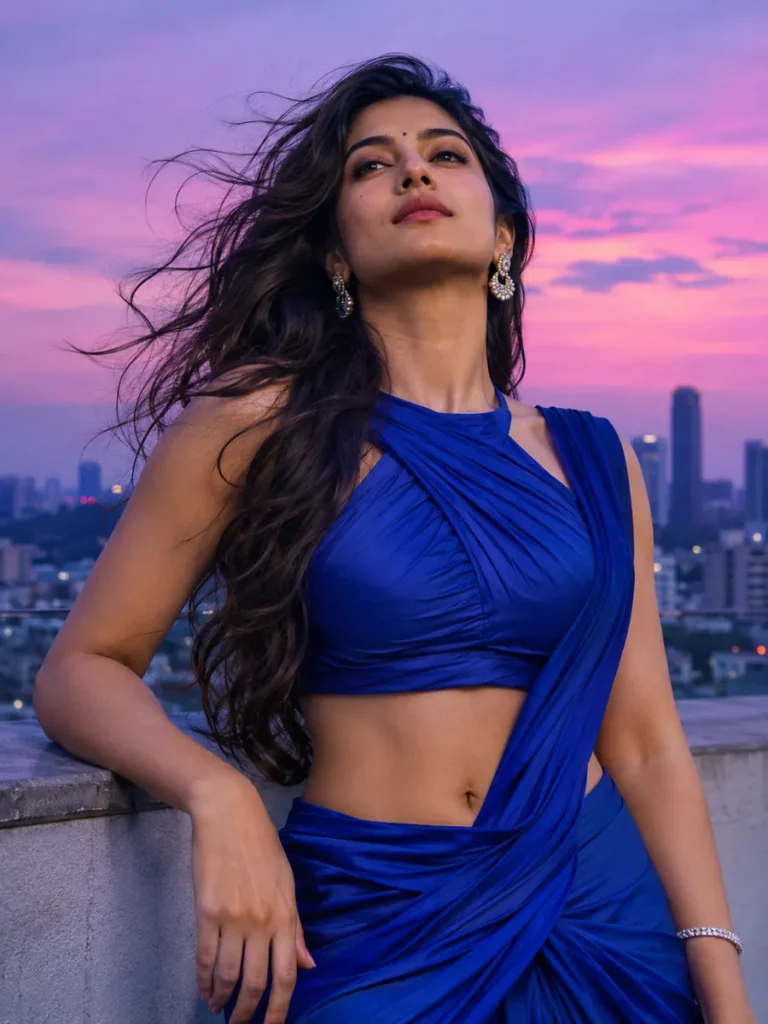
Studio AI Photo Prompts for ChatGPT & Gemini
Clean studio scenes, bold tailoring and expressive coloured light, with prompts for editing your own portrait.
2 looks
Works in ChatGPT & Gemini
Updated 6 Nov 2026
Newest first

New
Tips for
studio photos
Use a clear, well-lit photo with your face towards the camera.
Keep the first lines of the prompt. They ask the tool to keep your face.
Want a small change? Reply in the same chat, like “make the light warmer”.
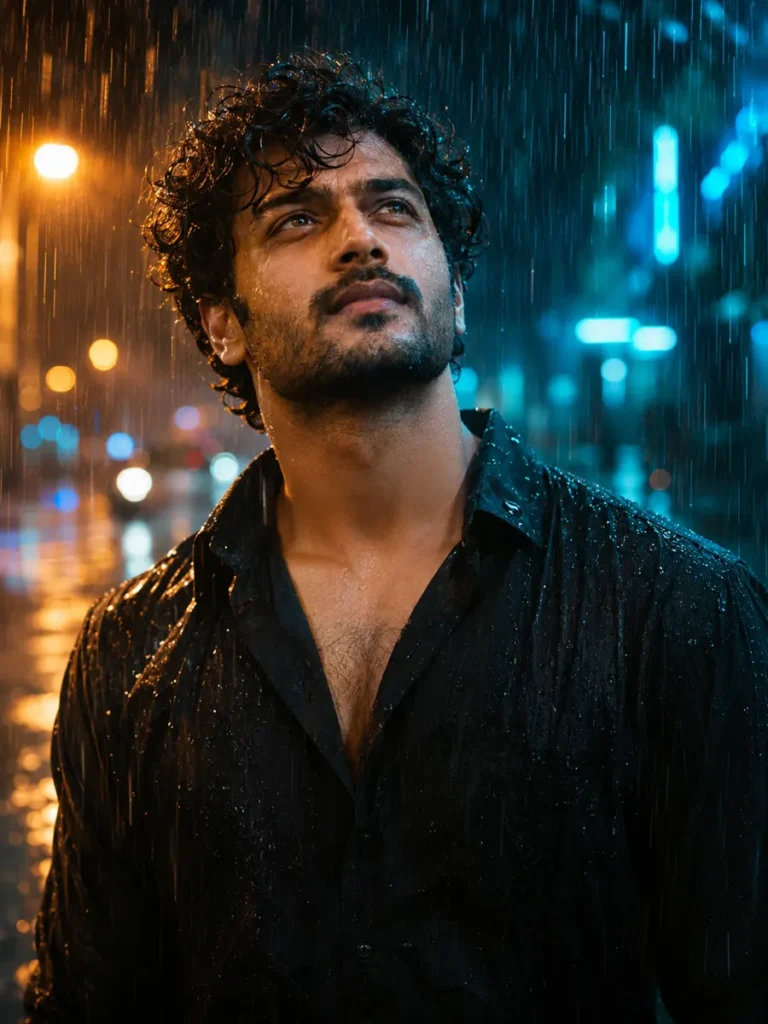
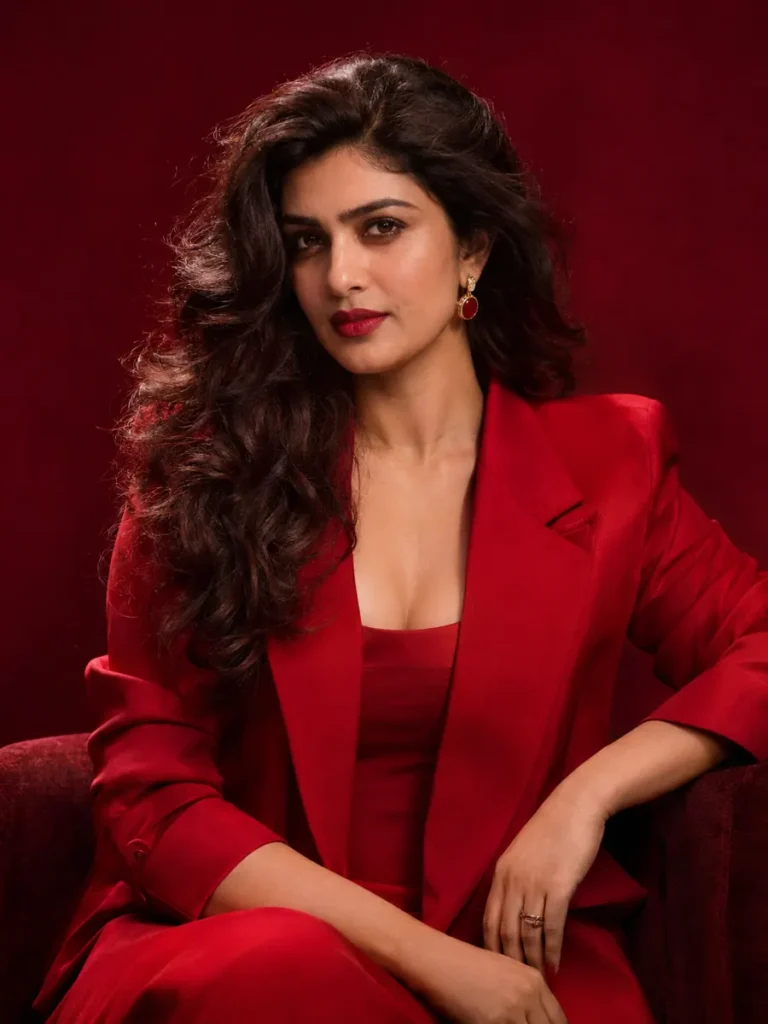
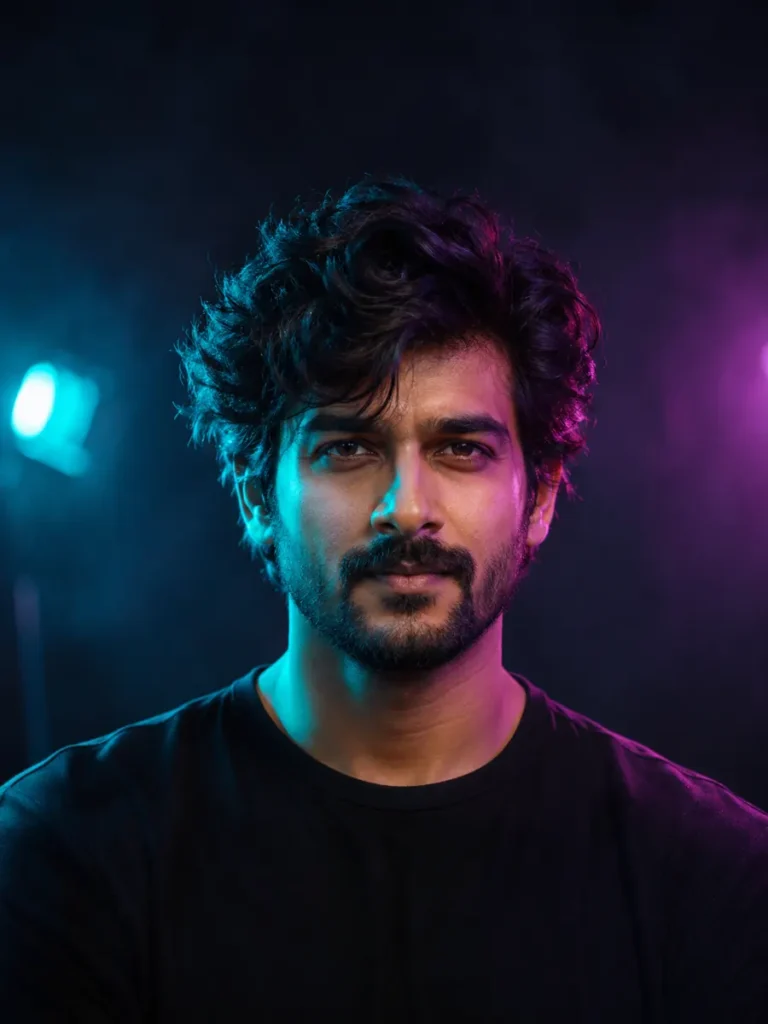
Choose a clean fashion portrait or a darker neon-lit headshot. The backgrounds stay simple so clothing, expression and light can carry the photo.
Make this style work with your photo
Start with a sharp portrait
Choose a reference where the face is clear and not covered by hair, hands or strong shadows.
Keep the lighting controlled
For the neon look, ask for enough light to see both eyes. For the red blazer look, keep the backdrop simple and preserve natural skin texture.
Check the styling
Look at the jacket edges, shoulders and hands. If an outfit change reshapes the person, ask the tool to change only clothing and lighting.
Ready to try it?
Open a look for its full prompt and photo requirements. Copy it, open ChatGPT or Gemini, upload your photo there and paste. Keep the identity instructions when you customize the scene.