 Saved
 3 looks
 Works in ChatGPT & Gemini
 Updated 6 Nov 2026


 Newest first
🔥 Trending
Collection
Aesthetic AI Photo Prompts for ChatGPT & Gemini
Soft colour palettes, outdoor portraits and quiet travel scenes with complete photo-editing prompts.
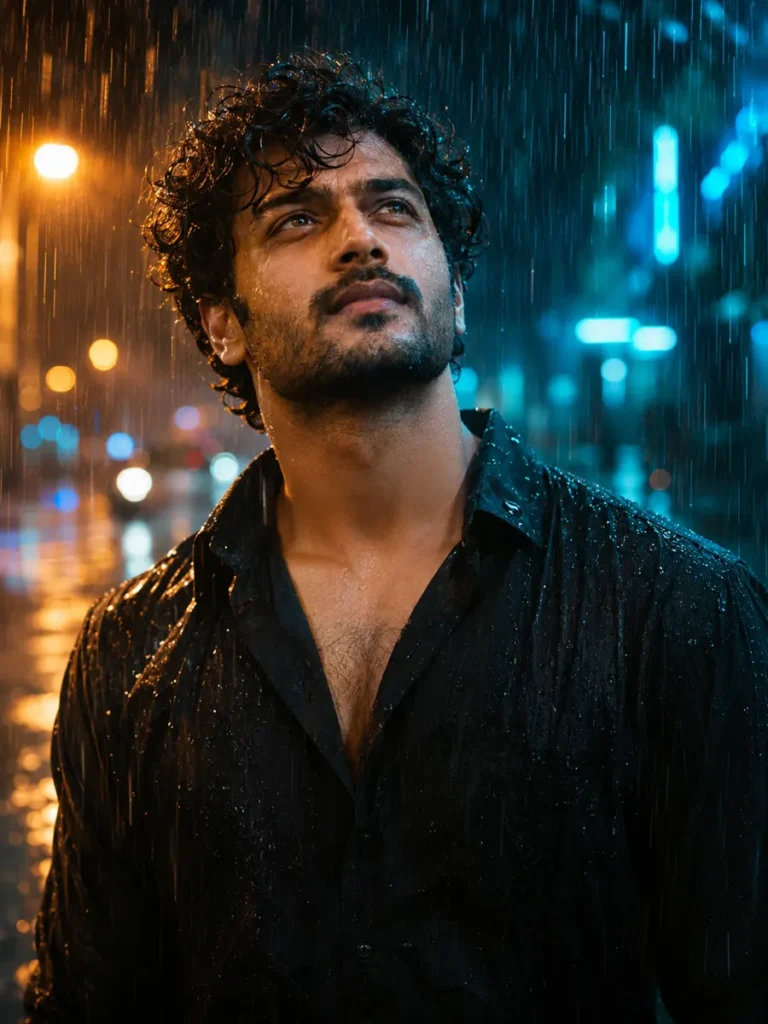
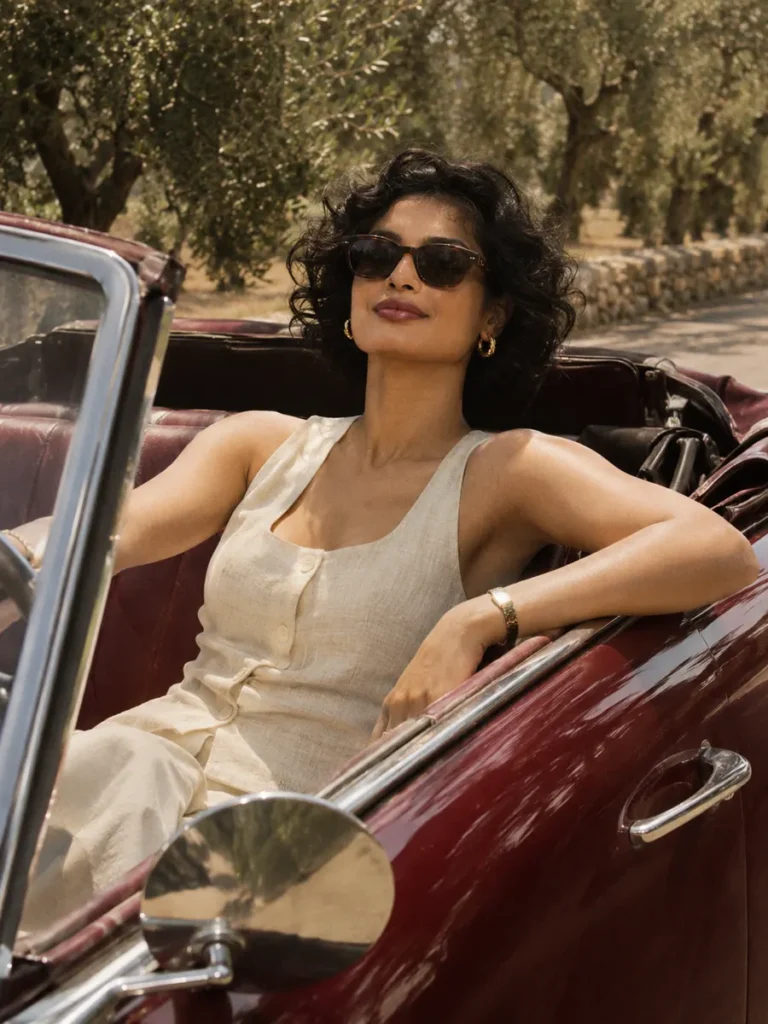
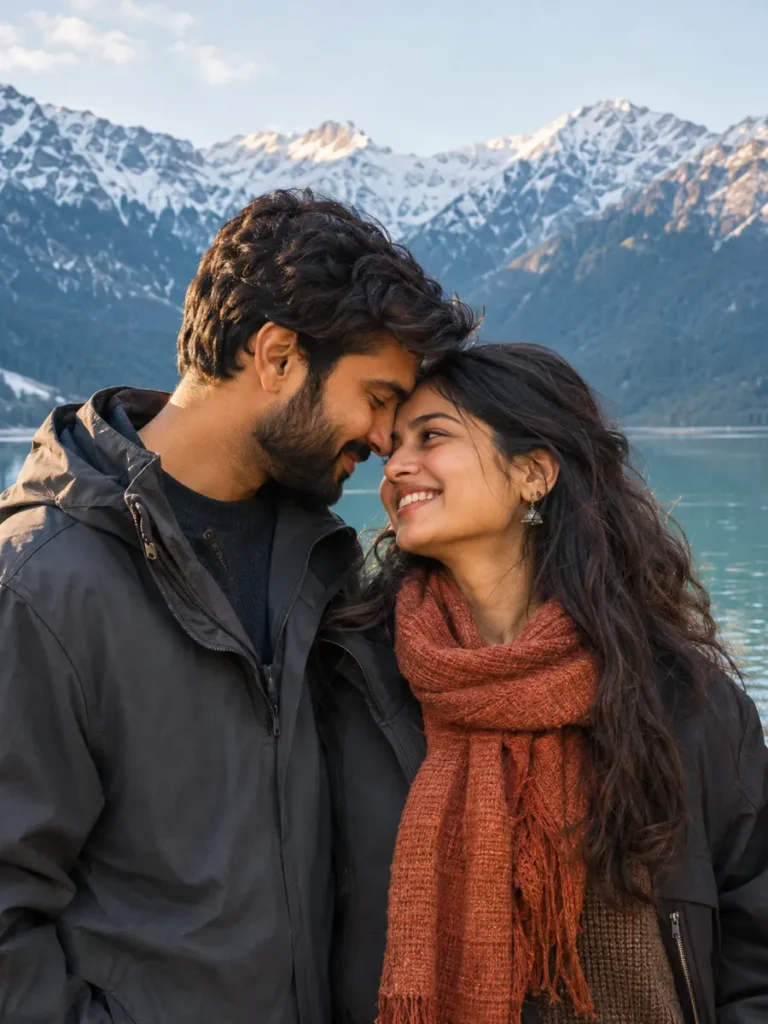
3 looks
Works in ChatGPT & Gemini
Updated 6 Nov 2026
Newest first

Tips for
aesthetic photos
Use a clear, well-lit photo with your face towards the camera.
Keep the first lines of the prompt. They ask the tool to keep your face.
Want a small change? Reply in the same chat, like “make the light warmer”.
Find a colour palette you enjoy, then make it work with your photo. These looks explore lavender skies, cool mountain scenery and turquoise coastal light.
Make this style work with your photo
Choose the mood
Start with the scene closest to your idea. Keeping its main colours gives the prompt a clearer direction than adding many competing effects.
Keep the reference simple
Use a sharp photo with the face visible. For the couple look, use one image that clearly shows both people.
Change a little at a time
Try a different outfit or background while leaving identity and framing instructions in place. Compare the face and proportions after each result.
Ready to try it?
Open a look for its full prompt and photo requirements. Copy it, open ChatGPT or Gemini, upload your photo there and paste. Keep the identity instructions when you customize the scene.