 Saved
 1 look
 Works in ChatGPT & Gemini
 Updated 6 Nov 2026
 Newest first
🪔 Festive
Festival special
Festival AI Photo Prompts for ChatGPT & Gemini
Festive portrait ideas with glowing lights, rich clothing and complete prompts to use with your own photo.
1 look
Works in ChatGPT & Gemini
Updated 6 Nov 2026
Newest first

Tips for
festival photos
Use a clear, well-lit photo with your face towards the camera.
Keep the first lines of the prompt. They ask the tool to keep your face.
Want a small change? Reply in the same chat, like “make the light warmer”.
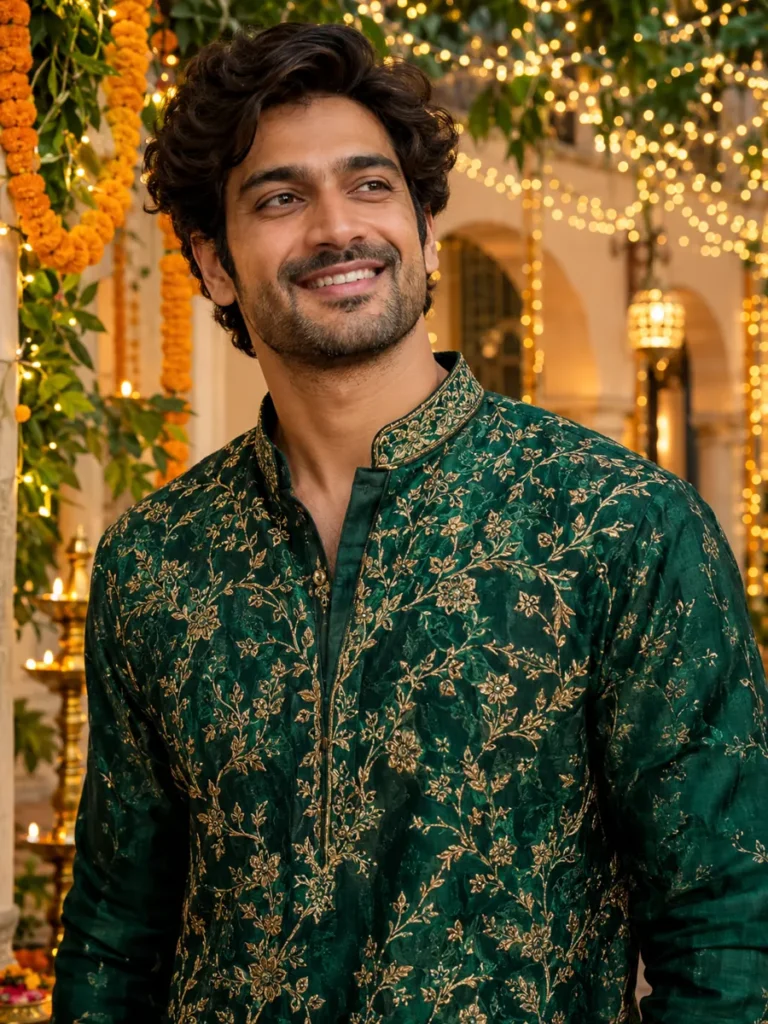
Try an emerald kurta portrait with warm lights, marigolds and a gently blurred courtyard. It is a festive styling example rather than a calendar-specific scene.
Make this style work with your photo
Make the occasion specific
For a named celebration, describe suitable clothing, decorations and setting deliberately. Avoid mixing unrelated symbols just because they look colourful.
Let the face stay natural
Keep lights in the background. Ask for soft light on the face instead of heavy glow or a changed complexion.
Review the details
Check embroidery, lamps, hands and any lettering you add. If you need text or a year, keep it short and review every character.
Ready to try it?
Open a look for its full prompt and photo requirements. Copy it, open ChatGPT or Gemini, upload your photo there and paste. Keep the identity instructions when you customize the scene.