Coming up: Christmas
 Find my look in 3 taps































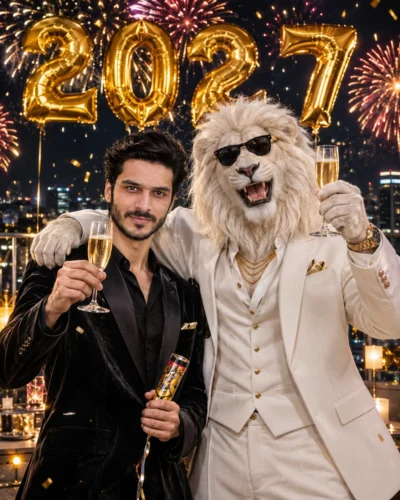










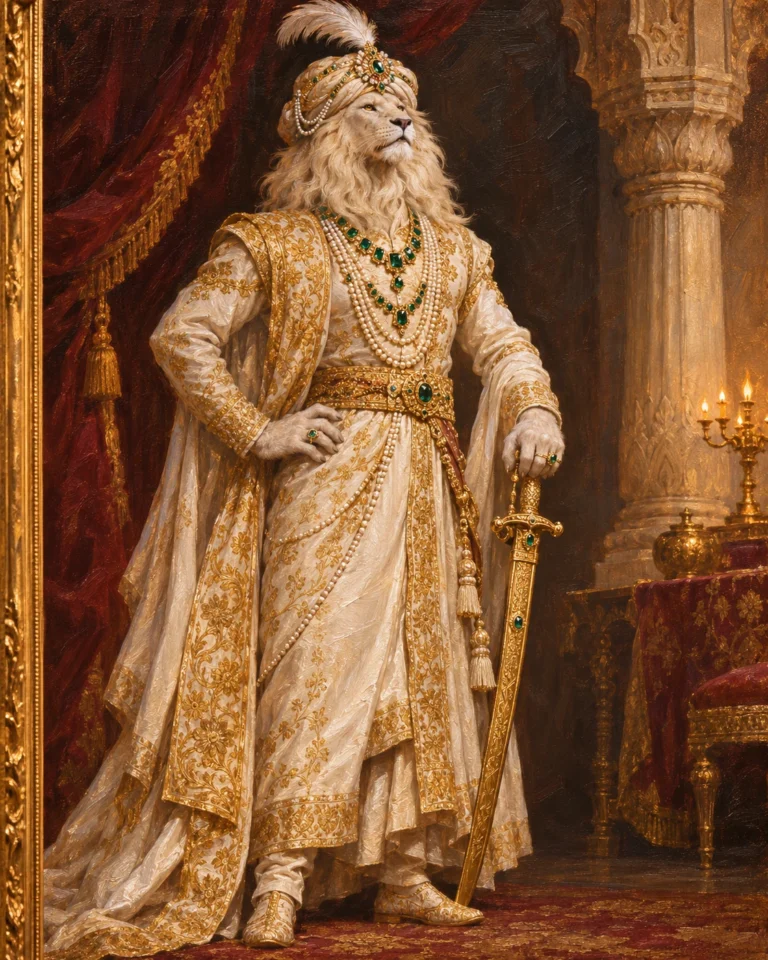
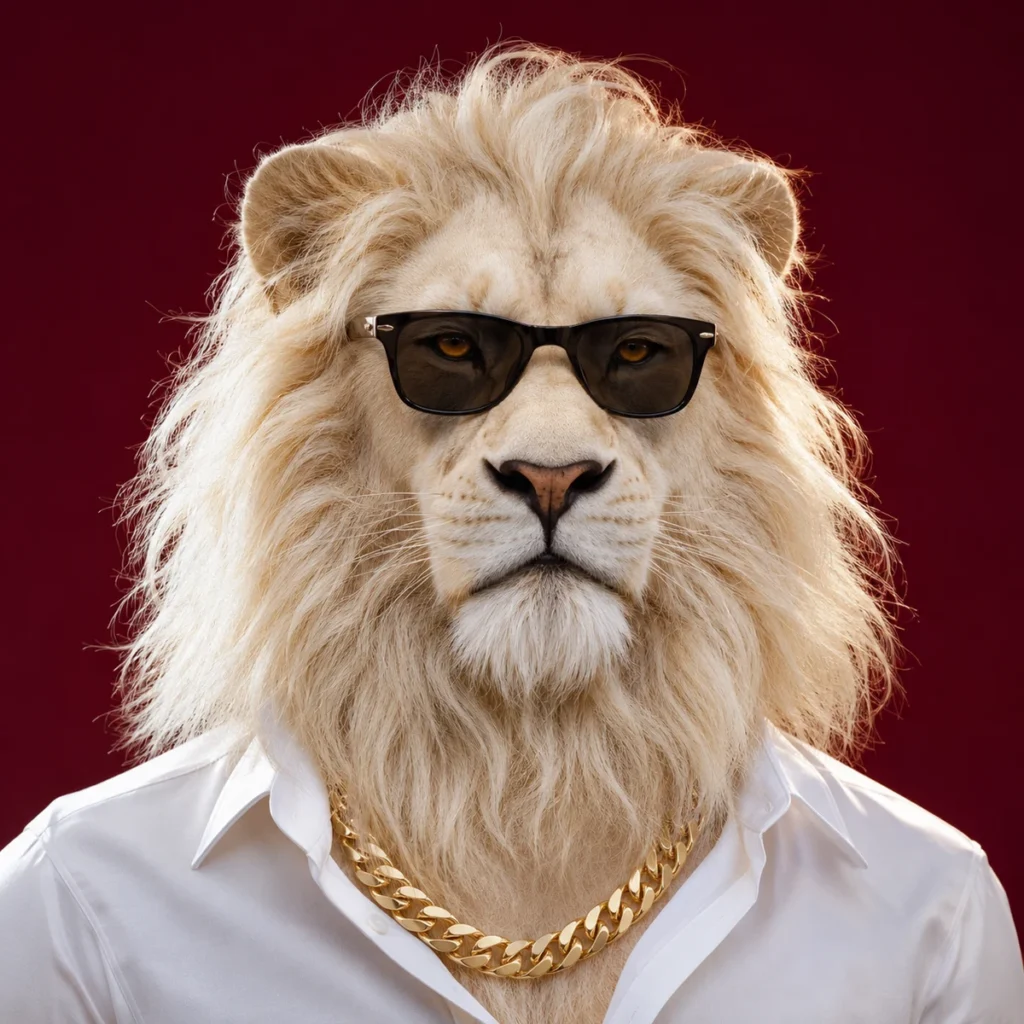 Sheru Bhai Photo
Sheru Bhai DP AI Prompt for WhatsApp (No Photo)
Copy this AI image prompt below and paste it into ChatGPT or Gemini. No photo needed.
Your prompt
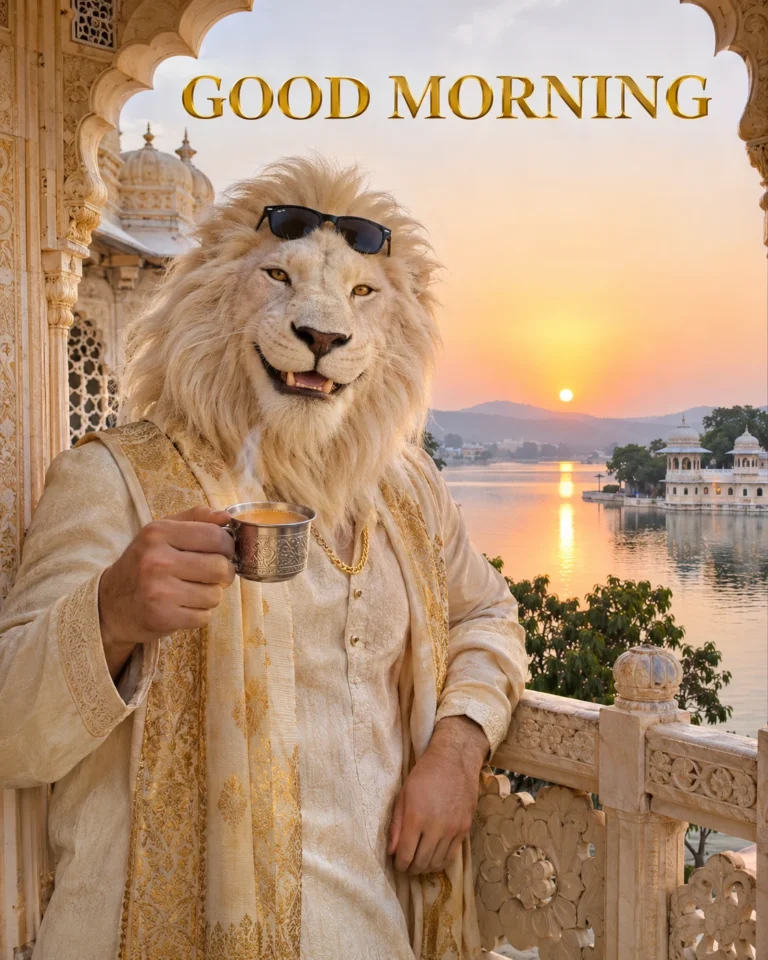
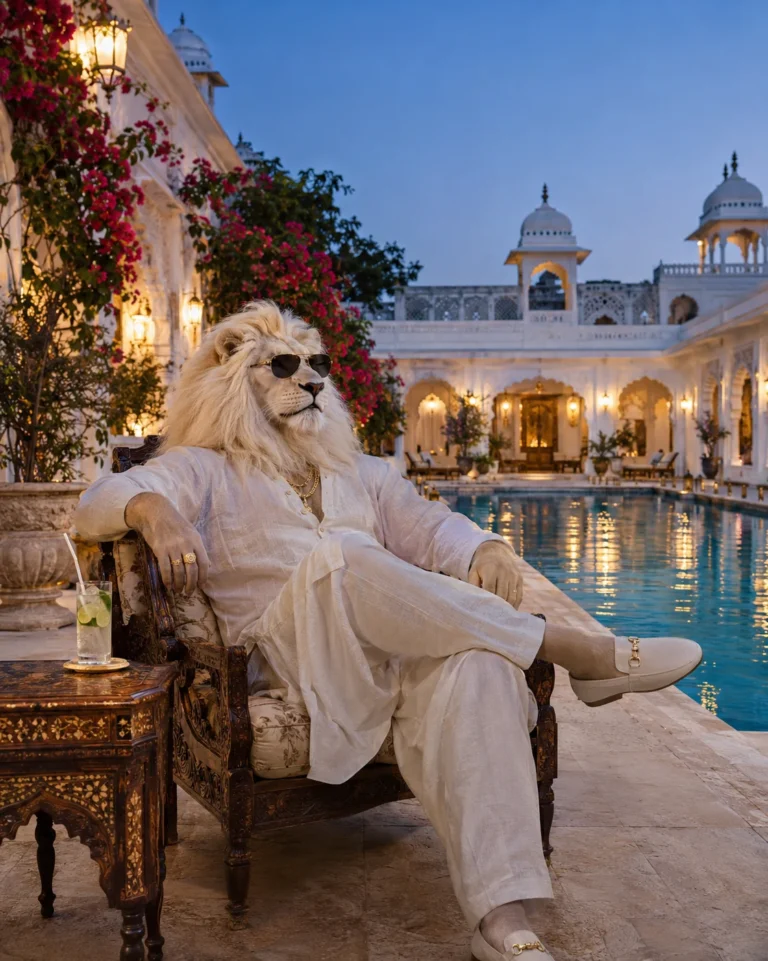
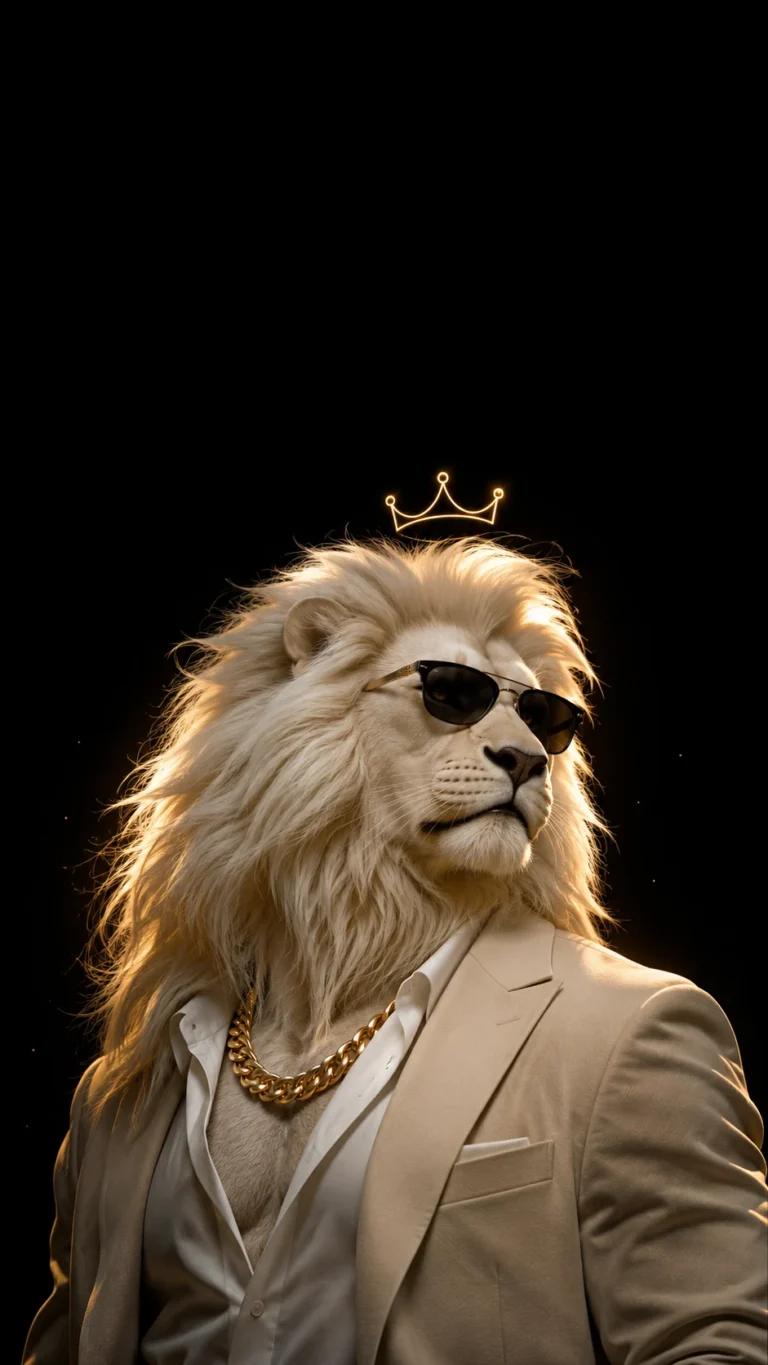
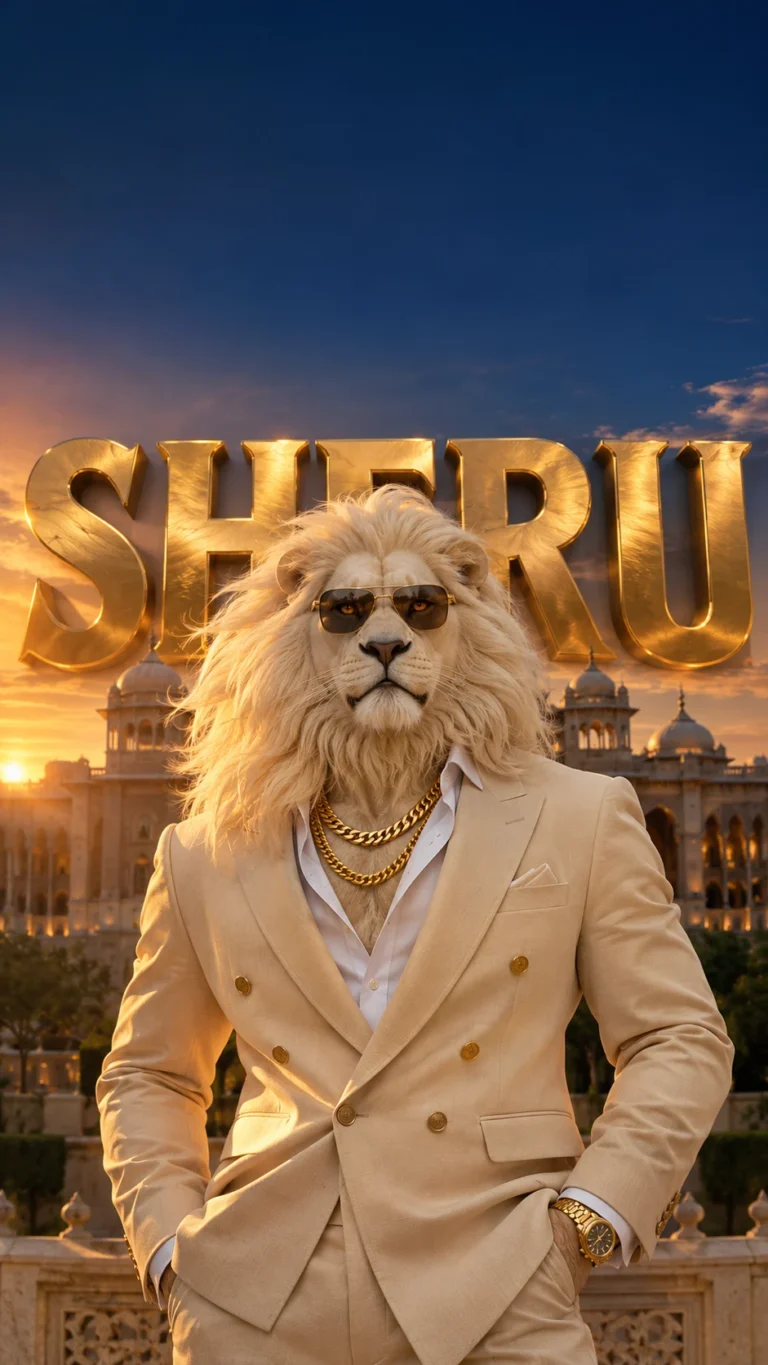
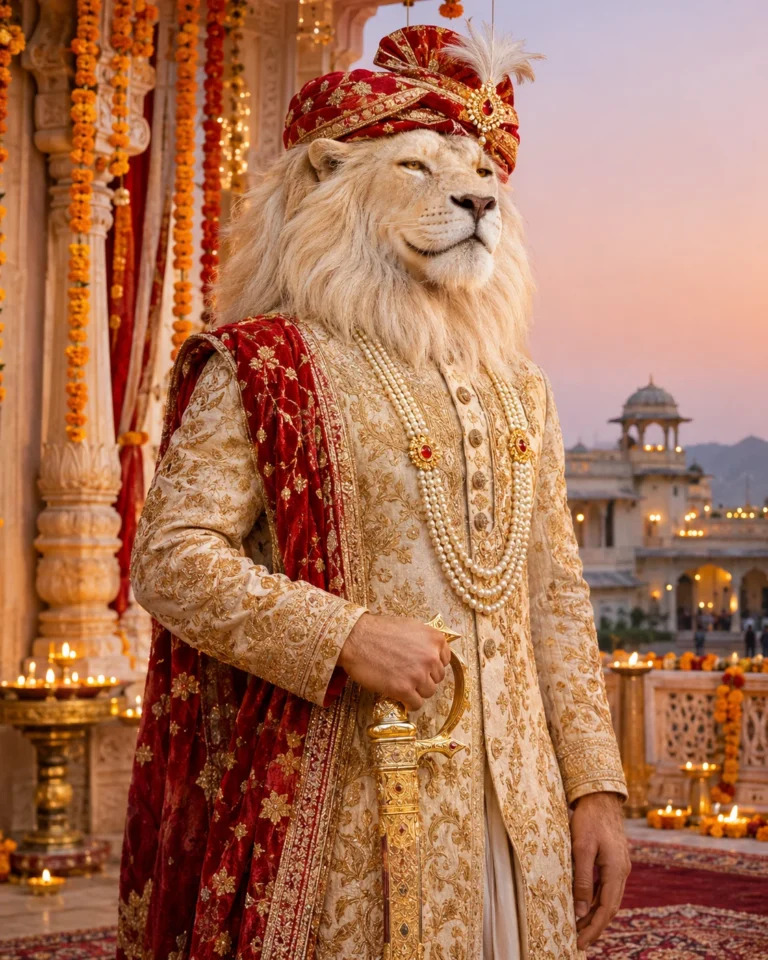
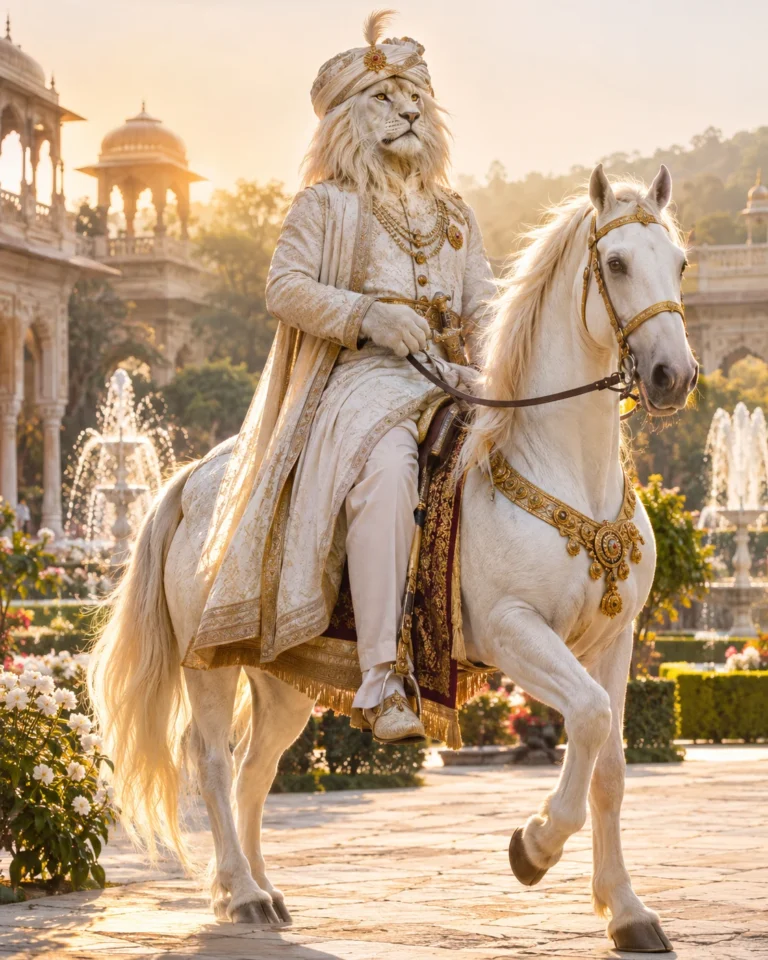
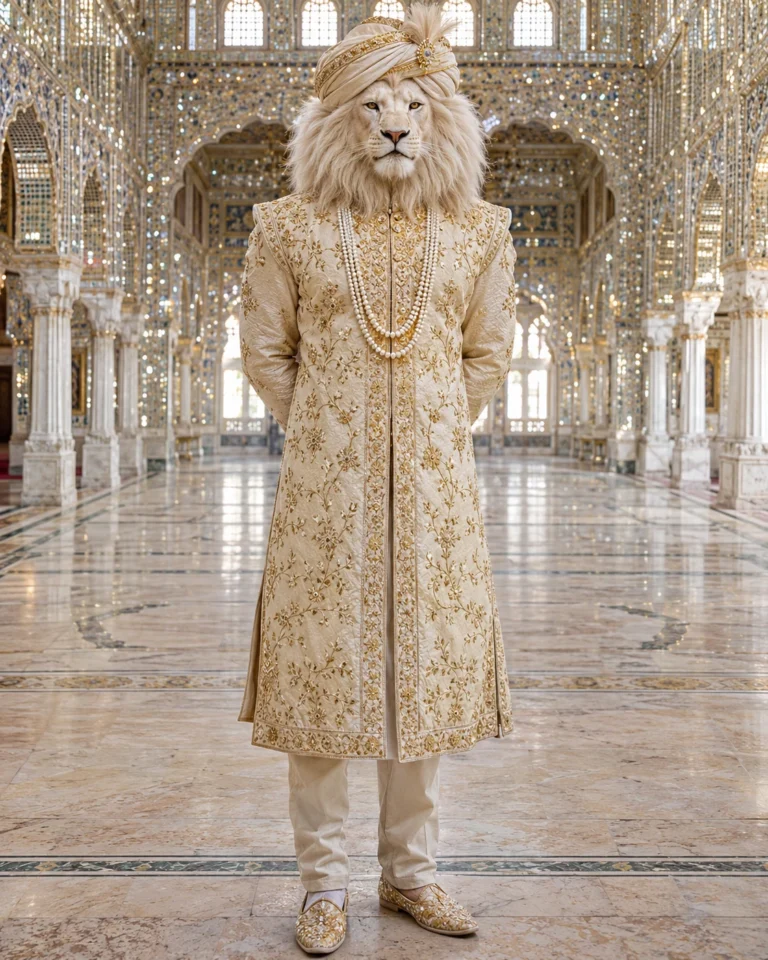
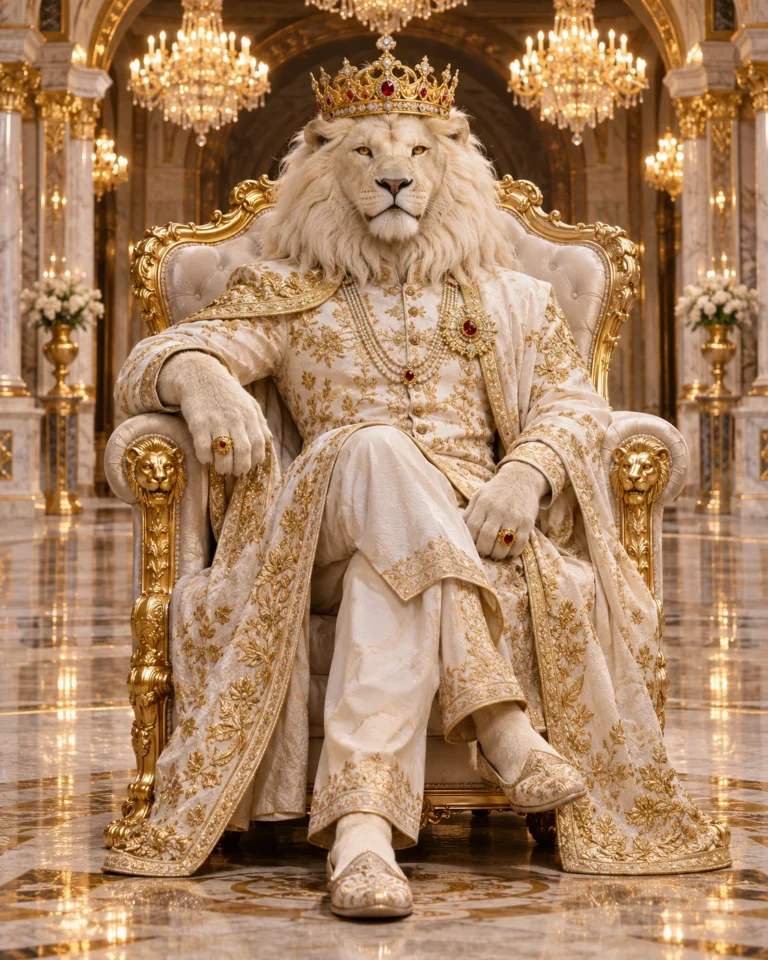
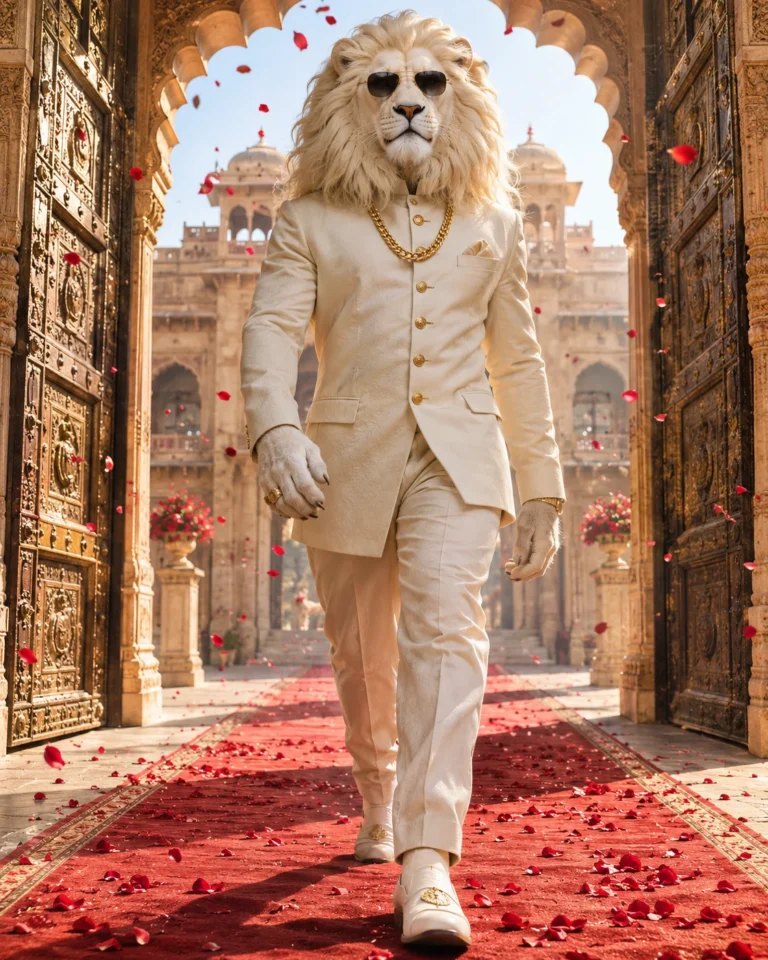
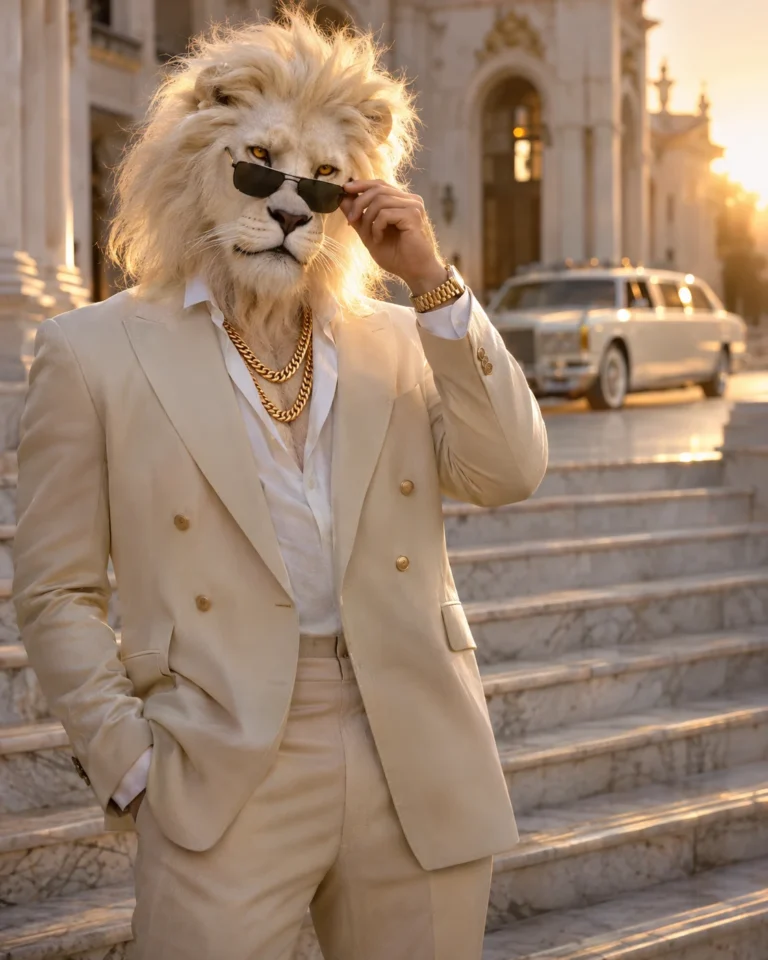
Create a photorealistic image of Sheru Bhai, the viral lion-headed boss (an AI character, our own version).

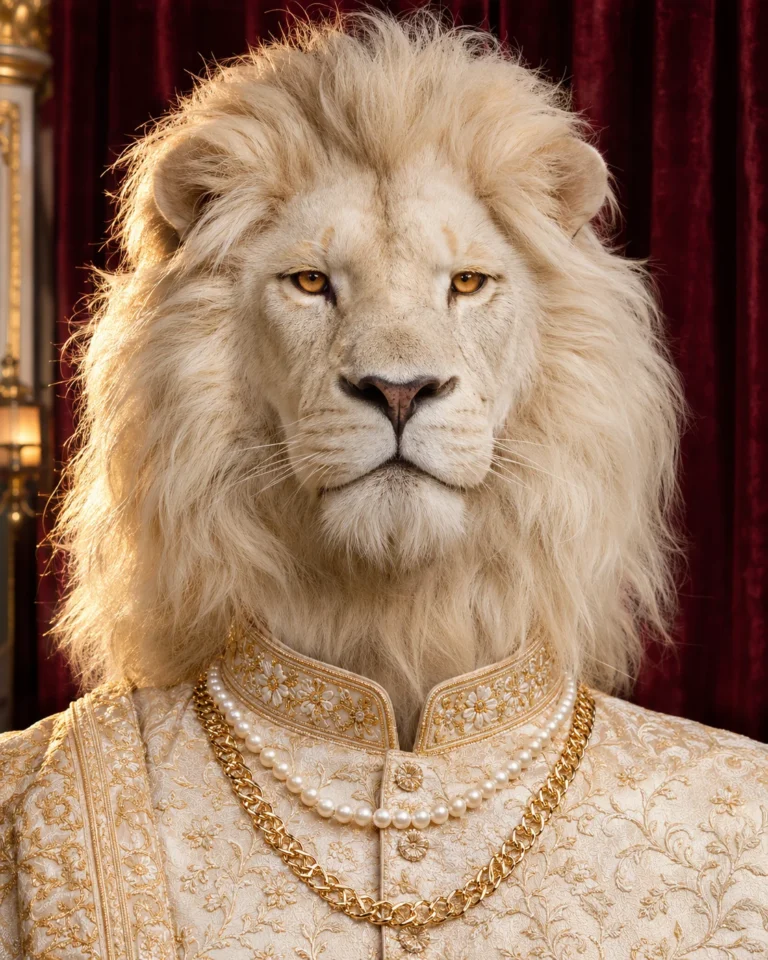
A close-up profile-picture portrait of Sheru Bhai, a tall man with a realistic white lion's head, a thick cream-white mane and warm amber eyes, head and shoulders, looking straight into the lens against a deep maroon studio backdrop, face centred so it crops well into a circle.

Styling: black sunglasses, a white collar and a thick gold chain.

Studio rim light on the mane, clean backdrop, sharp eyes behind the shades. Real photo look, true-to-life fur texture, crisp detail. 1:1 frame. No watermark.
Collections and similar looks
Share
Help for this look
How to make it, tips, answers and quick fixes. Tap a row to open it.
What this prompt creates
In this square studio portrait, Sheru Bhai faces you straight on. His white lion face sits in the middle of a thick cream-white mane, with soft studio light outlining its edge against deep maroon. A white collar and a thick gold chain sit just below his face. Black sunglasses fill the centre of the frame, where his head and shoulders stay close together.
Make it yours
- Try a bottle-green studio backdrop.
- Use a slim gold chain.
- Give him lightly tinted round glasses.
Want to know more? Read about avatars used as profile pictures on Wikipedia.
How to make this Sheru Bhai DP Photo
- Copy the prompt
Change the backdrop colour in the place line.
- Paste it, no photo needed
Open ChatGPT or Gemini, paste the prompt and send. You do not need to upload anything.
- Fine-tune it
Reply “remove the sunglasses” to see his eyes.
Tips for this look
- Paste it in a new chat for the cleanest result.
- Change only the highlighted parts first.
- Ask for 2 or 3 versions and keep the best.
- Generate it as a square and preview it in the round DP crop.
- If the sides of the mane disappear, ask for a little more space around his head.
- Ask for a brighter rim of light if the mane blends into the maroon.
If Sheru Bhai looks different
Reply “keep the same lion head, mane and outfit as before and only change the scene”. A new chat with the same prompt also helps.
- Generate it as a square and preview it in the round DP crop.
- If the sides of the mane disappear, ask for a little more space around his head.
- Ask for a brighter rim of light if the mane blends into the maroon.
Quick answers
Is Sheru Bhai a real person?
No. Sheru Bhai is a viral AI character, a man with a lion’s head. There is no real face behind him; this prompt draws him fresh every time.
Will it fit a round DP?
Yes. The face is centred in a square frame, so it crops well into a circle.
Do I need to upload a photo?
No. Paste the prompt on its own and ChatGPT or Gemini draws Sheru Bhai from the words.
Common problems and quick fixes
😕 My face doesn’t look like me
Use a sharper, front-facing photo in daylight, then reply “keep my face exactly as in my photo, only change the scene”.
👗 The outfit colour isn’t right
Use the outfit quick change, or reply “make the outfit exactly [colour]”.
🎨 Skin looks too smooth
Reply “keep my natural skin texture, no beauty filter”. Small follow-ups work better than starting over.
🔁 It isn’t quite the look
Regenerate once, or reply with one change at a time, like “wider shot” or “warmer light”.
You might also like
Similar looks, picked by style and occasion.