Coming up: Christmas
 Find my look in 3 taps









































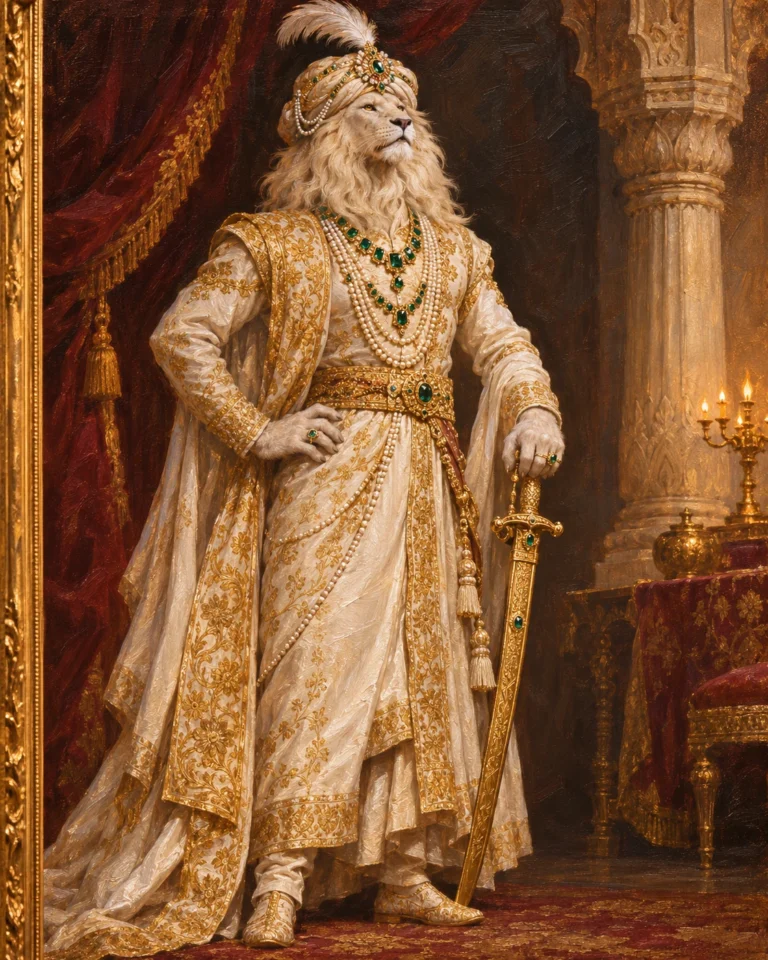
 Sheru Bhai Photo
Sheru Bhai Throne Photo AI Prompt
Copy this AI image prompt below and paste it into ChatGPT or Gemini. No photo needed.
Your prompt
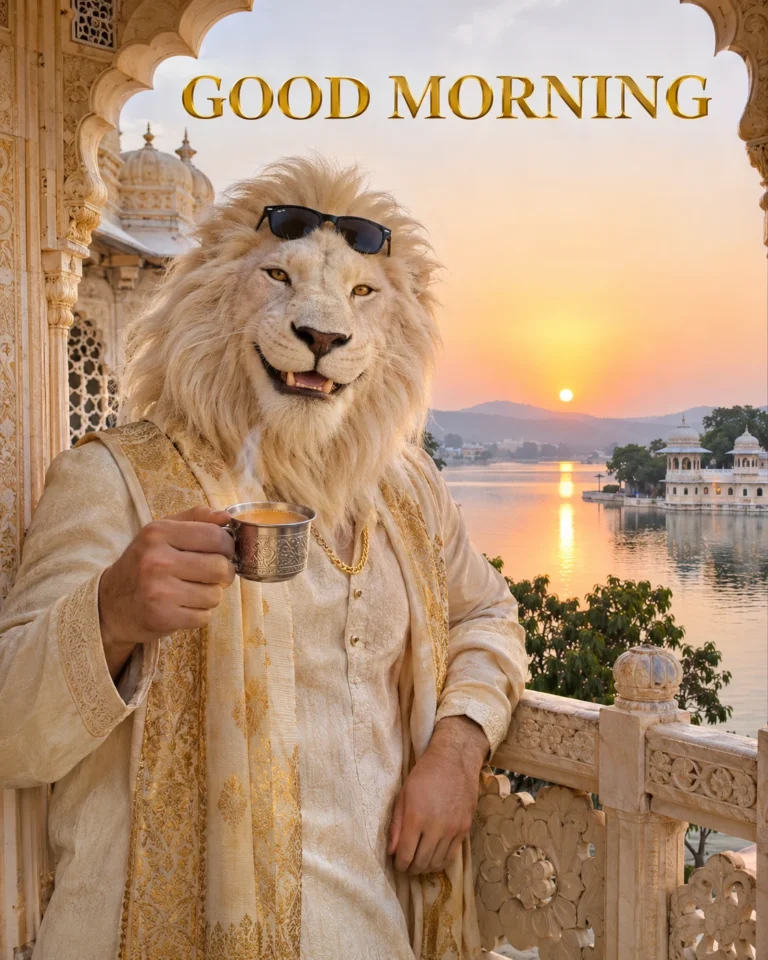
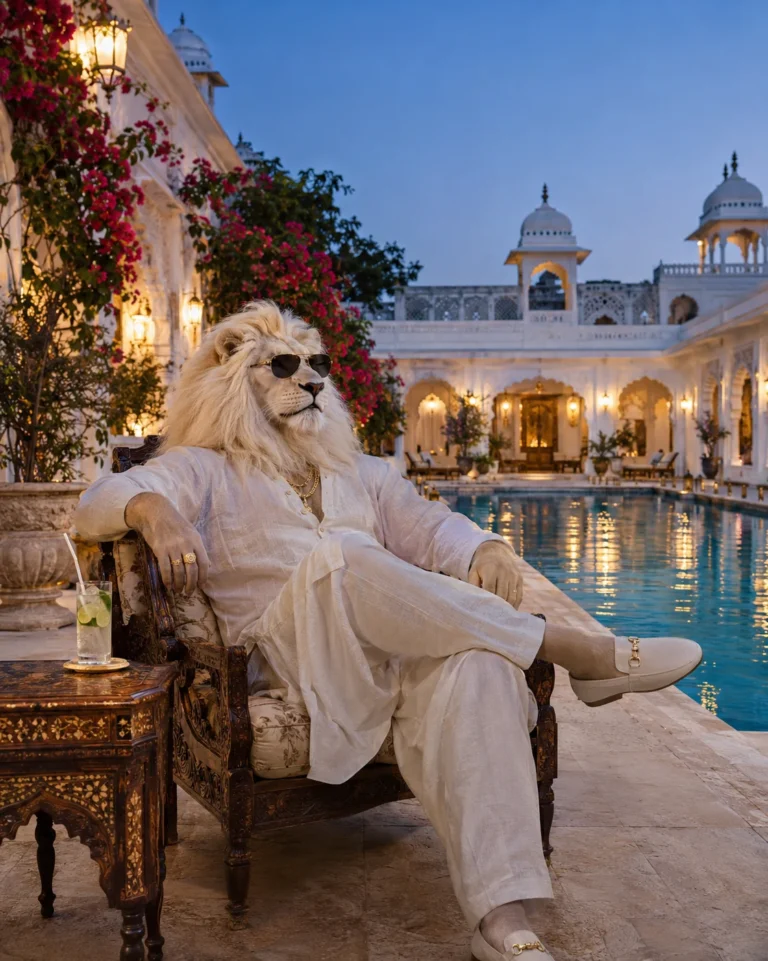
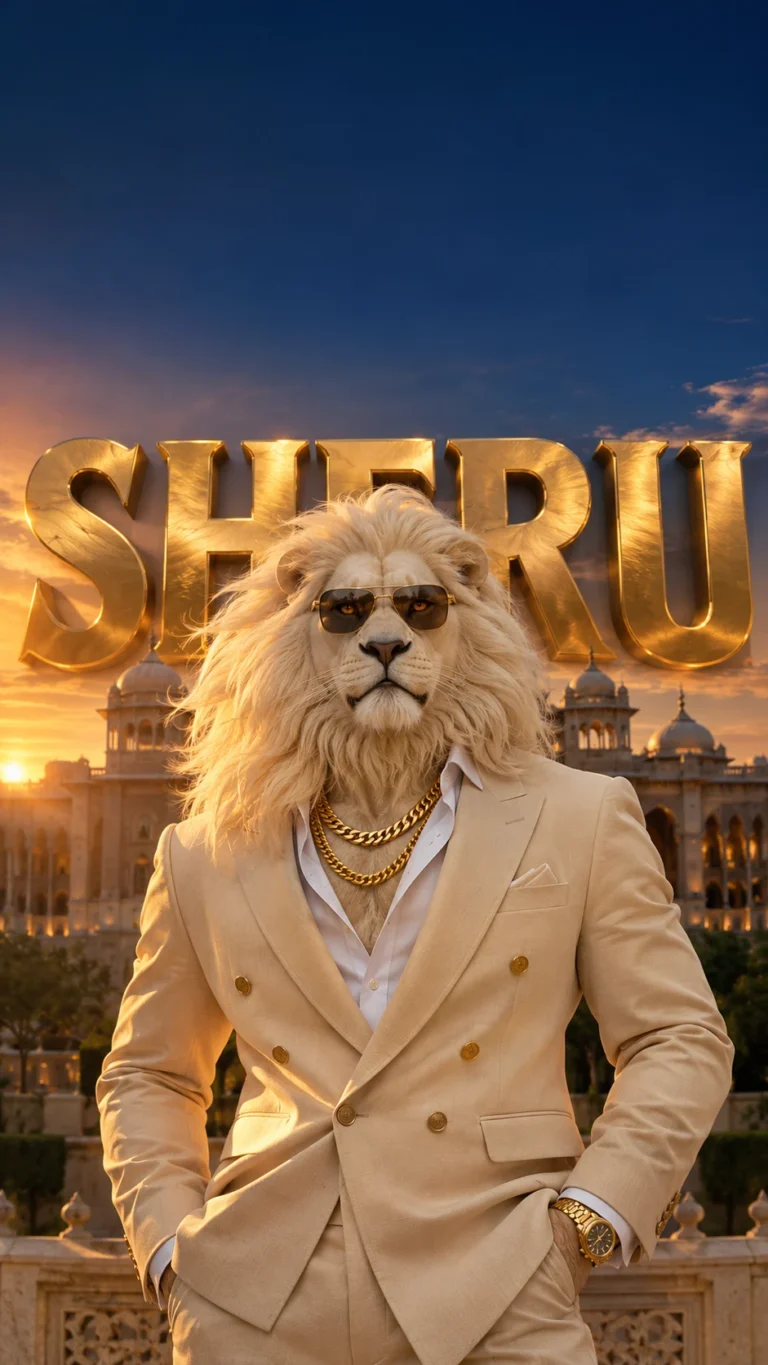
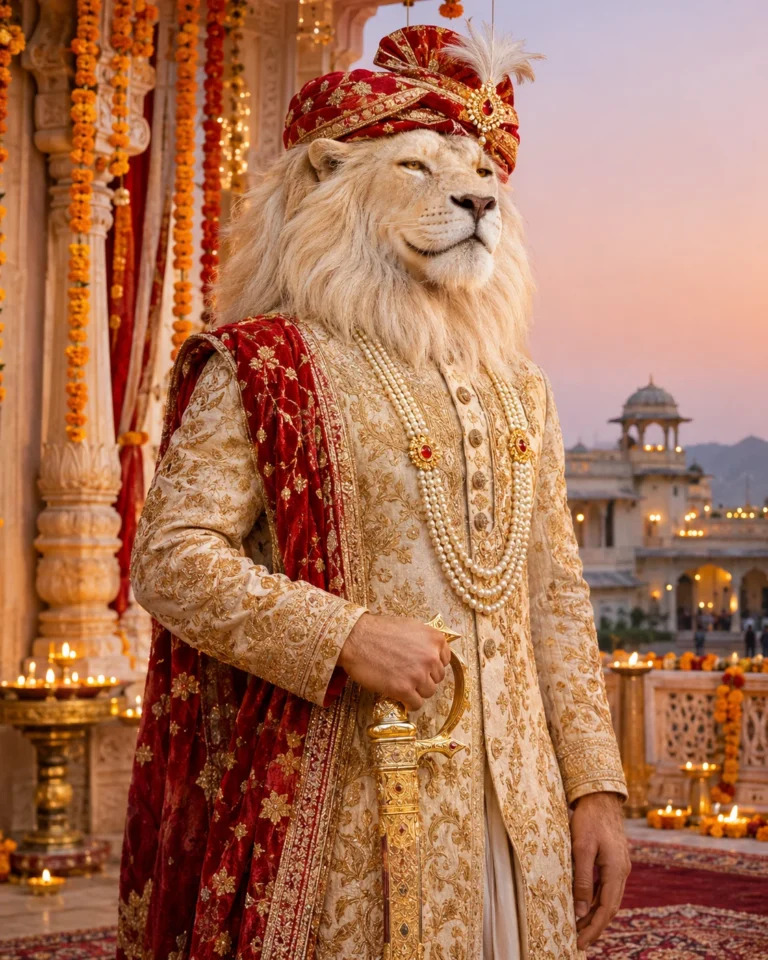
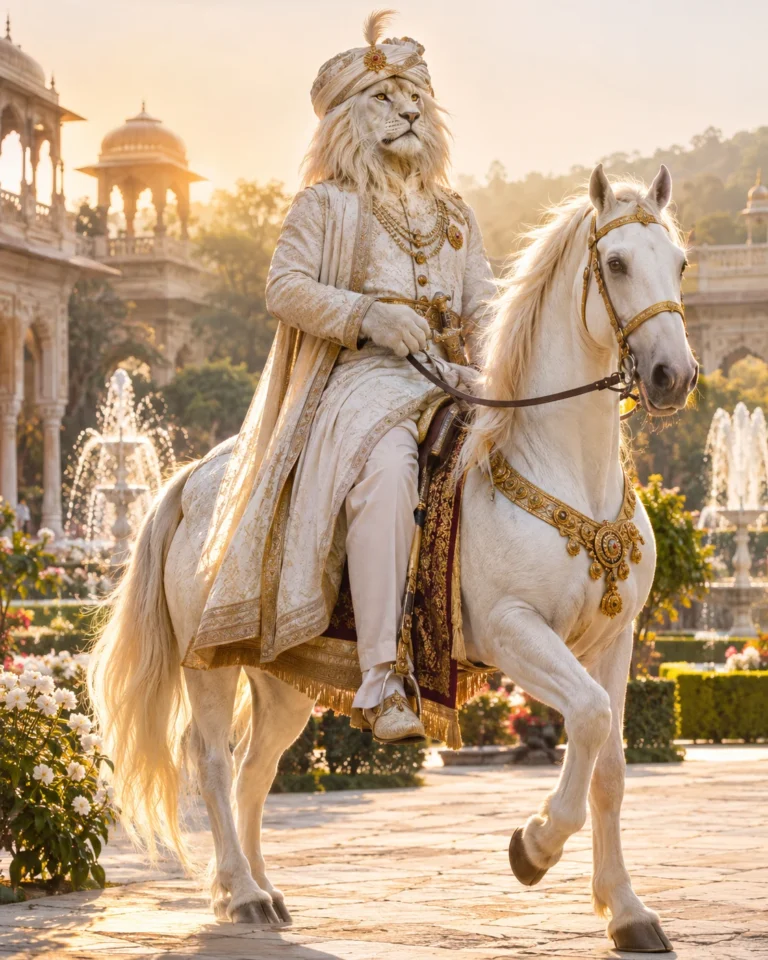
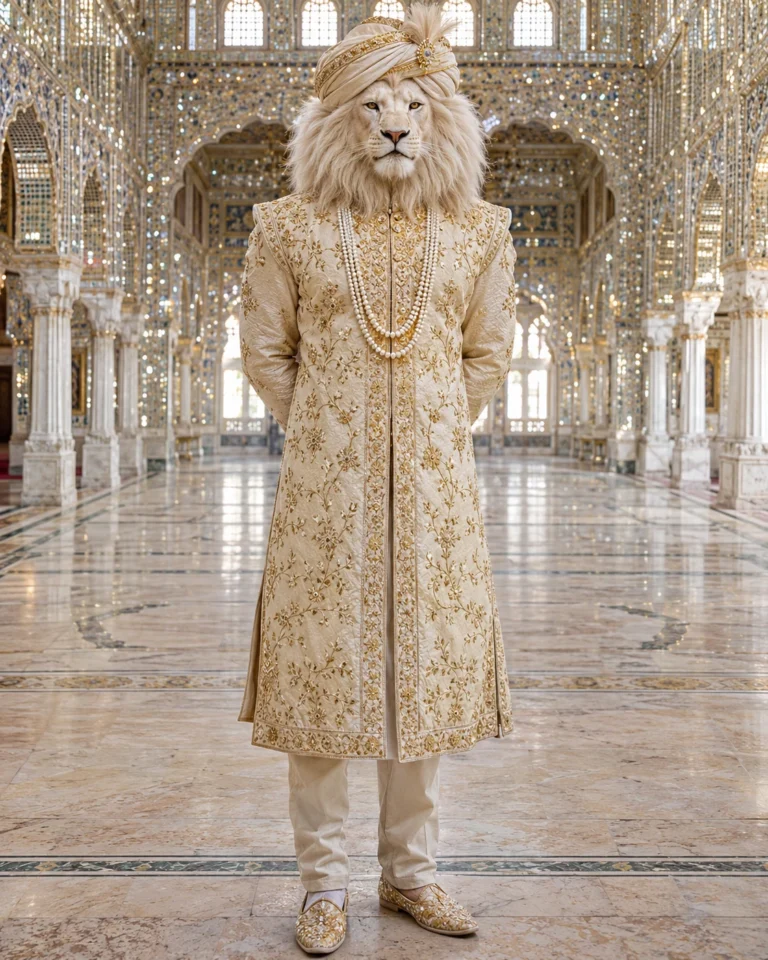
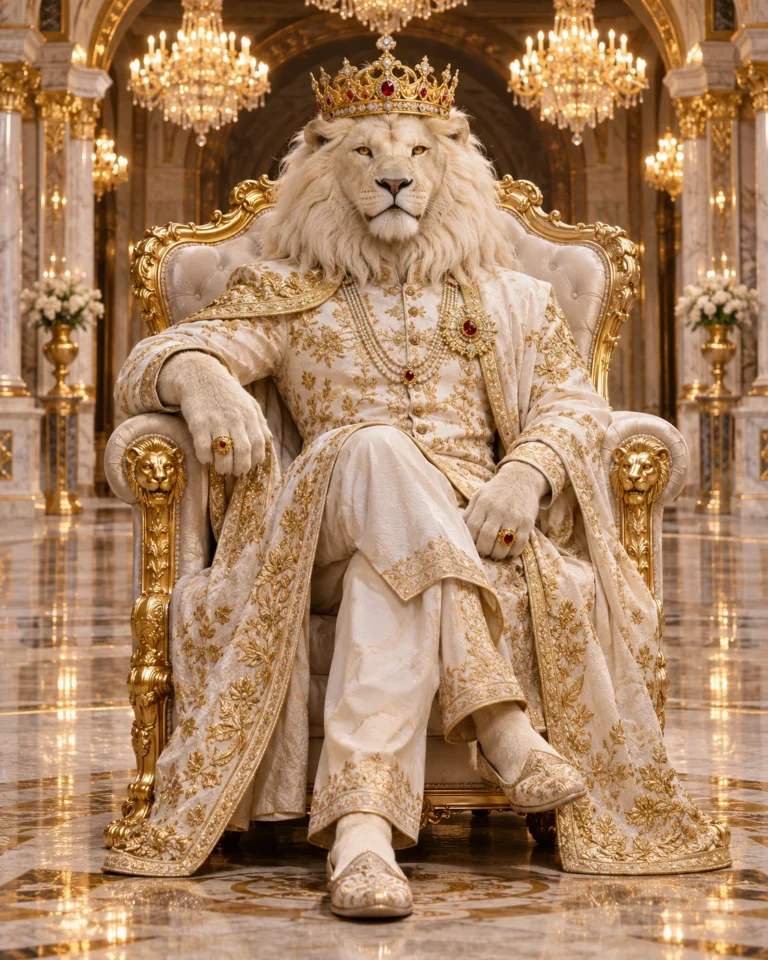
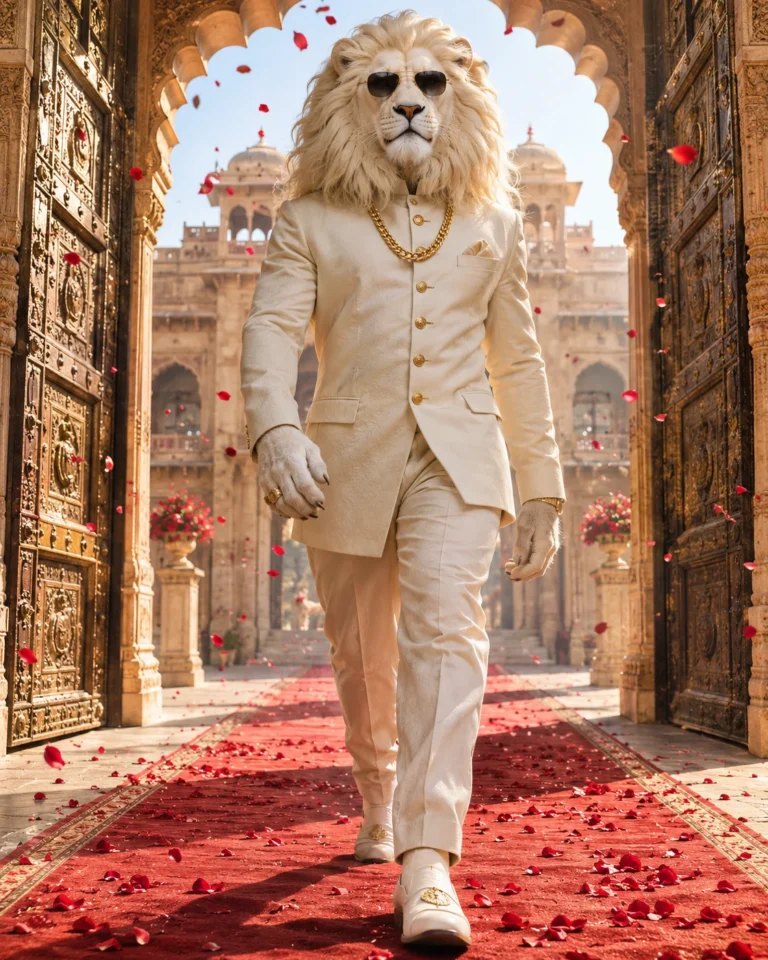
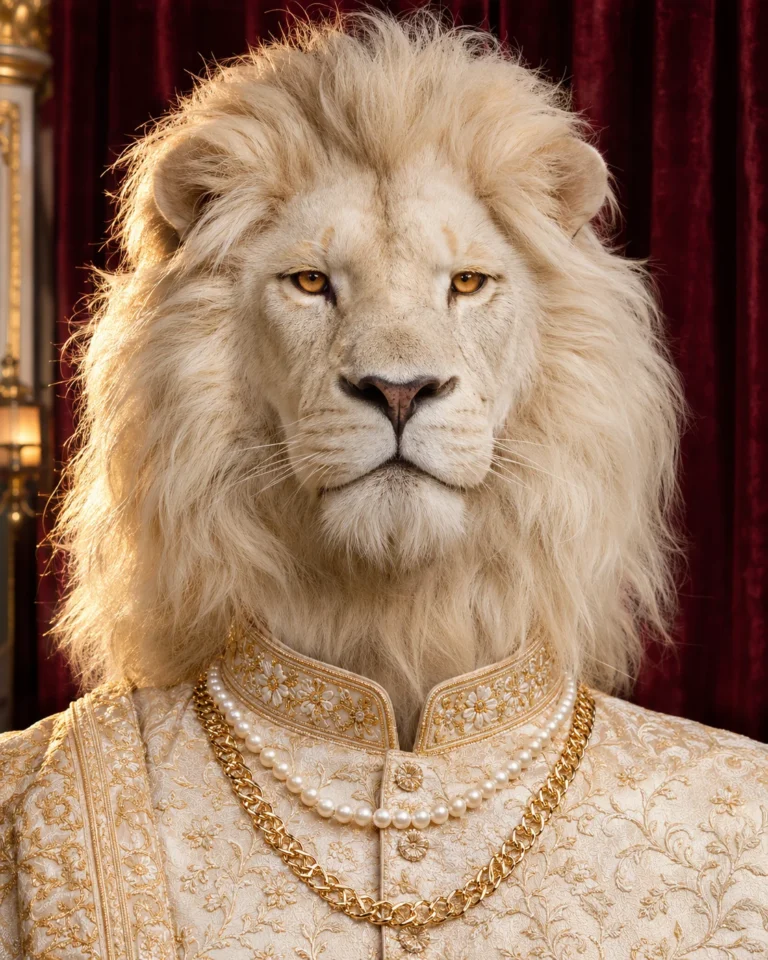
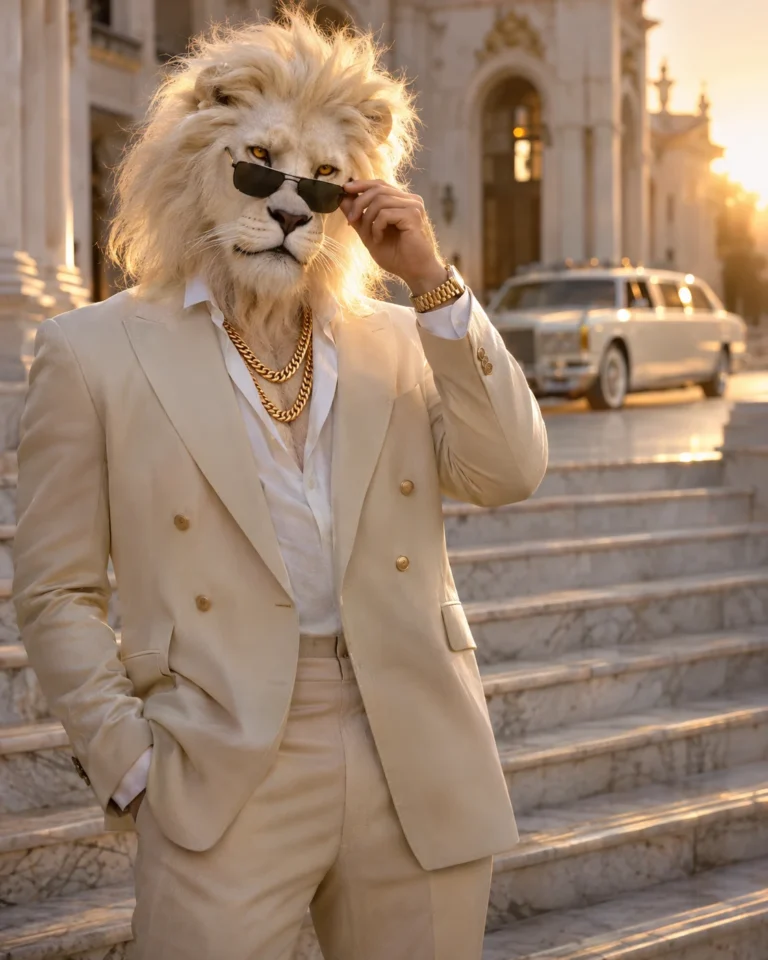
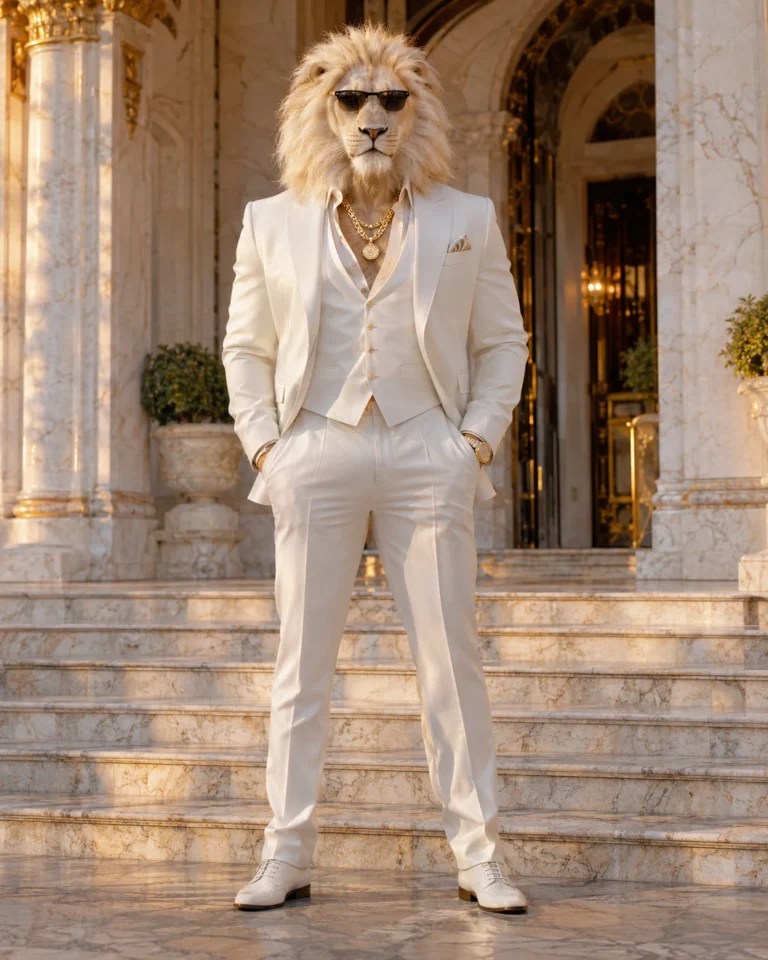
Create a photorealistic image of Sheru Bhai, the viral lion-headed boss (an AI character, our own version).

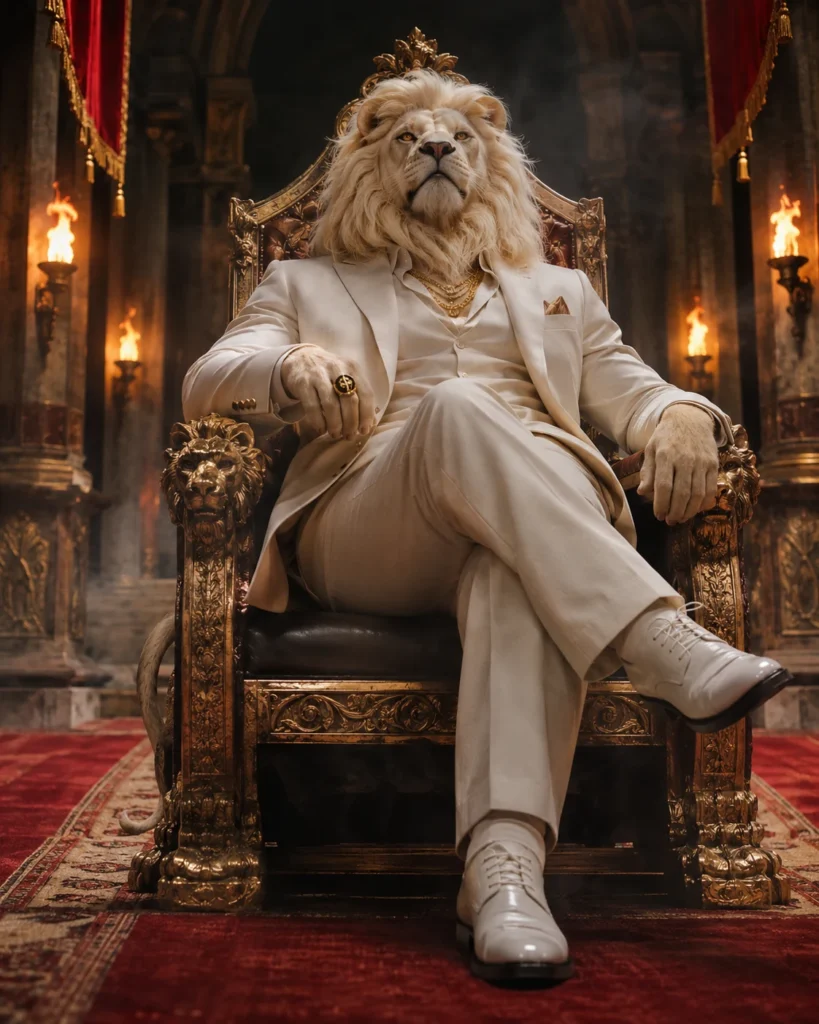
Sheru Bhai, a tall man with a realistic white lion's head, a thick cream-white mane and warm amber eyes, sits alone on a huge carved throne in a dark palace hall with red carpets and burning torches, one leg over the other, one hand on the armrest, looking down at the camera like the king of the city.

Styling: a white three-piece suit, gold chains and a gold signet ring.

Low angle, warm torchlight, smoke haze, mass-hero mood. Real photo look, true-to-life fur texture, crisp detail. 4:5 frame. No watermark.
Collections and similar looks
Share
Help for this look
How to make it, tips, answers and quick fixes. Tap a row to open it.
What this prompt creates
From a low angle you look up at Sheru Bhai on a huge carved throne in a dark palace hall. He sits with one leg crossed over the other and one hand on the armrest, where a gold signet ring catches the torchlight. His white three-piece suit and gold chains show through the haze, and a red carpet leads your eye towards his white lion face and cream-white mane.
Make it yours
- Switch to a dark green three-piece suit.
- Try a throne carved from dark wood.
- Change the carpet to deep blue.
Want to know more? Read about thrones on Wikipedia.
How to make this Sheru Bhai Throne Sitting Photo
- Copy the prompt
Swap the suit colour or the hall in the quick changes.
- Paste it, no photo needed
Open ChatGPT or Gemini, paste the prompt and send. You do not need to upload anything.
- Fine-tune it
Reply “add two lions sitting beside the throne” for more power.
Tips for this look
- Paste it in a new chat for the cleanest result.
- Change only the highlighted parts first.
- Ask for 2 or 3 versions and keep the best.
- Keep the low camera angle in the pasted prompt.
- Ask to show both armrests if too much of the throne is cropped.
- If the haze hides his hand, ask for clearer detail around the signet ring.
If Sheru Bhai looks different
Reply “keep the same lion head, mane and outfit as before and only change the scene”. A new chat with the same prompt also helps.
- Keep the low camera angle in the pasted prompt.
- Ask to show both armrests if too much of the throne is cropped.
- If the haze hides his hand, ask for clearer detail around the signet ring.
Quick answers
Is Sheru Bhai a real person?
No. Sheru Bhai is a viral AI character, a man with a lion’s head. There is no real face behind him; this prompt draws him fresh every time.
Do I need to upload a photo?
No. Paste the prompt on its own and ChatGPT or Gemini draws Sheru Bhai from the words.
Can I be in the picture with him?
Yes. Our Sheru Bhai AI photo prompts let you upload your own photo and pose next to him.
Common problems and quick fixes
😕 My face doesn’t look like me
Use a sharper, front-facing photo in daylight, then reply “keep my face exactly as in my photo, only change the scene”.
✋ Hands or fingers look odd
Reply “fix the hands and fingers, keep everything else the same”.
👗 The outfit colour isn’t right
Use the outfit quick change, or reply “make the outfit exactly [colour]”.
🎨 Skin looks too smooth
Reply “keep my natural skin texture, no beauty filter”. Small follow-ups work better than starting over.
You might also like
Similar looks, picked by style and occasion.