Coming up: Christmas
 Find my look in 3 taps









































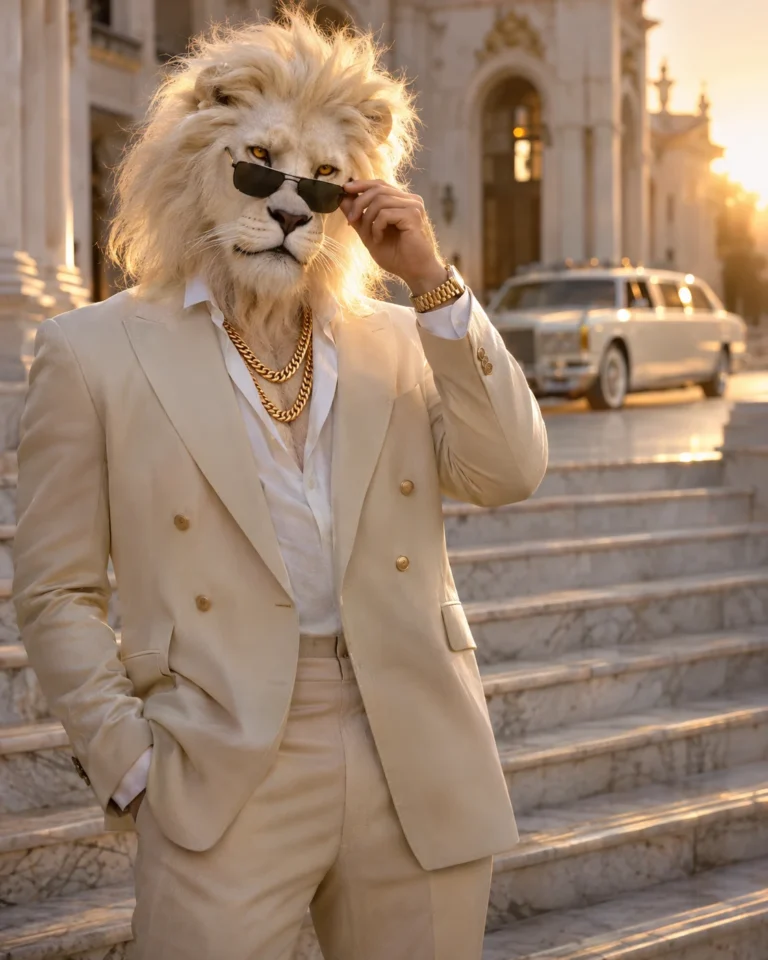
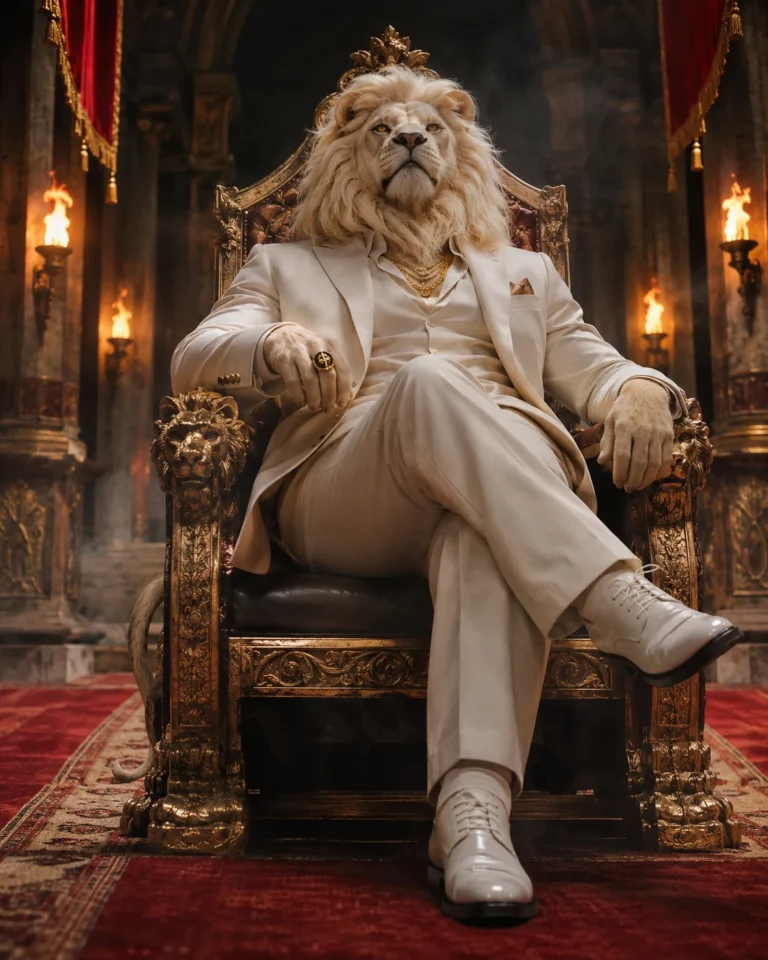
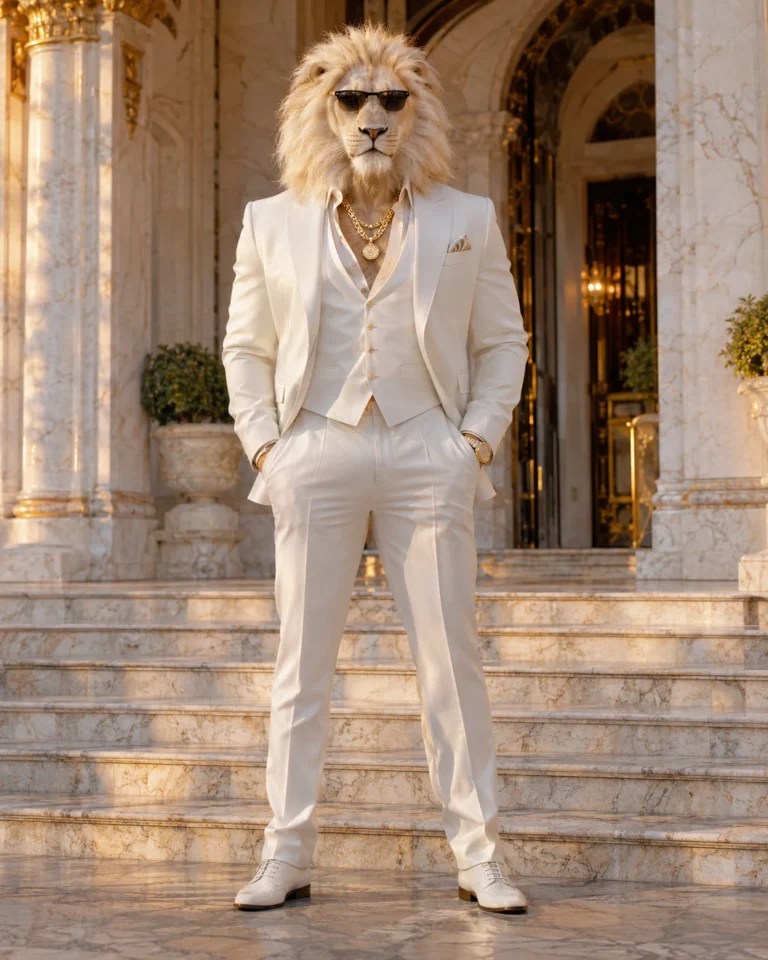
 Sheru Bhai Photo
White Sheru Bhai Royal Darbar AI Photo Prompt
Copy this AI image prompt below and paste it into ChatGPT or Gemini. No photo needed.
Your prompt
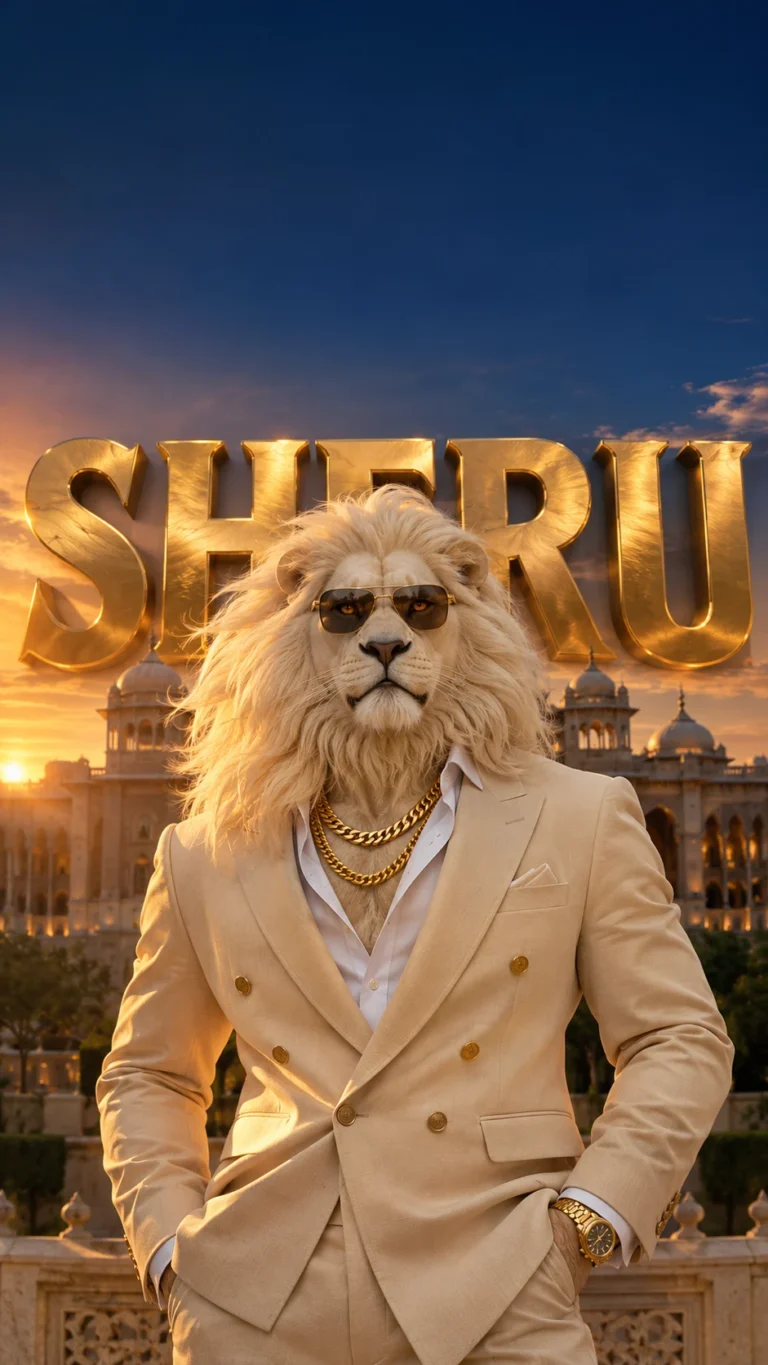
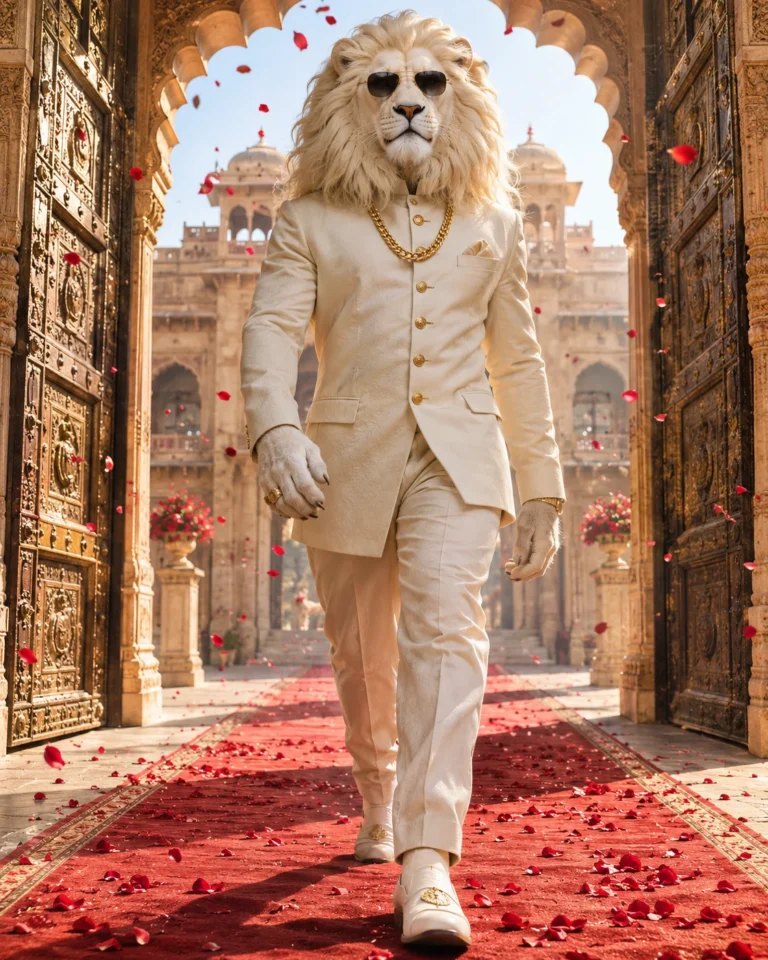
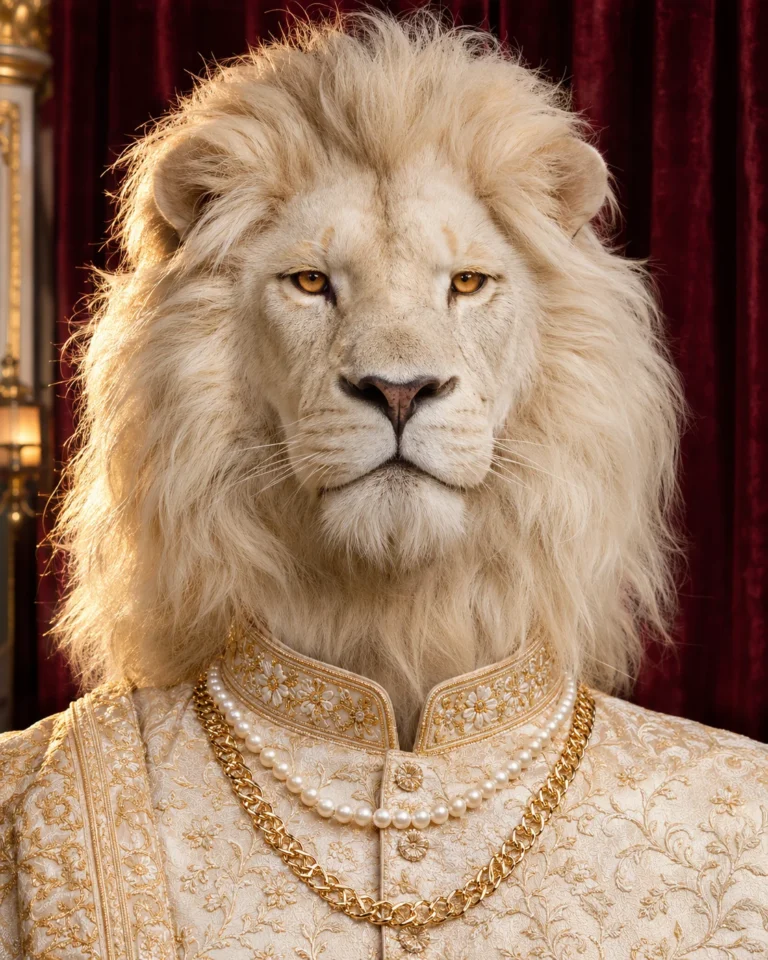
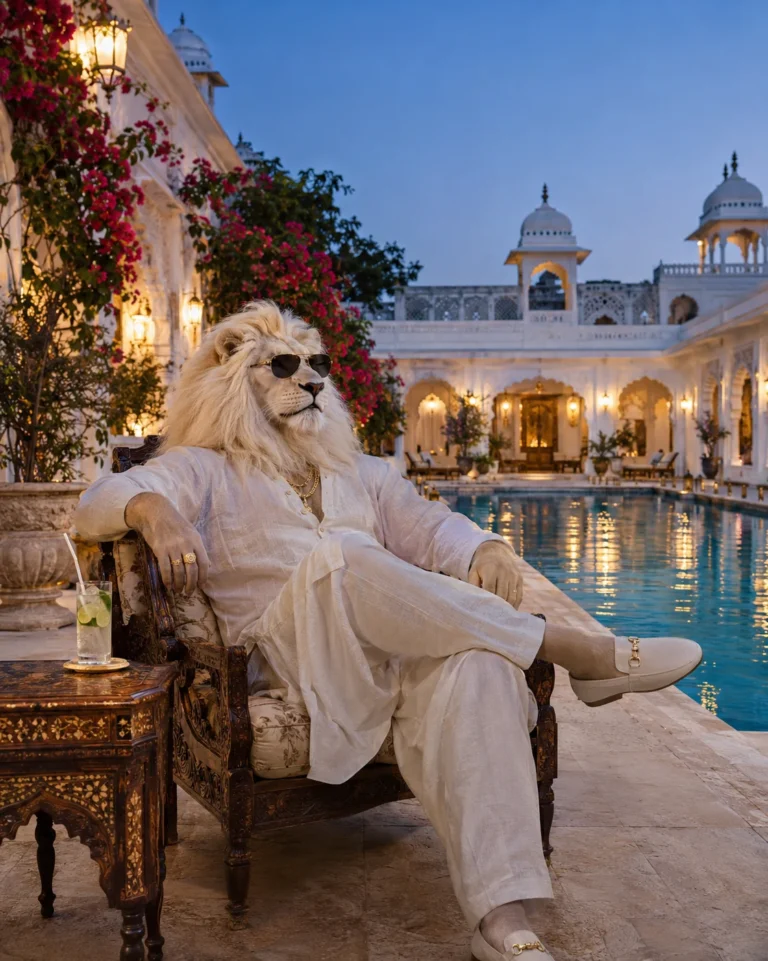
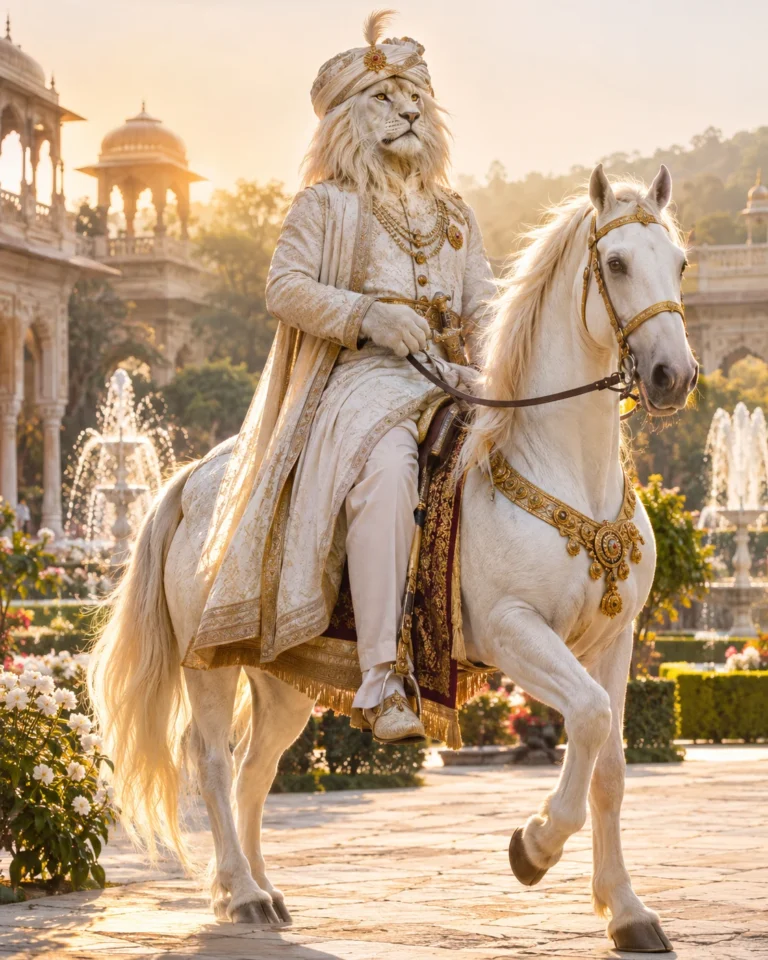
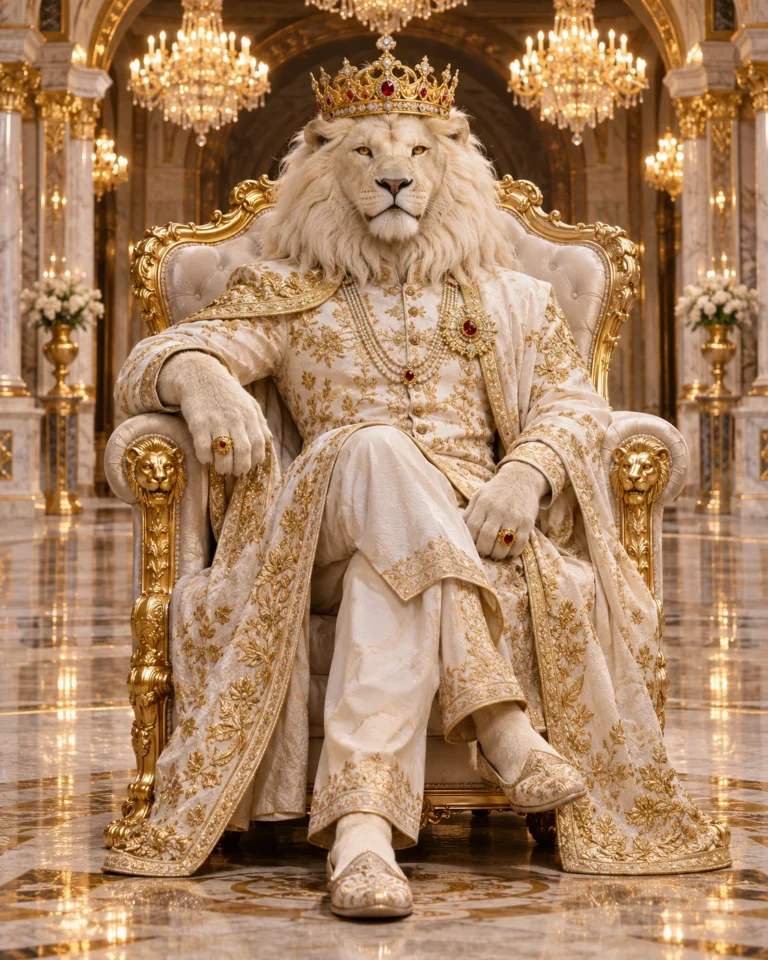
Create a photorealistic image of Sheru Bhai, the viral lion-headed boss (an AI character, our own version).

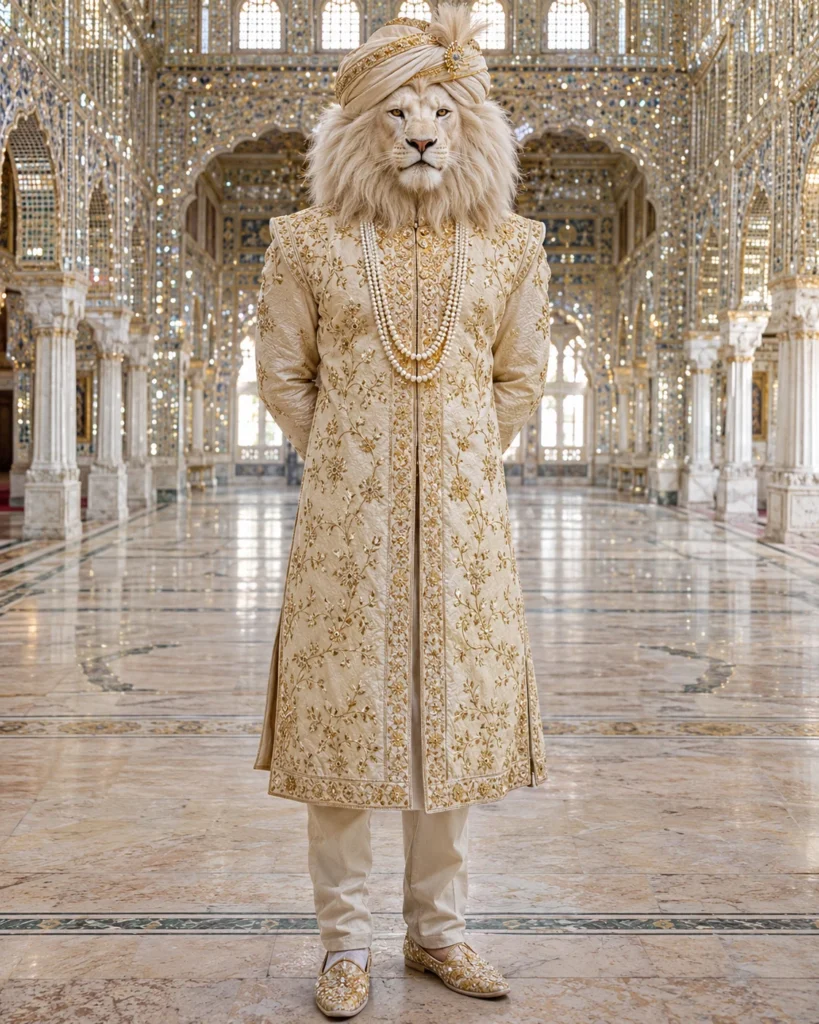
A wide royal darbar photo of White Sheru Bhai, a tall man with a realistic white lion's head, a thick cream-white mane and warm amber eyes, standing alone in the middle of a grand darbar hall with mirror-work walls and rows of arches, hands behind his back, the empty hall stretching behind him.

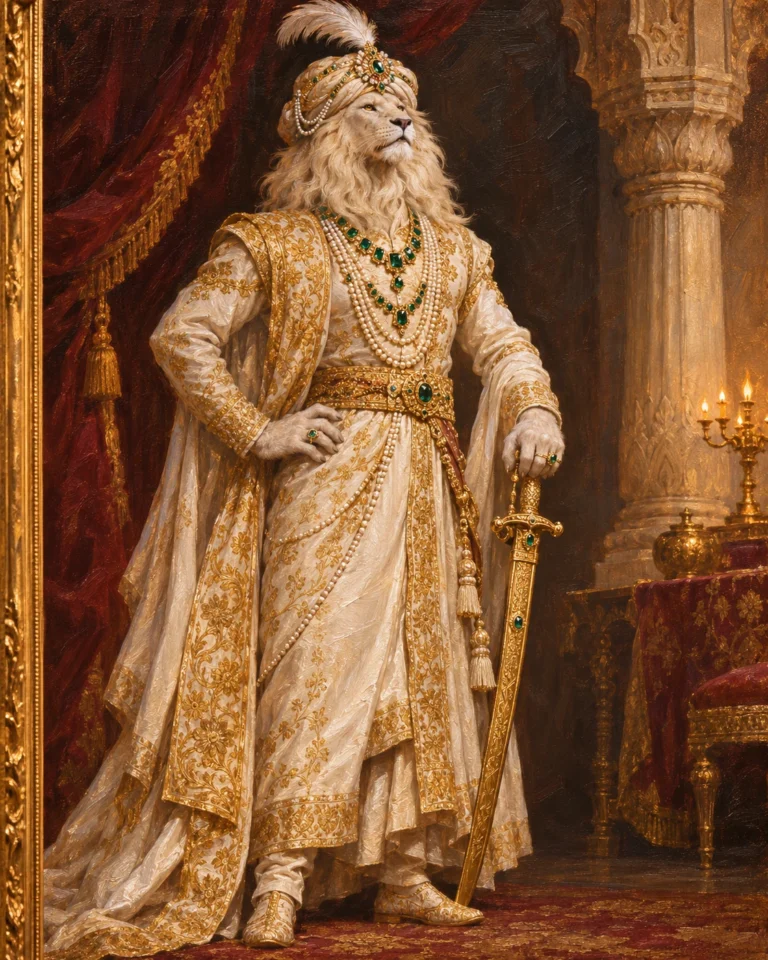
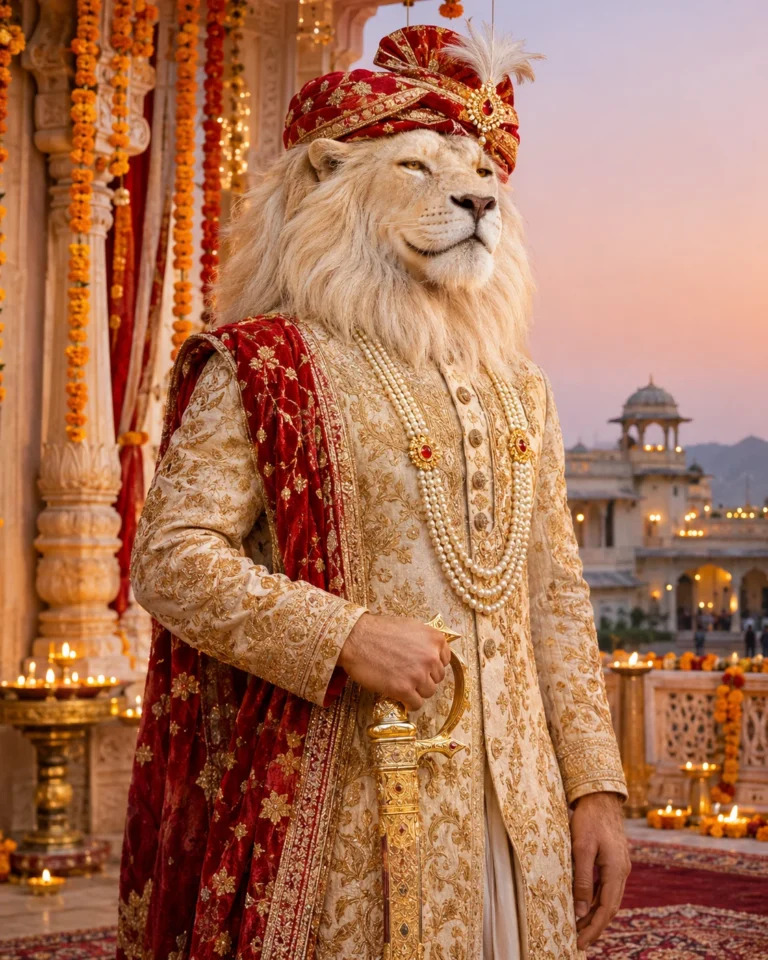
Styling: a cream achkan with gold embroidery, a gold-trimmed safa and a long pearl mala.

Soft light from high windows, thousands of mirror sparkles, symmetrical royal framing. Real photo look, true-to-life fur texture with every strand of the mane visible, crisp detail. 4:5 frame. No watermark.
Collections and similar looks
Share
Help for this look
How to make it, tips, answers and quick fixes. Tap a row to open it.
What this prompt creates
Rows of arches stretch into an empty royal darbar hall behind White Sheru Bhai. You see him alone in the middle with his hands behind his back, wearing a cream achkan with gold embroidery, a gold-trimmed safa and a long string of pearls. His white lion head has a thick cream-white mane and warm amber eyes. Soft light from the high windows brings out little sparkles in the mirror-work walls on both sides.
Make it yours
- Give the safa a deep plum colour.
- Replace the long pearl string with a short gold chain.
- Try cooler daylight through the high windows.
Want to know more? Read about royal darbars on Wikipedia.
How to make this White Sheru Bhai Royal Darbar Photo
- Copy the prompt
Change the safa colour in the outfit line.
- Paste it, no photo needed
Open ChatGPT or Gemini, paste the prompt and send. You do not need to upload anything.
- Fine-tune it
Reply “add guards at the far end of the hall” for more drama.
Tips for this look
- Paste it in a new chat for the cleanest result.
- Change only the highlighted parts first.
- Ask for 2 or 3 versions and keep the best.
- Ask to see an equal number of arches on either side if the hall looks off-centre.
- If the reflections distract from his face, ask for smaller, softer sparkles.
- Keep the darbar empty and ask for room around him when adjusting the crop.
If Sheru Bhai looks different
Reply “keep the same lion head, mane and outfit as before and only change the scene”. A new chat with the same prompt also helps.
- Ask to see an equal number of arches on either side if the hall looks off-centre.
- If the reflections distract from his face, ask for smaller, softer sparkles.
- Keep the darbar empty and ask for room around him when adjusting the crop.
Quick answers
Is Sheru Bhai a real person?
No. Sheru Bhai is a viral AI character, a man with a lion’s head. There is no real face behind him; this prompt draws him fresh every time.
Do I need to upload a photo?
No. Paste the prompt on its own and ChatGPT or Gemini draws Sheru Bhai from the words.
Can I be in the picture with him?
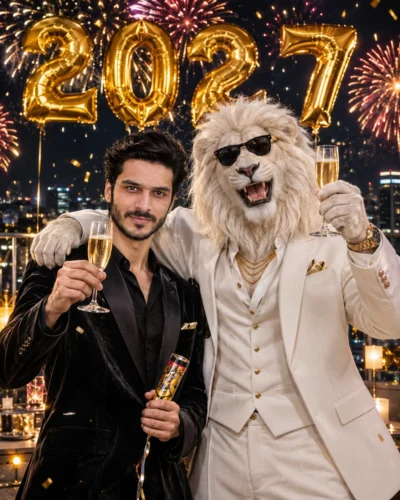
Yes. Our Sheru Bhai AI photo prompts let you upload your own photo and pose next to him.
Common problems and quick fixes
😕 My face doesn’t look like me
Use a sharper, front-facing photo in daylight, then reply “keep my face exactly as in my photo, only change the scene”.
✋ Hands or fingers look odd
Reply “fix the hands and fingers, keep everything else the same”.
👗 The outfit colour isn’t right
Use the outfit quick change, or reply “make the outfit exactly [colour]”.
🎨 Skin looks too smooth
Reply “keep my natural skin texture, no beauty filter”. Small follow-ups work better than starting over.
You might also like
Similar looks, picked by style and occasion.