Coming up: Christmas
 Find my look in 3 taps















































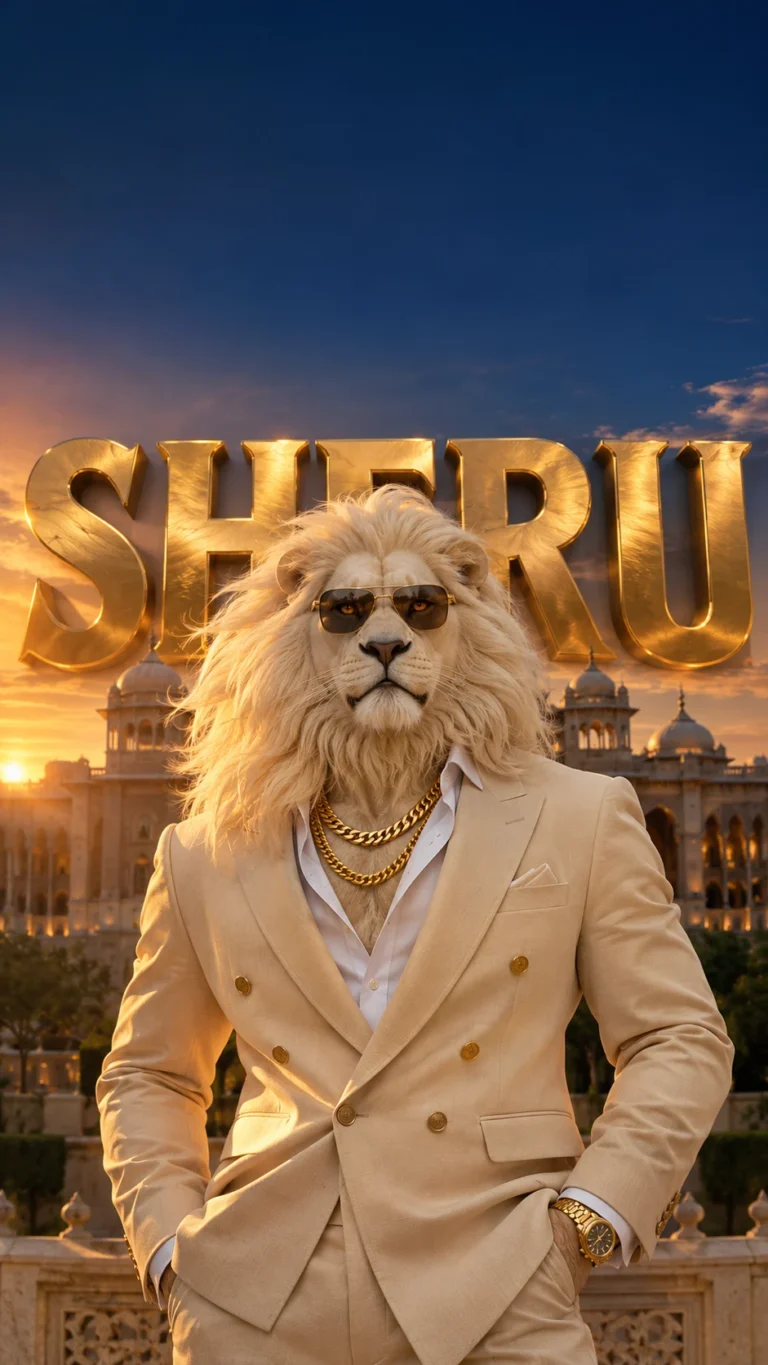
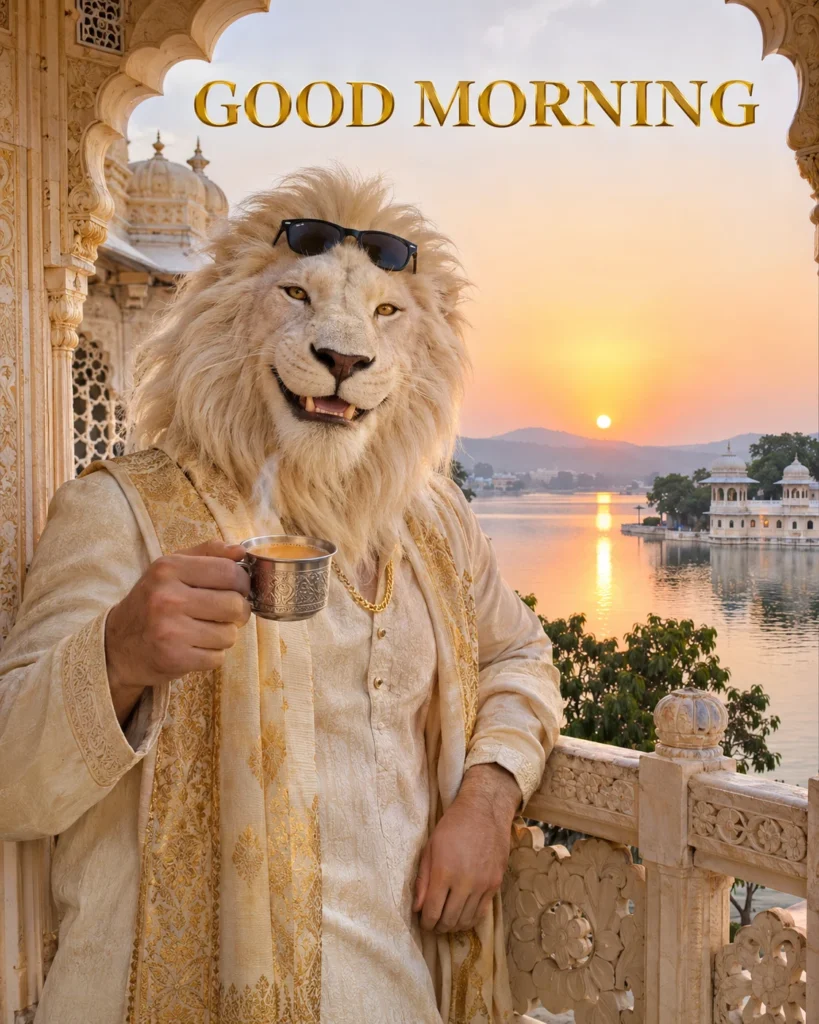 Sheru Bhai Photo
Sheru Bhai Good Morning Image AI Prompt
Copy this AI image prompt below and paste it into ChatGPT or Gemini. No photo needed.
Your prompt
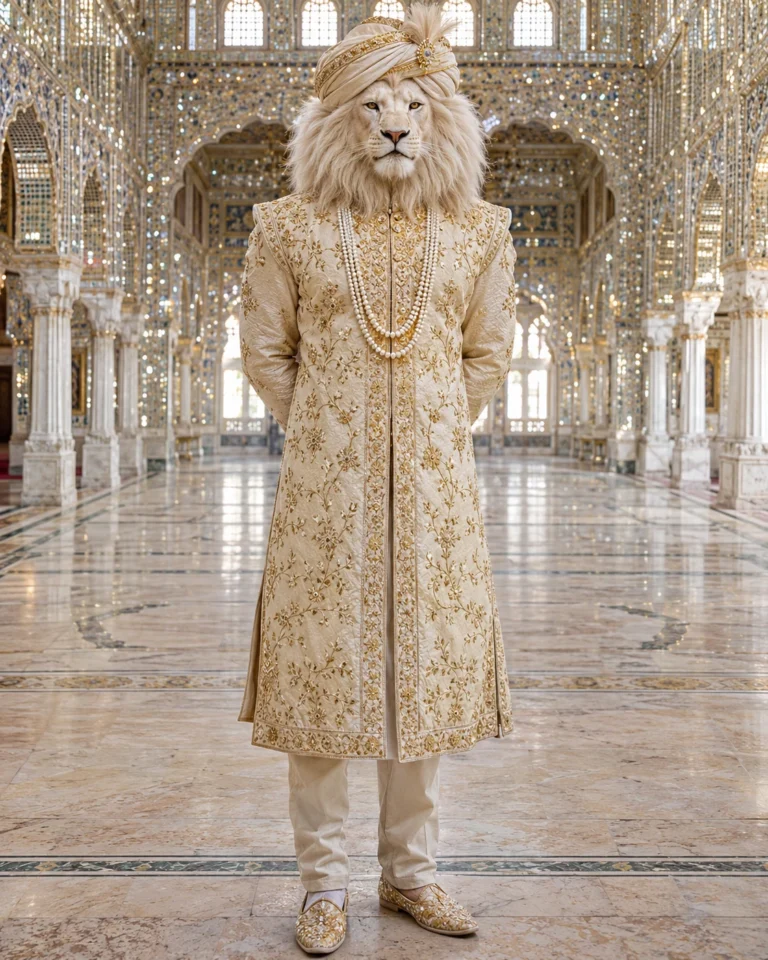
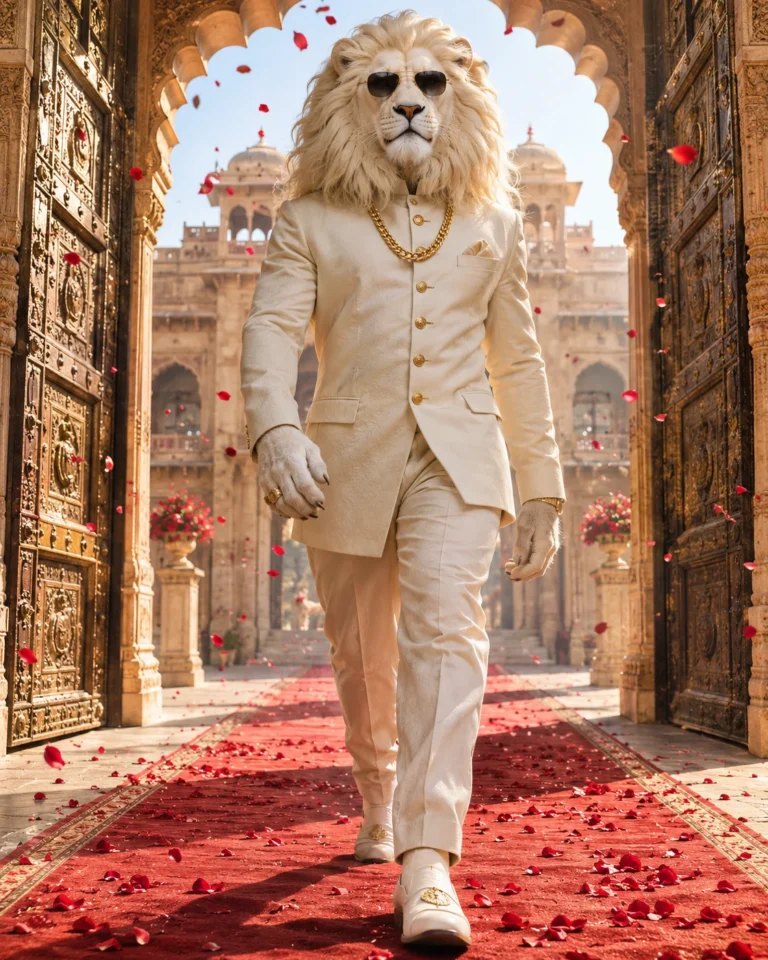
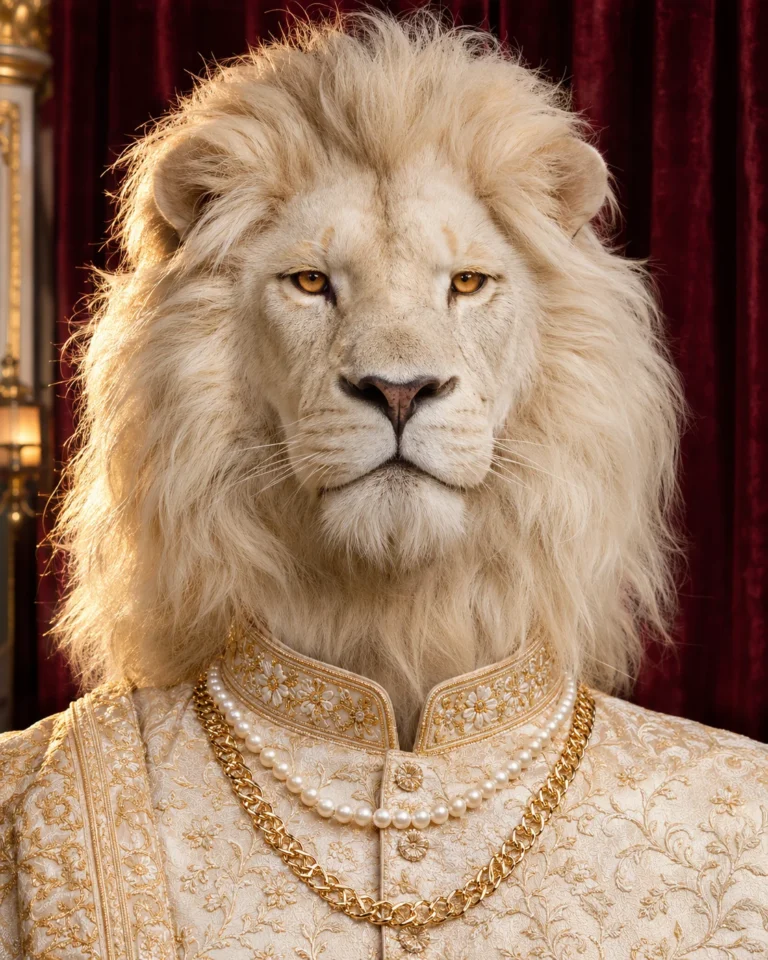
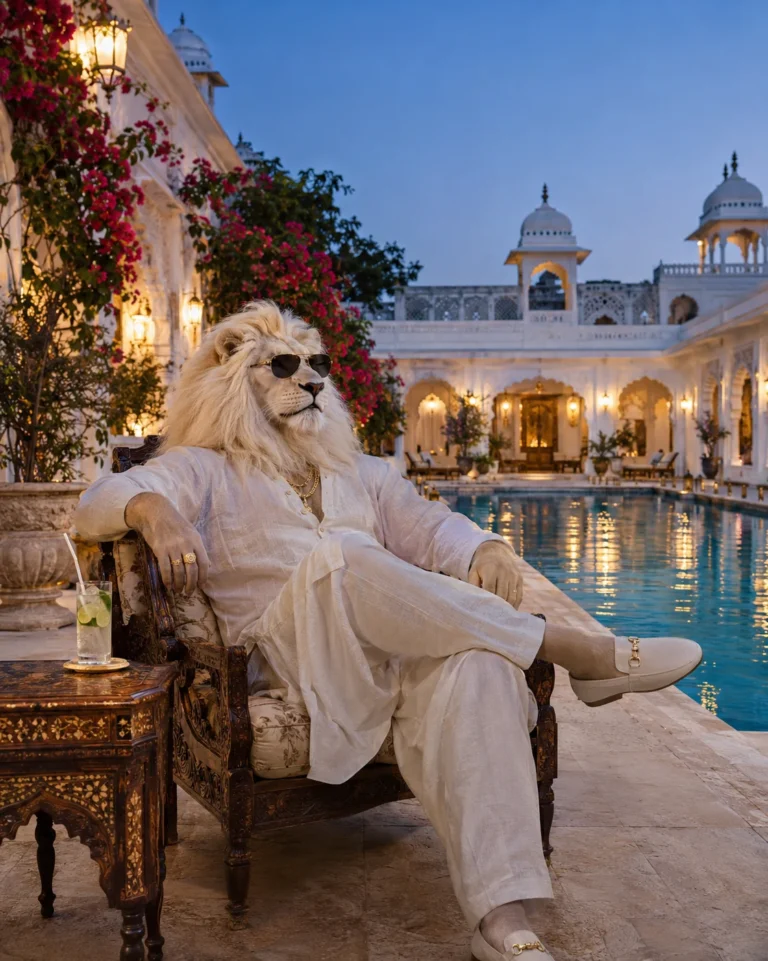
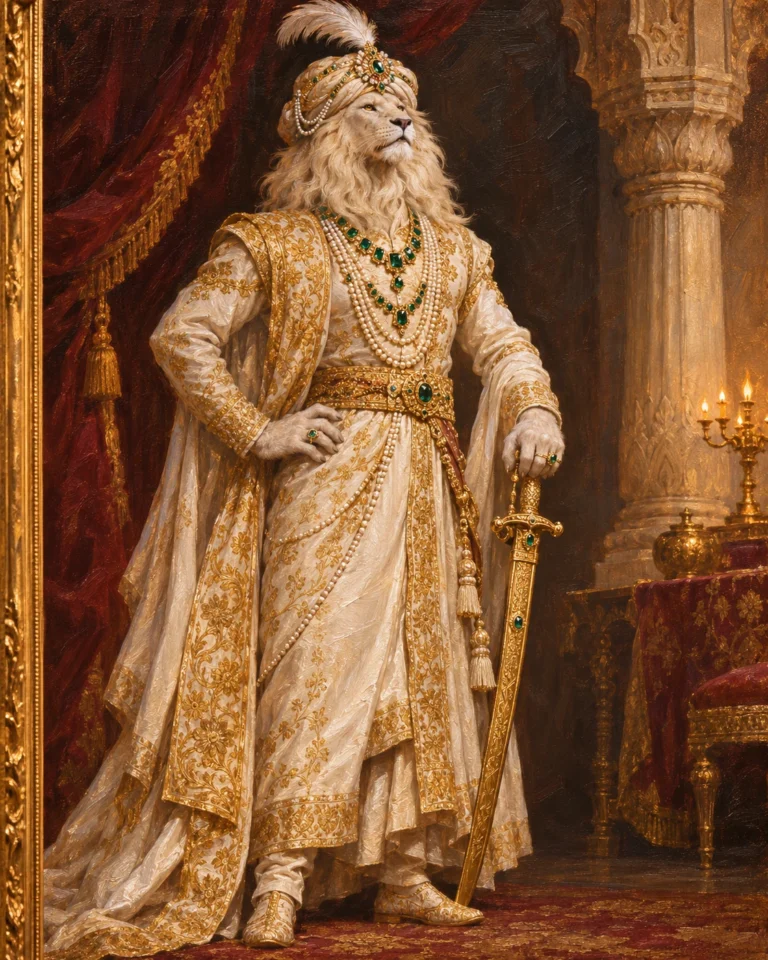
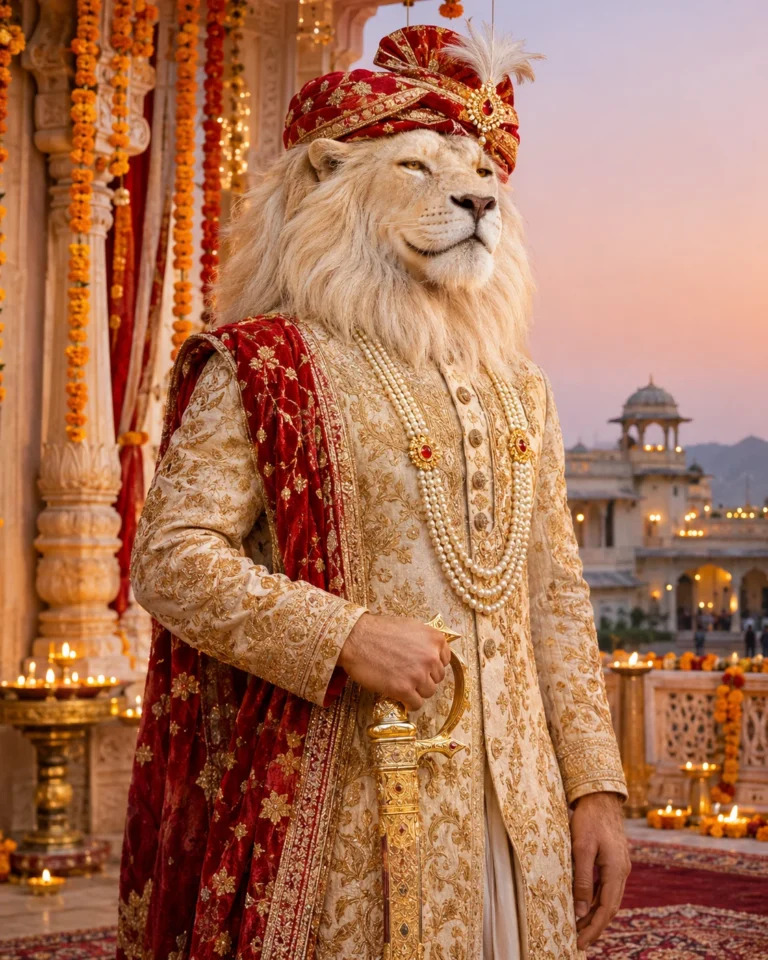
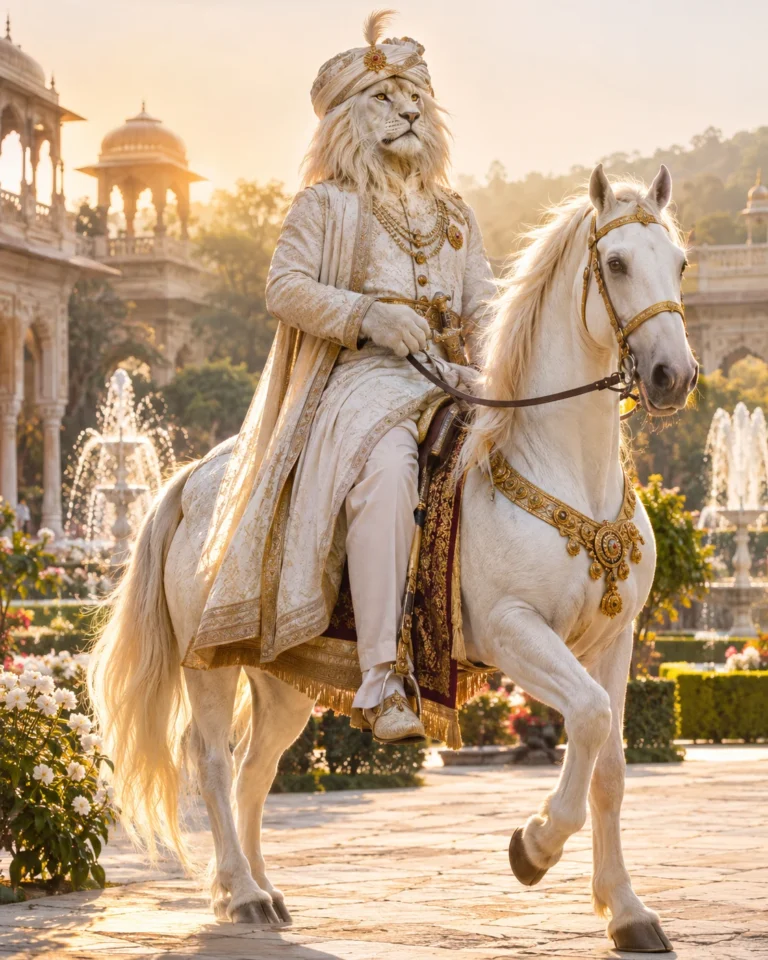
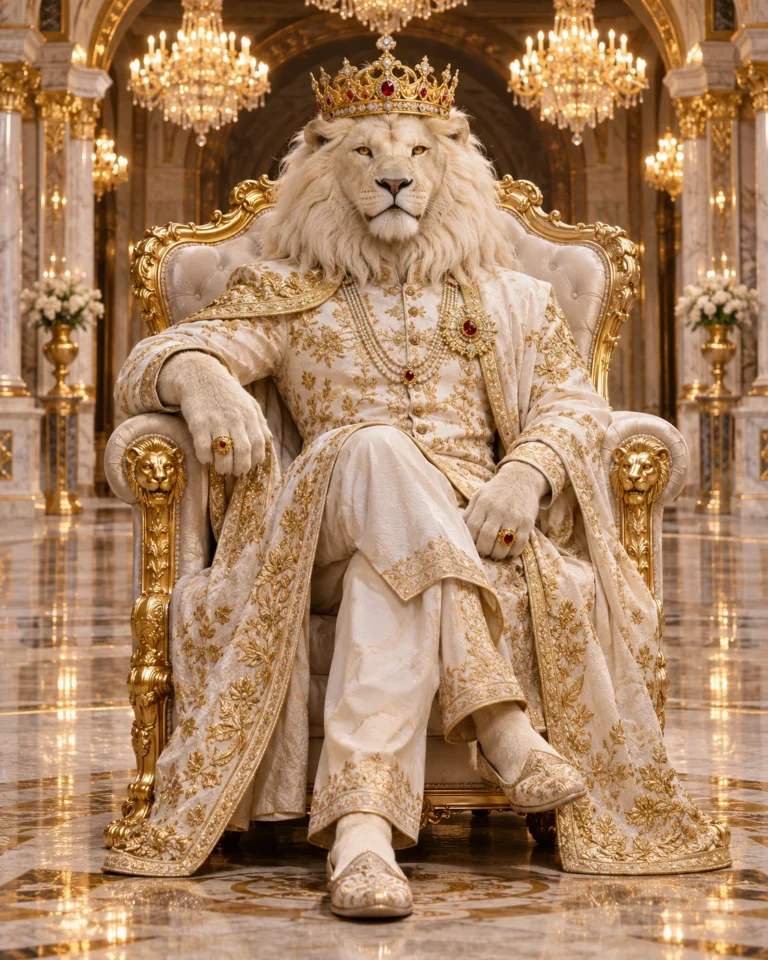
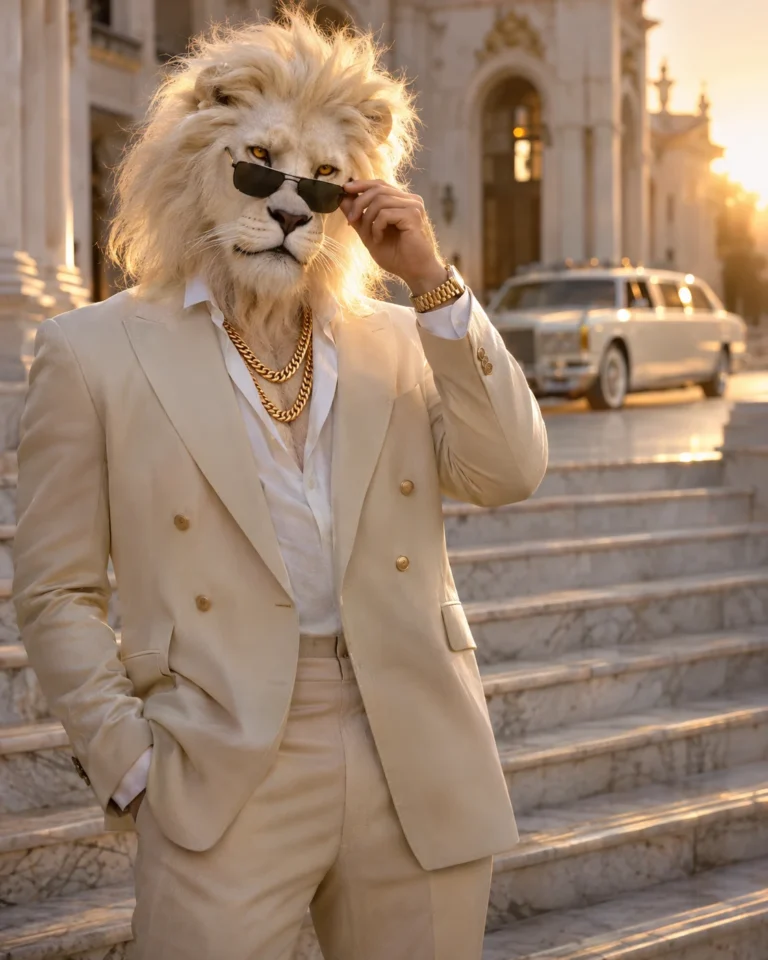
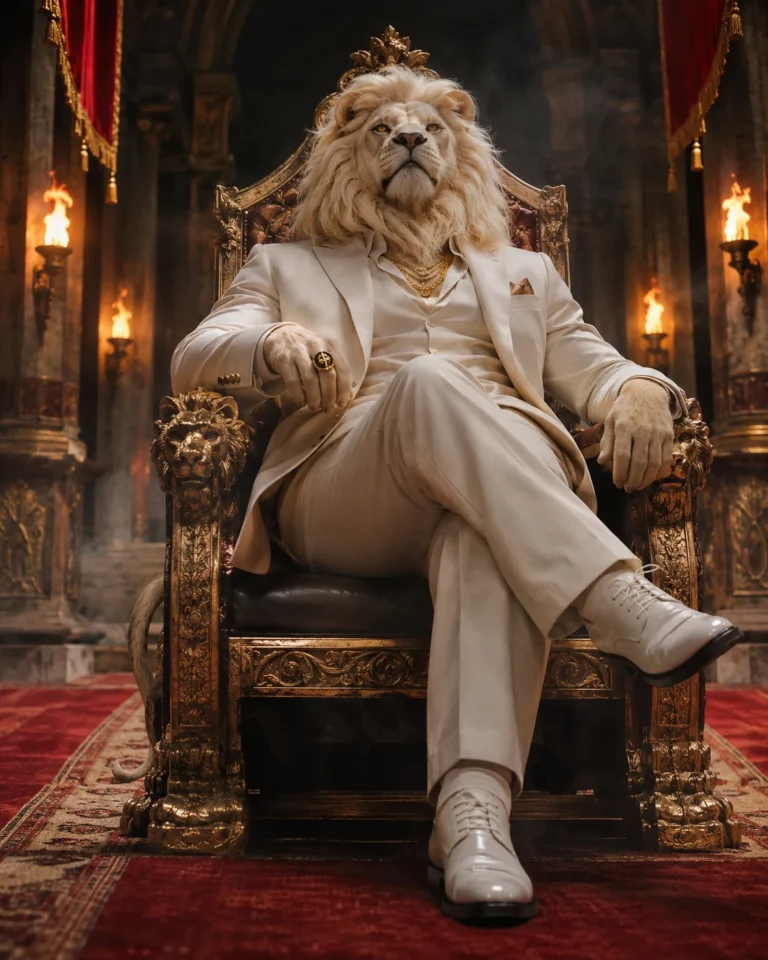
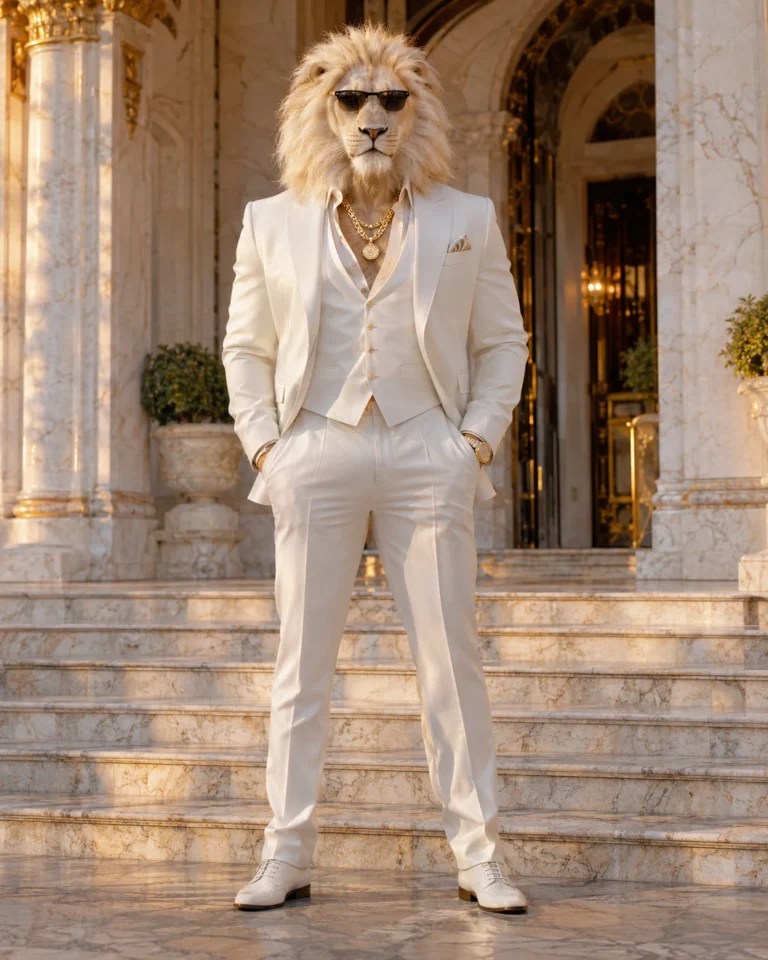
Create a photorealistic image of Sheru Bhai, the viral lion-headed boss (an AI character, our own version).

A warm good morning picture of White Sheru Bhai, a tall man with a realistic white lion's head, a thick cream-white mane and warm amber eyes, alone on a carved palace jharokha balcony with a sunrise view over the lake, holding a small silver cup of chai and smiling at the camera. The words GOOD MORNING in clean gold capital letters at the top.

Styling: a cream kurta with a gold-bordered shawl, a gold chain and black sunglasses pushed up on his mane.

Soft sunrise light, steam rising from the chai, fresh happy royal mood. Text spelt exactly: GOOD MORNING. Real photo look, true-to-life fur texture with every strand of the mane visible, crisp detail. 4:5 frame. No watermark.
Collections and similar looks
Share
Help for this look
How to make it, tips, answers and quick fixes. Tap a row to open it.
What this prompt creates
From a carved palace jharokha balcony, White Sheru Bhai smiles at the camera with a silver cup of chai in his hand. You see steam curling above the cup, with sunrise light over the lake behind him. He stands alone in a cream kurta, a gold-bordered shawl and a gold chain. His sunglasses sit up on his cream-white mane, showing his white lion face and amber eyes. Gold letters above him read GOOD MORNING.
Make it yours
- Change the greeting to HAVE A LOVELY DAY.
- Give the shawl a maroon border.
- Swap the silver cup for a small clay cup.
Want to know more? Read about jharokha balconies on Wikipedia.
How to make this Royal Sheru Bhai Good Morning Image
- Copy the prompt
Change the words to GOOD NIGHT and the view to moonlight.
- Paste it, no photo needed
Open ChatGPT or Gemini, paste the prompt and send. You do not need to upload anything.
- Fine-tune it
Reply “make it 1:1” for a WhatsApp post.
Tips for this look
- Paste it in a new chat for the cleanest result.
- Change only the highlighted parts first.
- Ask for 2 or 3 versions and keep the best.
- For a square greeting card, set 1:1 and keep extra space above the mane.
- Check that GOOD MORNING is spelled correctly and sits on one clear line.
- If the steam crosses the greeting, ask for it to stay just above the cup.
If Sheru Bhai looks different
Reply “keep the same lion head, mane and outfit as before and only change the scene”. A new chat with the same prompt also helps.
- For a square greeting card, set 1:1 and keep extra space above the mane.
- Check that GOOD MORNING is spelled correctly and sits on one clear line.
- If the steam crosses the greeting, ask for it to stay just above the cup.
Quick answers
Is Sheru Bhai a real person?
No. Sheru Bhai is a viral AI character, a man with a lion’s head. There is no real face behind him; this prompt draws him fresh every time.
Do I need to upload a photo?
No. Paste the prompt on its own and ChatGPT or Gemini draws Sheru Bhai from the words.
Can I make good night too?
Yes. Change GOOD MORNING to GOOD NIGHT and the sunrise to a moonlit lake.
Common problems and quick fixes
😕 My face doesn’t look like me
Use a sharper, front-facing photo in daylight, then reply “keep my face exactly as in my photo, only change the scene”.
🔤 The words are spelt wrong
Reply “fix the spelling, it should read: …” with the exact words. Short names come out cleanest.
🟠 Everything looks too yellow or orange
Reply “keep the colours natural and my skin tone true, less orange cast”.
👗 The outfit colour isn’t right
Use the outfit quick change, or reply “make the outfit exactly [colour]”.
You might also like
Similar looks, picked by style and occasion.