 Saved

🔥 Trending
How to Use AI Photo Editing Prompts
Choose a look, copy the complete prompt and use your reference photo in ChatGPT or Gemini. Follow the steps and check the result.
From a look to your own photo
- Choose a lookOpen a photo you like. Read its reference-photo requirements before starting.
- Copy the complete promptUse Copy prompt on the look page. If automatic copying is unavailable, select the prompt text and copy it with your device controls.
- Open your chosen toolOpen ChatGPT or Gemini. Upload the suitable reference photo there, paste the prompt and send it. Tool features and access can vary.
- Check the resultLook at the face, hands, body proportions and background. If something is wrong, describe one specific correction.
Make a change without losing the point
Change the outfit or setting when you want a variation. Keep the instructions that refer to the uploaded person, preserve recognizable features and control the framing.
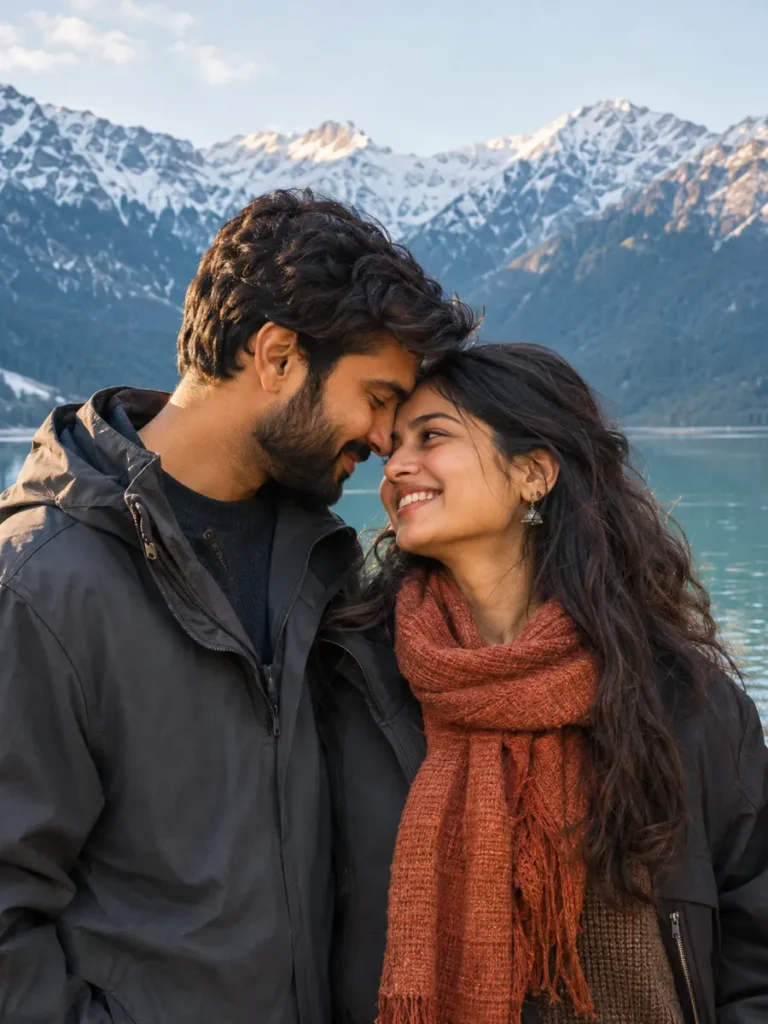
For a couple photo, keep both people as separate references. If likeness changes, return to a clearer reference and simplify the styling request.
Where does your photo go?
PromptHai does not receive it. You upload your photo only in the external tool you choose. The links on a look page do not automatically send your prompt or image.
Will it match the example exactly?
Results vary with the reference, tool and generation. Use the example as a style direction and review the output before sharing it.
Looks to try