Coming up: Christmas
 Find my look in 3 taps

















































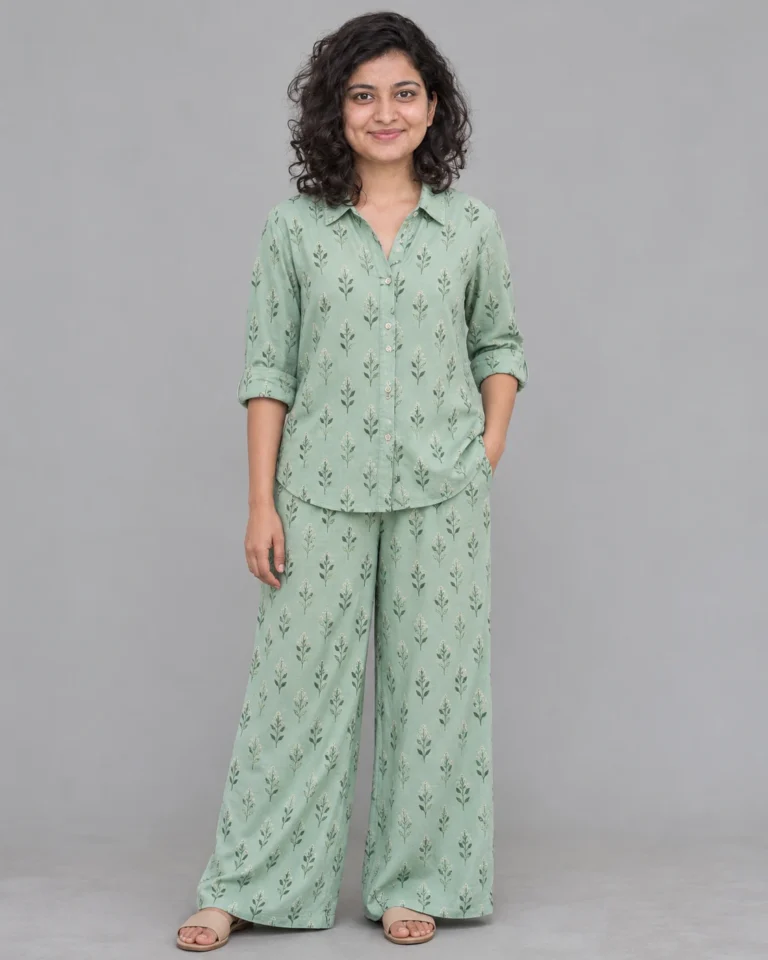
How to Change Clothes in a Photo with AI (Same Face)
Change the outfit in your own photo with ChatGPT or Gemini and keep your face, pose and background exactly the same.
What you need
One clear photo of you, face to the camera, in good light. If you want a specific outfit, also a second photo of that outfit: a shop picture, a screenshot or a friend wearing it.
Change your clothes step by step
- Start a new chatOpen ChatGPT or Gemini in a fresh chat, so old edits do not leak in.
- Add your photoTap the + button and add your photo. For an exact outfit, add the outfit photo as the second picture.
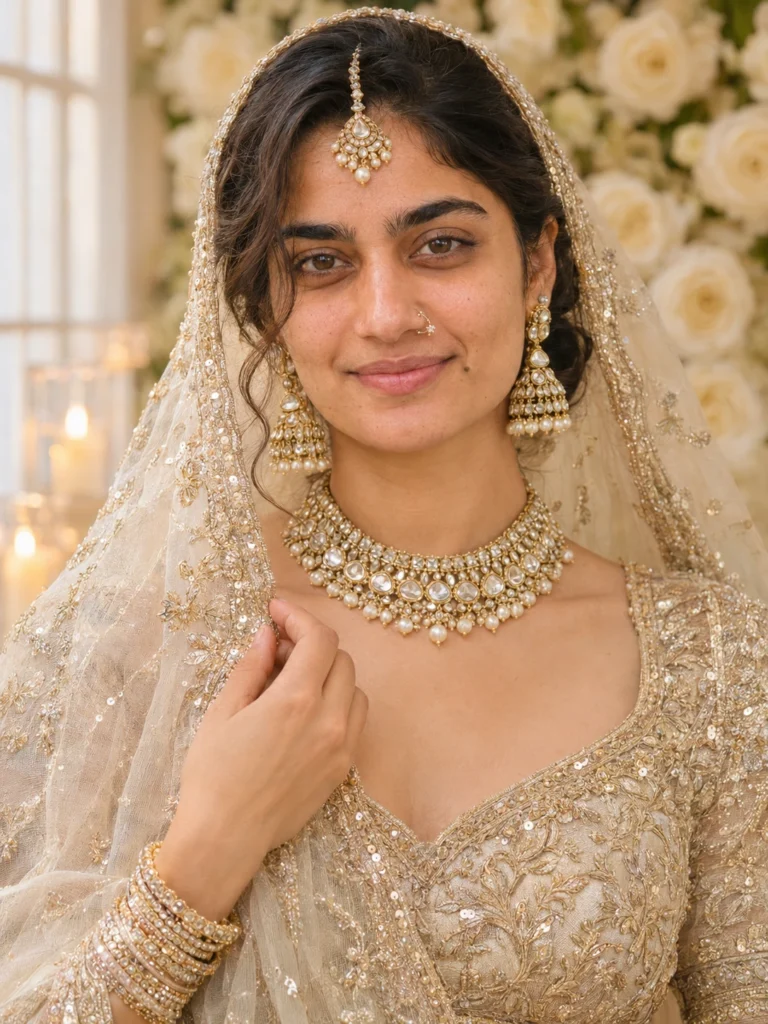
- Paste the promptCopy an outfit-change prompt from PromptHai and change the outfit words to what you want, for example “red Banarasi silk saree with gold border”.
- Send and check the face firstLook at the eyes, nose and skin tone before the clothes. If the face changed, use the reply below.
- Fix one thing at a timeWrong colour? Reply “same outfit, but deep maroon”. Wrong fit? Reply “looser fit, full sleeves”. One change per reply works best.
The words that keep your face
“Keep my face, hair, body shape, pose and background exactly as in my photo. Change only the clothes.”
Put this line at the start of your message. For two photos, add: “Use photo 1 for the person and photo 2 only for the outfit.”
Common problems
It copied the face from the outfit photo
Crop the outfit photo so no face shows, or reply “take only the clothes from photo 2, never the face”.
The background changed too
Reply “put back the original background from my photo, change nothing except the clothes”.
The saree or dupatta looks stiff
Name the drape and fabric: “soft silk, pleats at the front, pallu over the left shoulder”.
Hands or jewellery vanished
Name them: “keep my watch and both hands exactly as they are”.
Quick answers
ChatGPT or Gemini for outfit changes?
Both work. Gemini often keeps the original photo closer; ChatGPT follows detailed outfit words well. If one keeps changing your face, try the other.
Can I try a dress from a shopping site?
Yes, add a screenshot as the second photo. Colours can shift slightly, so check before you buy. It is a preview, not an exact fitting.
More help
If your face changes, see AI changed my face: how to fix it. More outfit looks are in photo fix prompts.
Looks to try