Coming up: Christmas
 Find my look in 3 taps







































How to Fix Wrong Text and Names in AI Photos
Exact replies to fix misspelt names, wrong birthday numbers and messy text in ChatGPT and Gemini photos without redoing the whole picture.
Why text goes wrong
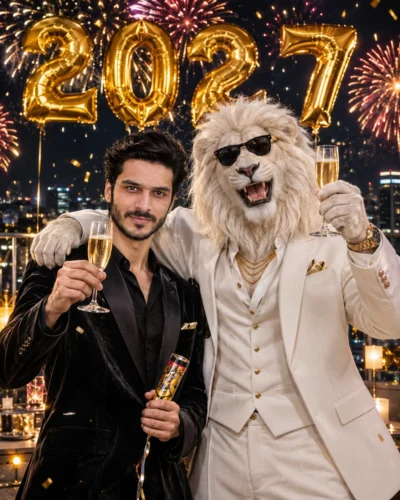
AI draws letters like pictures, not like typing. Long names, rare spellings, small text and many words at once go wrong most. Numbers can come out swapped, like 12 instead of 21.
Get it right the first time
- Put text in quotesWrite the exact words in quotes: “HAPPY BIRTHDAY”, “Lavanya”, “21”.
- Keep it shortOne name and one short line works far better than a full sentence.
- Make it bigAsk for “large, clear letters”. Tiny text is where mistakes hide.
- Spell long names outFor a hard name, add “spelt L-A-V-A-N-Y-A”.
Paste this reply to fix it
“Change only the text. Spell exactly: “Lavanya”. Keep everything else in the picture the same, including my face.”
For a number: “The number must be 21, two then one. Change nothing else.”
If it still fails after two tries, start a new chat with your original photo and a shorter text.
Common problems
Fixing the text changed my face
Reply “go back to the previous picture and change only the letters”. If that does not work, add the text later with a free phone editor.
Extra random letters appear
Reply “remove all other text, only “HAPPY BIRTHDAY” and “Lavanya” should appear”.
Hindi or Telugu text is wrong
Text in Indian scripts goes wrong more often. Use English letters in the image, or add the text yourself in an editing app.
Quick answers
ChatGPT or Gemini for text?
ChatGPT is usually better at exact spelling. If Gemini keeps your face better, make the picture in Gemini and fix only the text in ChatGPT.
More help
Try name looks in birthday prompts and poster prompts.
Looks to try