Coming up: Christmas
 Find my look in 3 taps








































 🪔 Festive
Bhai Dooj Growing Up Timeline AI Photo Prompt
Copy this AI photo prompt for siblings below and paste it into ChatGPT or Gemini with a photo of you together.
Your prompt
Use the uploaded photo(s) of the brother and sister. Keep their faces recognisable and age them naturally. If childhood photos are uploaded, use them for the young panels.

Create a premium four-panel photo timeline of them celebrating Bhai Dooj as they grow up, in the same cosy living-room corner with marigolds and a diya in every panel:
1. Age about 5 and 7: the little sister puts a wobbly tilak on her brother.
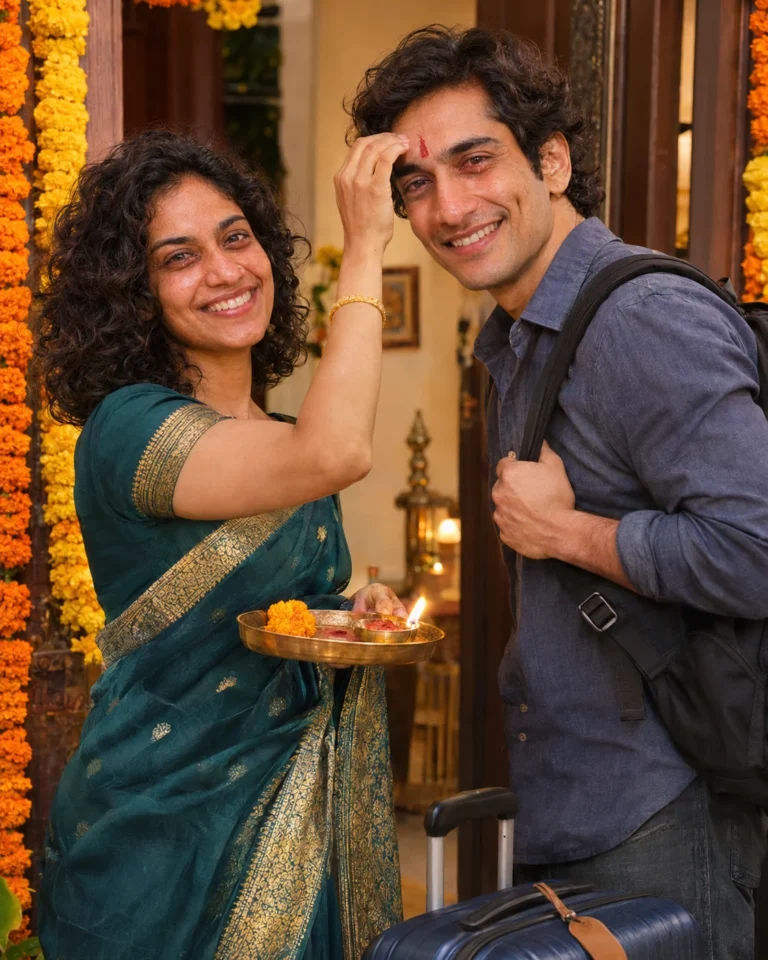
2. Age about 10 and 12: laughing, the sister holds a thali.
3. Age about 15 and 17: teenagers, the brother sneaks a sweet.
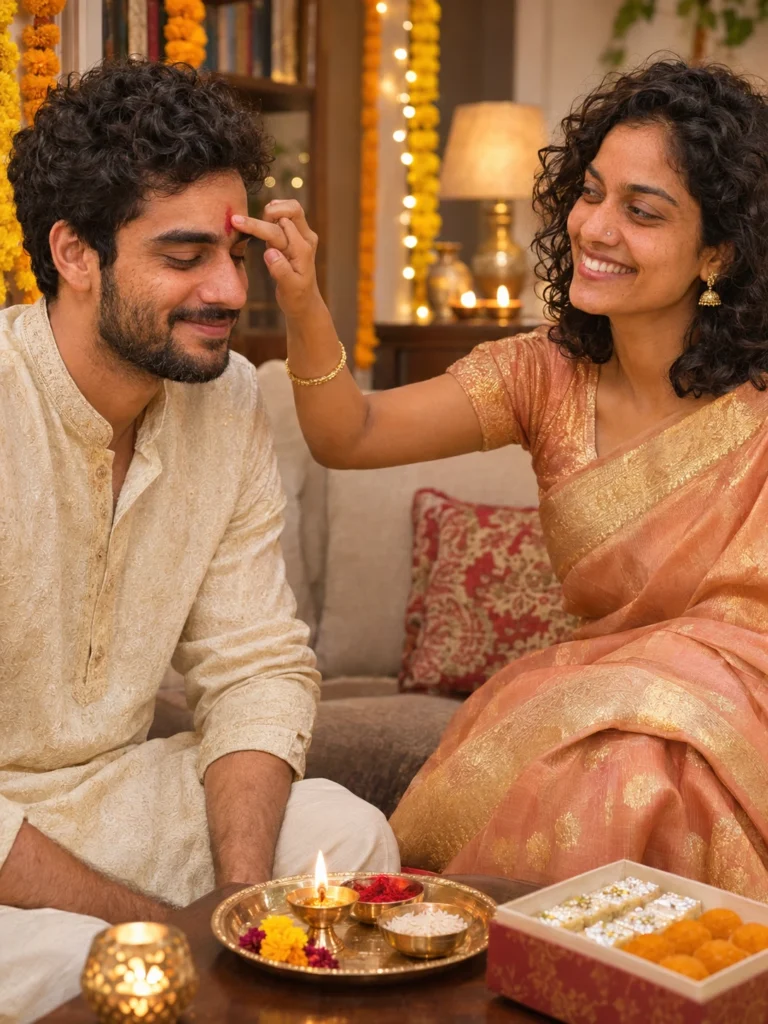
4. Today: the sister applies the tilak while he smiles with eyes closed.

Styling: festive kids’ clothes in the early panels and festive Indian outfits as adults. Small year labels on each panel and a caption at the bottom: “Then & Now · Happy Bhai Dooj”. Warm golden tones, realistic photos. 4:5 frame. No watermark.
Collections and similar looks
Share
Help for this look
How to make it, tips, answers and quick fixes. Tap a row to open it.
What this prompt creates
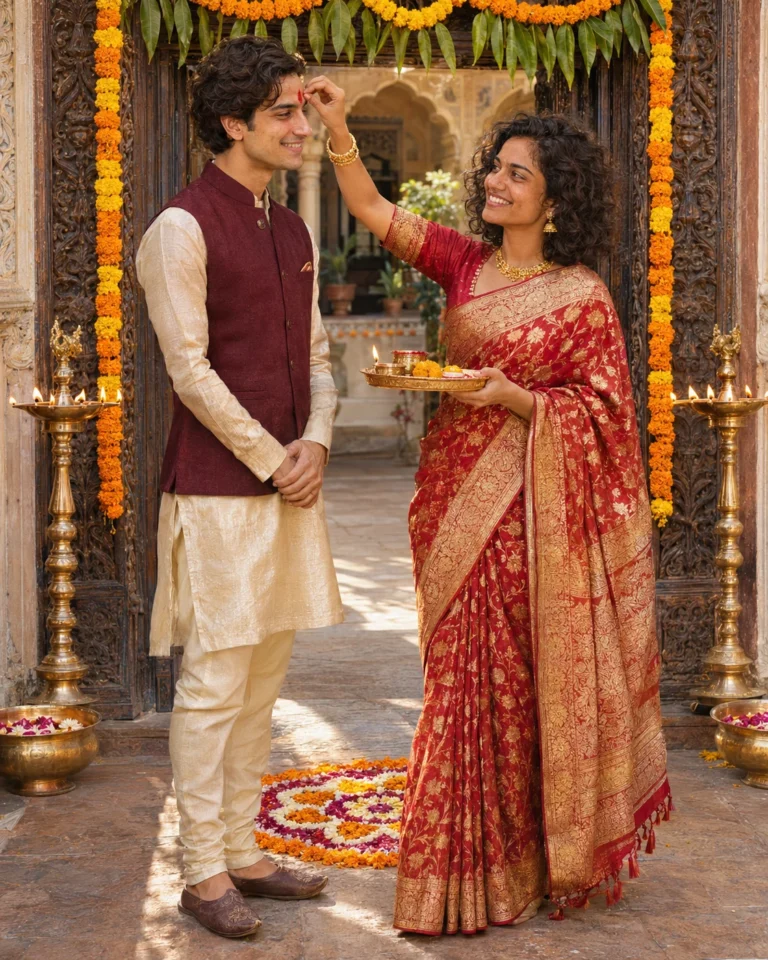
Four photo panels show you and your sibling celebrating Bhai Dooj as you grow up, all in the same cosy living-room corner with marigolds and a diya. At about five and seven, the little sister puts a wobbly tilak on her brother. Next you laugh with a thali, then as teenagers he sneaks a sweet, and today she applies the tilak while he smiles with eyes closed. Small year labels mark each panel, and the caption reads "Then & Now · Happy Bhai Dooj".
Make it yours
- Upload real childhood photos so the young panels use your actual faces.
- Change the year labels to your real years or ages.
- Swap the living room for your grandparents' veranda.
Want to know more? Read about Bhai Dooj on Wikipedia.
How to make this Bhai Dooj timeline
- Pick a clear photo of you both
Face towards the camera in good light. Any outfit is fine; the prompt changes it.
- Copy the prompt
Tap Copy prompt. Change the years on the labels to your real years in the prompt if you like.
- Paste with your photo
Open ChatGPT or Gemini, upload your photo, paste and send.
- Fine-tune it
Reply “make panel 1 look like our childhood photo” if you uploaded one.
Tips for this look
- Upload old childhood photos too for the most real result.
- Write your real birth years on the labels.
- Perfect to send to parents on Bhai Dooj.
- If you have old photos, upload them; the prompt uses them for the young panels.
- Use a recent, clear photo of each sibling for the final panel.
- Pick photos where you both smile; ageing up and down keeps the expression.
Quick answers
Do I need childhood photos?
No, but they make the young panels look much more like you.
Can I do two panels instead of four?
Yes. Say “two panels: childhood and today”.
Common problems and quick fixes
😕 My face doesn’t look like me
Use a sharper, front-facing photo in daylight, then reply “keep my face exactly as in my photo, only change the scene”.
🔤 The words are spelt wrong
Reply “fix the spelling, it should read: …” with the exact words. Short names come out cleanest.
🖼️ My face changes between frames
Reply “keep my face identical in every frame”. Uploading 2–3 photos of yourself also helps.
🟠 Everything looks too yellow or orange
Reply “keep the colours natural and my skin tone true, less orange cast”.
More family looks
Similar looks, picked by style and occasion.