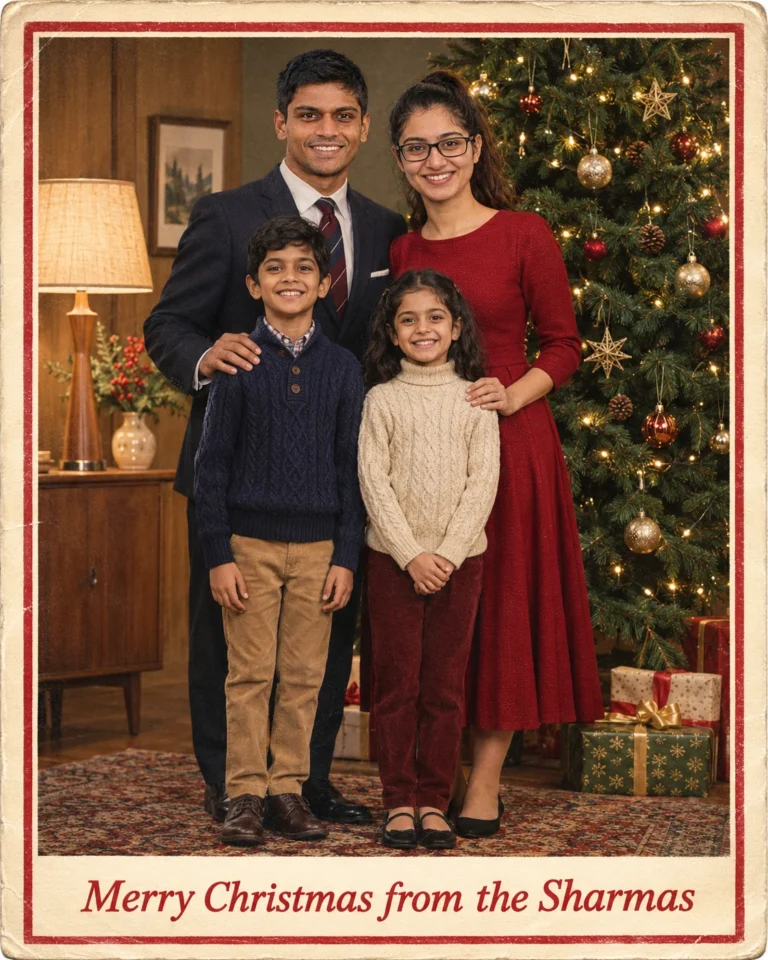
Coming up: Christmas
 Find my look in 3 taps















































 🪔 Festive
Diwali 3D Cartoon Family AI Photo Prompt
Copy this family AI photo prompt below and paste it into ChatGPT or Gemini with a photo of your family.
Your prompt
Turn the people in the uploaded photo into polished 3D animated movie characters that are still clearly recognisable: keep each person's face shape, hair, skin tone and features.

Scene: Diwali night on their home's front steps with a rangoli, marigold toran and string lights. The family sits together lighting a row of glowing diyas, smiling at each other.

Styling: festive traditional outfits.

Finish: premium animated-film still, warm magical glow, soft volumetric light, big expressive eyes, cosy happy mood. 4:5 frame. No text, no watermark.
Collections and similar looks
Share
Help for this look
How to make it, tips, answers and quick fixes. Tap a row to open it.
What this prompt creates
Your whole family turns into 3D animated-film characters, sitting together on the front steps of your home on Diwali night. A rangoli is spread at your feet, a marigold toran hangs over the door and string lights run along the edges. Everyone is lighting a row of diyas and smiling at each other, with big expressive eyes and a soft magical glow, yet each face still looks like the real person.
Make it yours
- Ask for matching outfit colours, like everyone in shades of red and gold.
- Change the steps to a balcony or a courtyard with a tulsi plant.
- Add a pet dog or cat sitting with the family beside the diyas.
Want to know more? Read about Diwali, the festival of lights on Wikipedia.
How to make this 3D cartoon family photo
- Pick a clear family photo
Face towards the camera in good light. Any outfit is fine; the prompt changes it.
- Copy the prompt
Tap Copy prompt. Change the place or outfits in the prompt first.
- Paste with your photo
Open ChatGPT or Gemini, upload your photo, paste and send.
- Fine-tune it
Reply “make it look more like us” if a face drifts.
Tips for this look
- A clear family photo where every face is visible works best.
- Works for couples and single photos too.
- Great as a family WhatsApp DP.
- Upload one clear group photo where every face is visible and no one is hidden behind another person.
- A photo taken at eye level works better than one from high above, because the faces stay full.
- Bigger families come out better in a wide photo with a little space on both sides.
Quick answers
Will we still look like ourselves?
Yes. The prompt keeps your face shapes, hair and skin tones while making the style animated.
Can I do it with kids only?
Yes. Upload a photo of the kids and paste the same prompt.
Common problems and quick fixes
😕 My face doesn’t look like me
Use a sharper, front-facing photo in daylight, then reply “keep my face exactly as in my photo, only change the scene”.
🔤 The words are spelt wrong
Reply “fix the spelling, it should read: …” with the exact words. Short names come out cleanest.
🧸 The cartoon doesn’t look like me
Reply “keep my hairstyle, face shape and skin tone in the cartoon”. A smiling, front-facing photo helps most.
🌙 My face looks too dark
Reply “add soft warm light on my face, keep the background the same”.
More family looks
Similar looks, picked by style and occasion.