Coming up: Christmas
 Find my look in 3 taps















































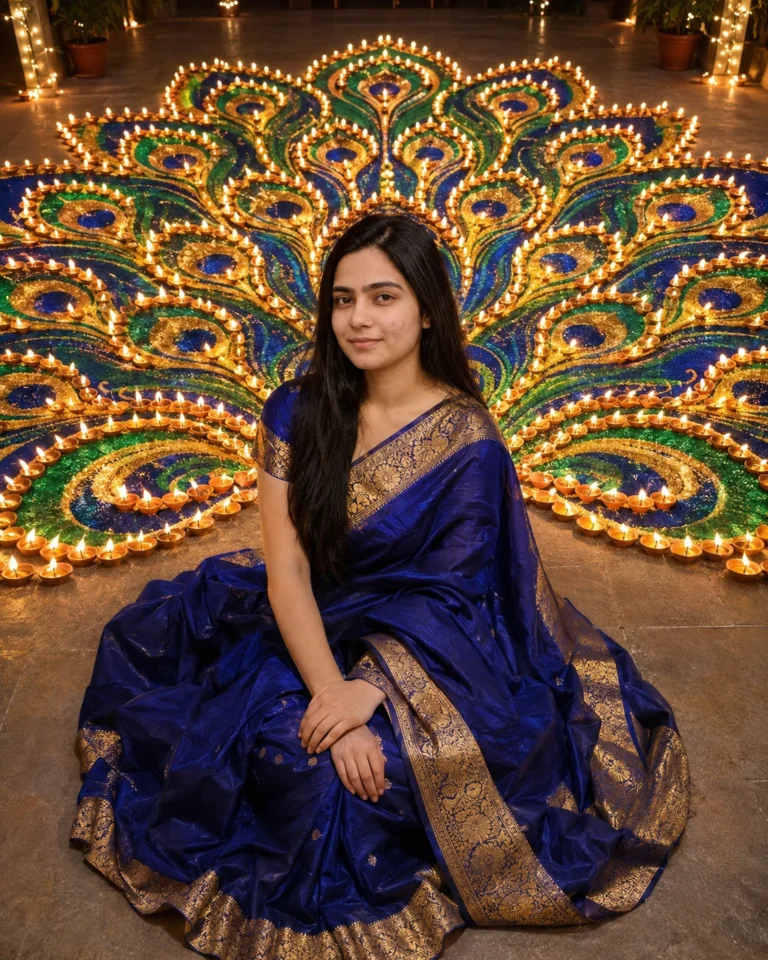
 🪔 Festive
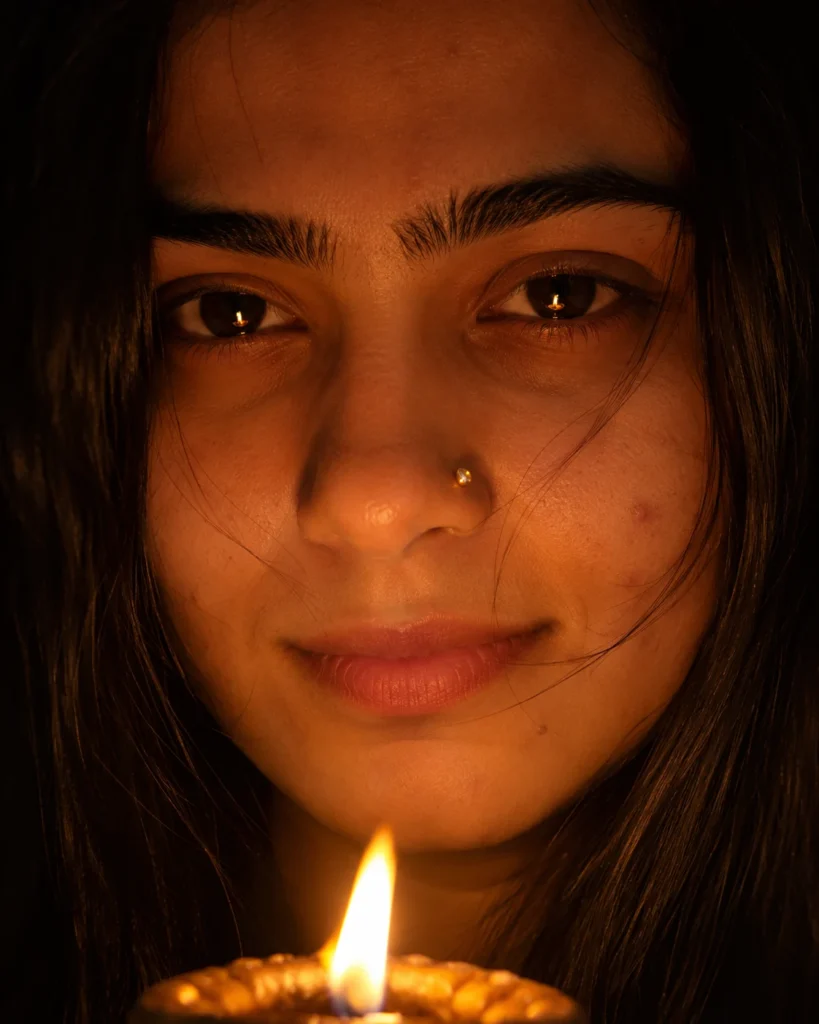
Diwali Diya Reflection in Eyes Macro AI Photo Prompt
Copy this AI photo prompt for girls below and paste it into ChatGPT or Gemini with your own photo.
Your prompt
Edit the uploaded photo. Use the person in it as the identity reference. Keep their face shape, eyes, nose, lips, skin tone, age and hair exactly as they are. No face reshaping, no plastic-smooth skin.

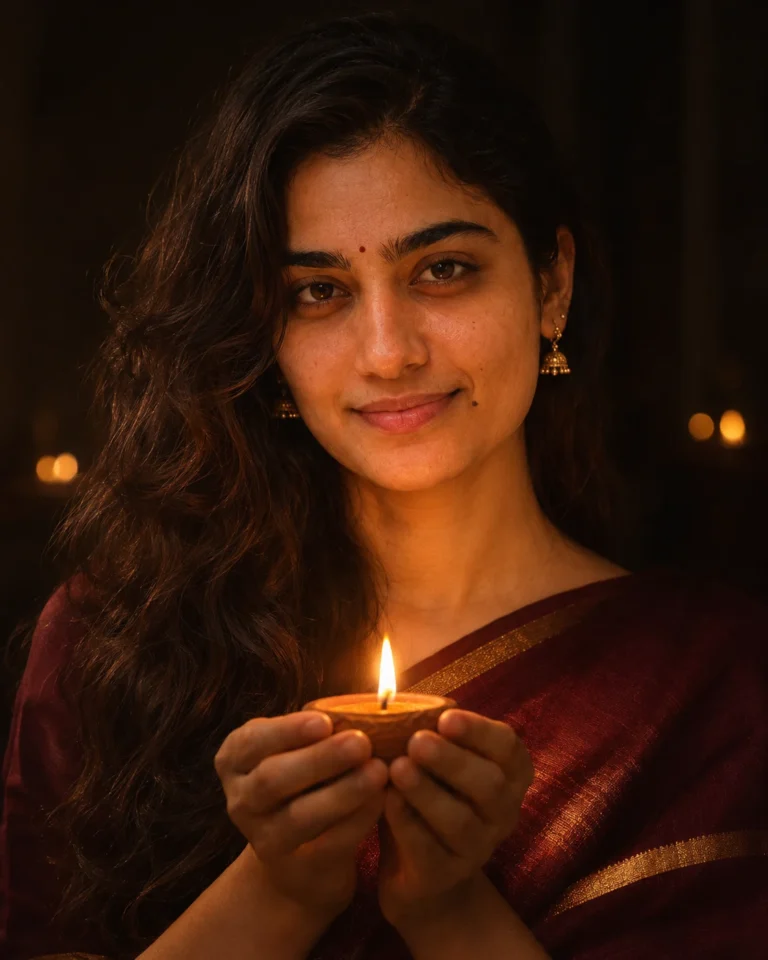
Create an extreme close-up macro portrait. The face is very close to the camera, lit only by a single diya flame held just below the chin; the tiny flame is clearly reflected in both eyes. A few strands of hair cross the face, everything else in deep shadow.

Finish: warm golden tones, natural skin pores, cinematic and intimate. 4:5 frame. No text, no watermark.
Collections and similar looks
Share
Help for this look
How to make it, tips, answers and quick fixes. Tap a row to open it.
What this prompt creates
An extreme close-up of her face lit only by one diya flame held just below her chin. The tiny flame shows clearly in both eyes, a few strands of hair cross her face, and everything else sinks into deep shadow. The tones are warm and golden, and her skin keeps its natural pores and texture, so the picture feels very close and real.
Make it yours
- Ask for small gold earrings catching the diya light.
- Change the hair to a loose braid falling over one shoulder.
- Ask for a thin line of kajal for stronger eyes.
Want to know more? Read about macro photography on Wikipedia.
How to make this diya eye reflection photo
- Pick a clear close face photo
Face towards the camera in good light. Any outfit is fine; the prompt changes it.
- Copy the prompt
Tap Copy prompt. No changes needed; it works with any face.
- Paste with your photo
Open ChatGPT or Gemini, upload your photo, paste and send.
- Fine-tune it
Reply “brighter flame reflection in my eyes” if it is faint.
Tips for this look
- Use your sharpest, closest selfie.
- Works for boys and girls alike.
- Great as an Instagram profile picture for Diwali.
- Use a sharp, high-resolution photo; the macro crop shows every detail of the eyes.
- Choose a photo where you look straight at the camera with open eyes.
- A calm, soft expression suits this intimate look better than a smile.
Quick answers
Why use a close photo?
The eyes need to be sharp for the flame reflection to show.
Will my skin look natural?
Yes. The prompt keeps real skin texture with no smoothing.
Common problems and quick fixes
😕 My face doesn’t look like me
Use a sharper, front-facing photo in daylight, then reply “keep my face exactly as in my photo, only change the scene”.
🔤 The words are spelt wrong
Reply “fix the spelling, it should read: …” with the exact words. Short names come out cleanest.
🟠 Everything looks too yellow or orange
Reply “keep the colours natural and my skin tone true, less orange cast”.
🎨 Skin looks too smooth
Reply “keep my natural skin texture, no beauty filter”. Small follow-ups work better than starting over.
More looks for girls
Similar looks, picked by style and occasion.