Coming up: Christmas
 Find my look in 3 taps














































 🪔 Festive
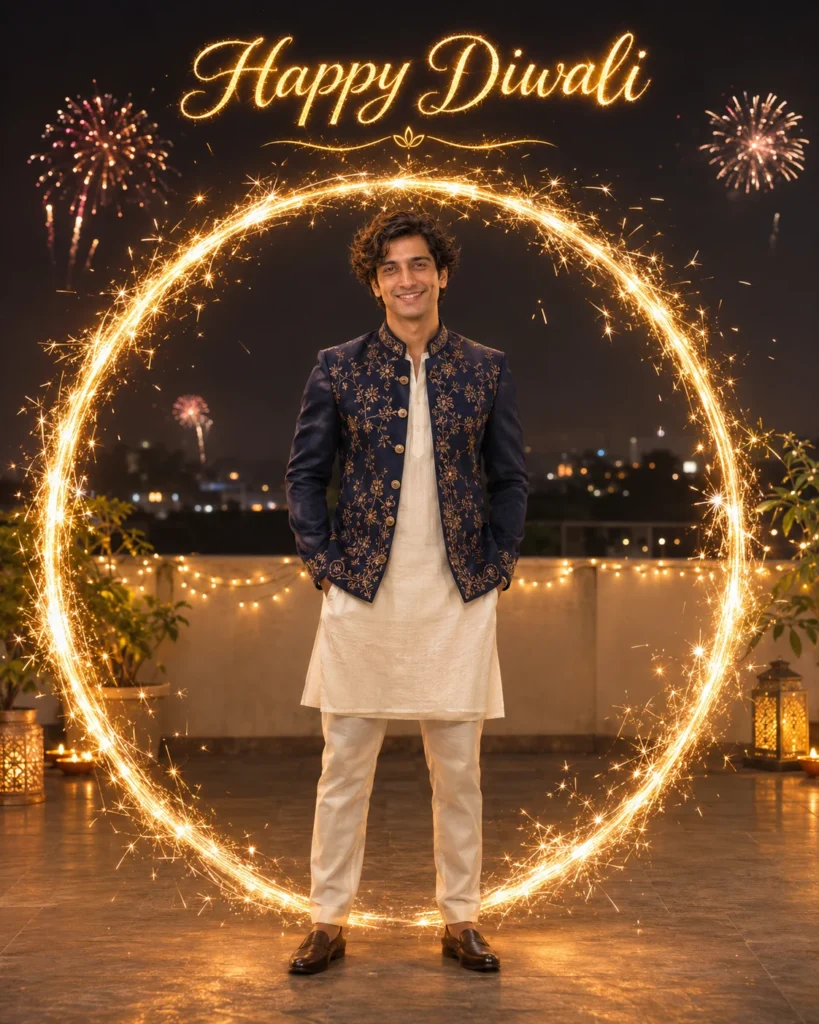
Diwali Sparkler Fire Ring AI Photo Prompt
Copy this AI photo prompt for boys below and paste it into ChatGPT or Gemini with your own photo.
Your prompt
Edit the uploaded photo. Use the person in it as the identity reference. Keep their face shape, eyes, nose, lips, skin tone, age and hair exactly as they are. No face reshaping, no plastic-smooth skin.

Scene: Diwali night on a dark open terrace with faint fairy lights and distant fireworks. They stand in the centre of a perfect glowing circle of golden sparkler light, a long-exposure ring around the whole body with sparks scattering at the edges, looking into the camera with a calm confident smile.

Styling: they wear a navy embroidered bandhgala over a white kurta.

Finish: elegant glowing gold “Happy Diwali” text above the ring. Premium festive finish: rich warm golden light, glowing bokeh, crisp detail, natural skin texture. 4:5 frame. No watermark.
Collections and similar looks
Share
Help for this look
How to make it, tips, answers and quick fixes. Tap a row to open it.
What this prompt creates
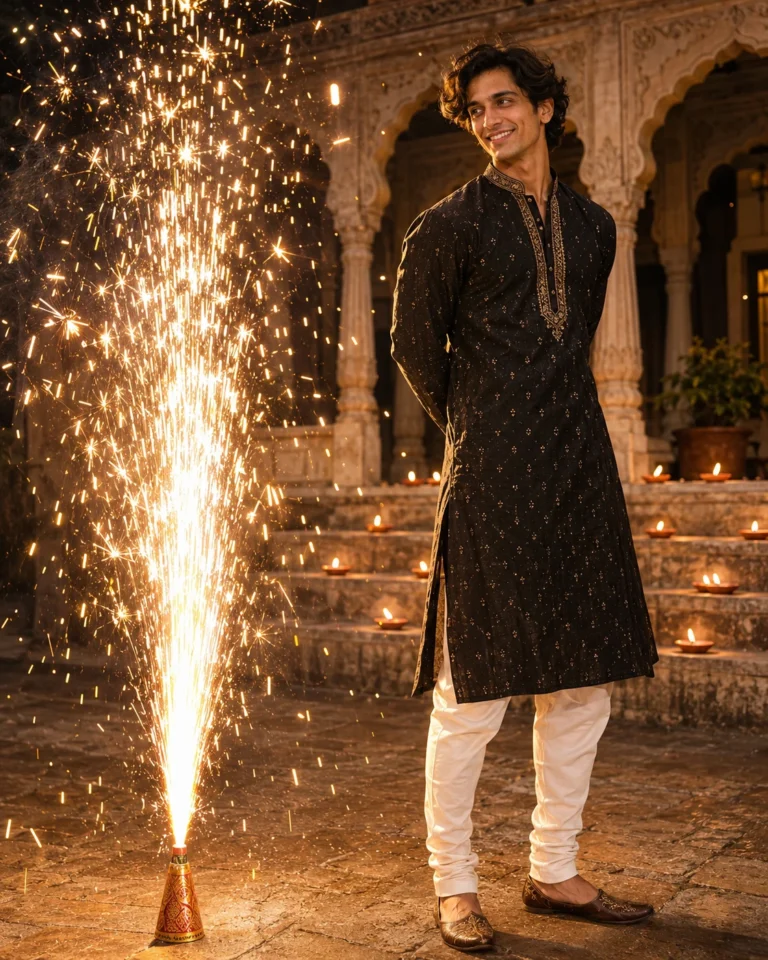
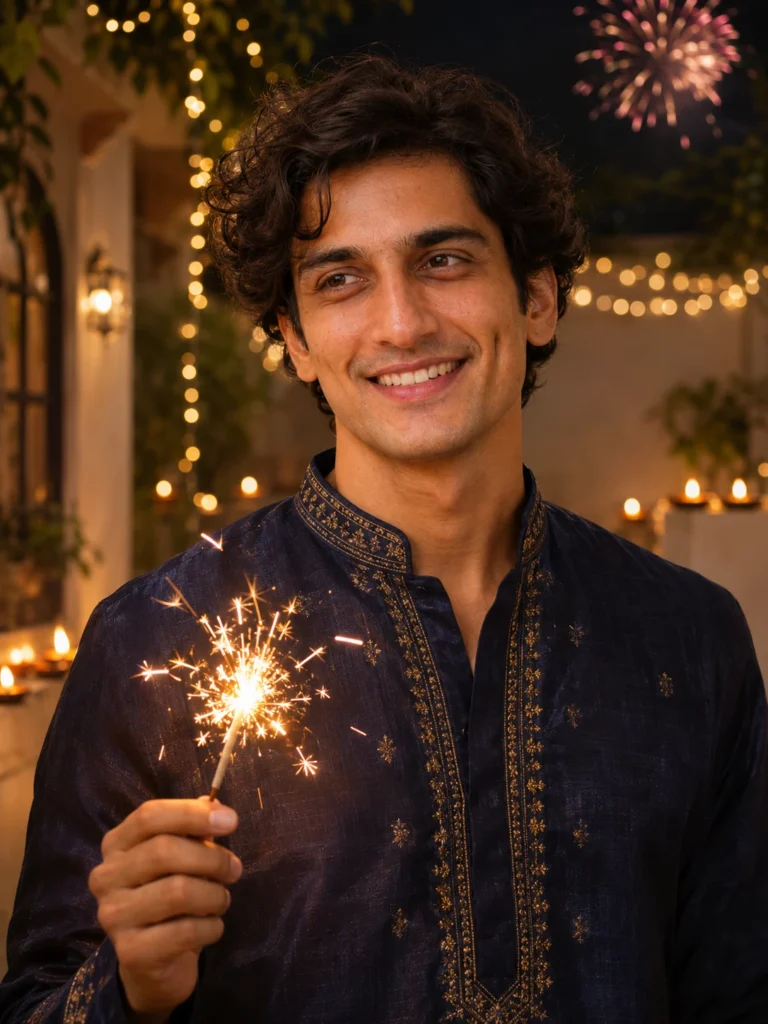
A perfect ring of golden sparkler light circles him on a dark open terrace, wrapping his whole body, with sparks flying off its edges. Faint fairy lights and far-off fireworks sit in the background. He wears a navy embroidered bandhgala over a white kurta and looks into the camera with a calm, confident smile, with elegant gold Happy Diwali text glowing above the ring.
Make it yours
- Change the navy bandhgala to a black or wine-coloured one.
- Ask for a heart-shaped light trail instead of a circle.
- Replace the greeting with your name in the same gold style.
Want to know more? Read about long-exposure photography on Wikipedia.
How to make this sparkler fire ring photo
- Pick a clear photo
Face towards the camera in good light. Any outfit is fine; the prompt changes it.
- Copy the prompt
Tap Copy prompt. Change the outfit or the place in the prompt first.
- Paste with your photo
Open ChatGPT or Gemini, upload your photo, paste and send.
- Fine-tune it
Reply “make the ring brighter with more sparks” for extra glow.
Tips for this look
- A straight, standing photo of you fits the ring best.
- Works for girls too: switch the outfit to a lehenga.
- Delete the text line for a clean version.
- Upload a full-body photo standing straight, so the ring can fit around you.
- Plain clothes and a clear background in your photo help the AI place you cleanly.
- Look straight into the lens in your photo; the calm direct gaze is what this look needs.
Quick answers
Is this a real light-painting photo?
It recreates the look of a long-exposure sparkler circle, so you get it without any real fire.
Does it work in Gemini?
Yes, the same prompt works in ChatGPT and Gemini.
Common problems and quick fixes
😕 My face doesn’t look like me
Use a sharper, front-facing photo in daylight, then reply “keep my face exactly as in my photo, only change the scene”.
🔤 The words are spelt wrong
Reply “fix the spelling, it should read: …” with the exact words. Short names come out cleanest.
✋ Hands or fingers look odd
Reply “fix the hands and fingers, keep everything else the same”.
🌙 My face looks too dark
Reply “add soft warm light on my face, keep the background the same”.
More looks for boys
Similar looks, picked by style and occasion.