Coming up: Christmas
 Find my look in 3 taps















































 Girls
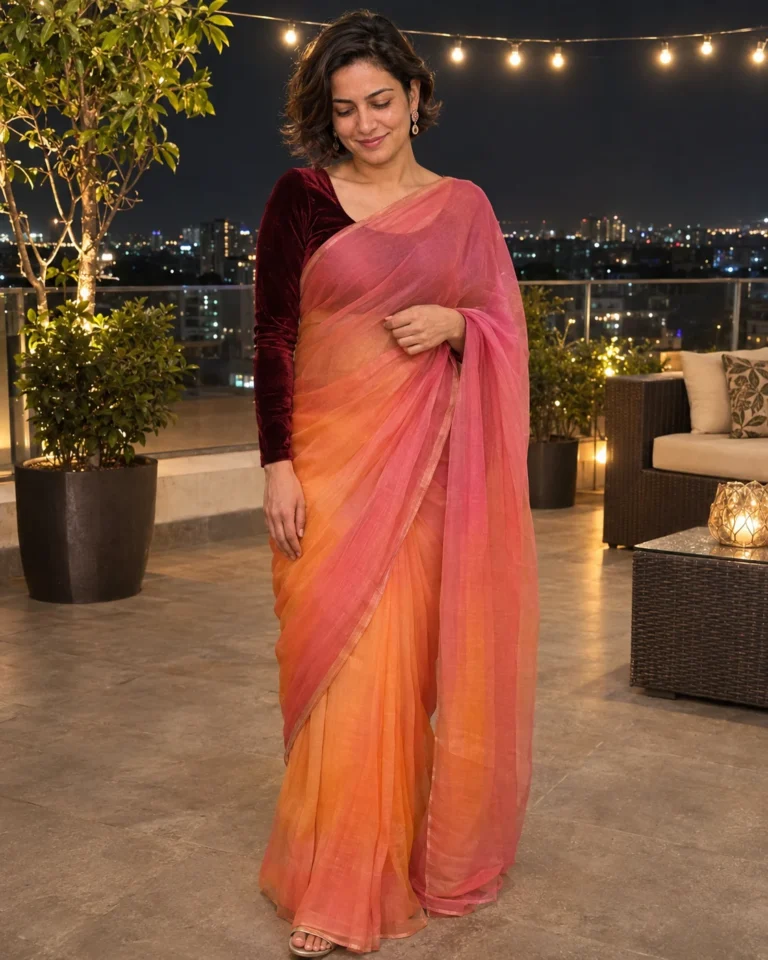
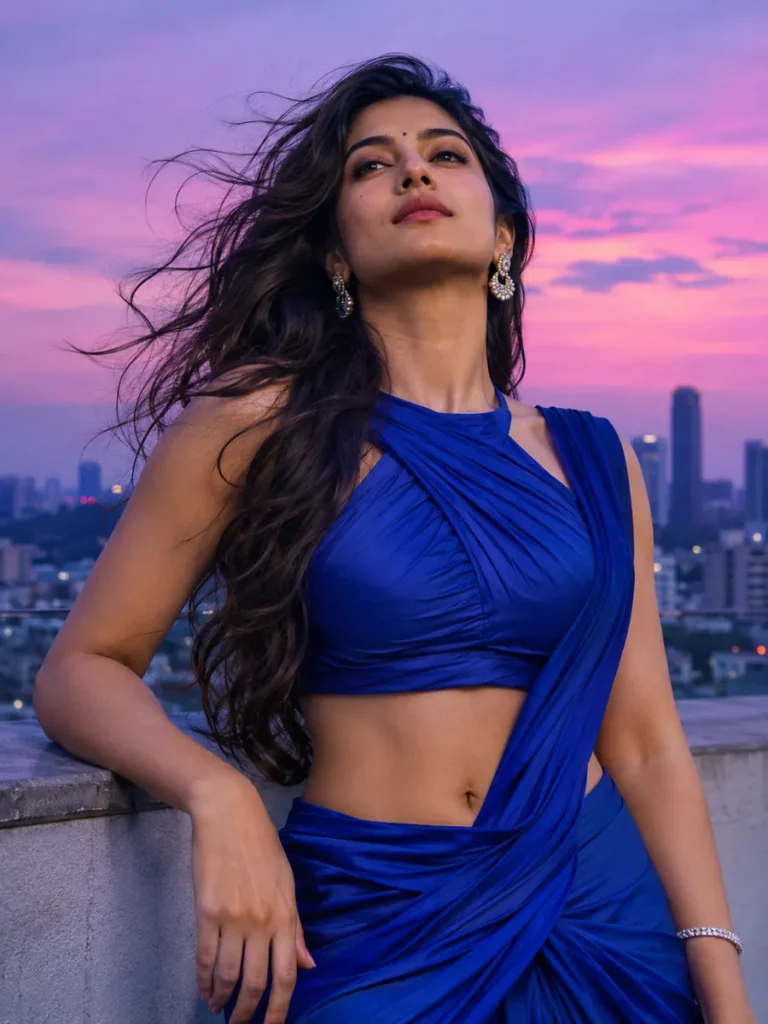
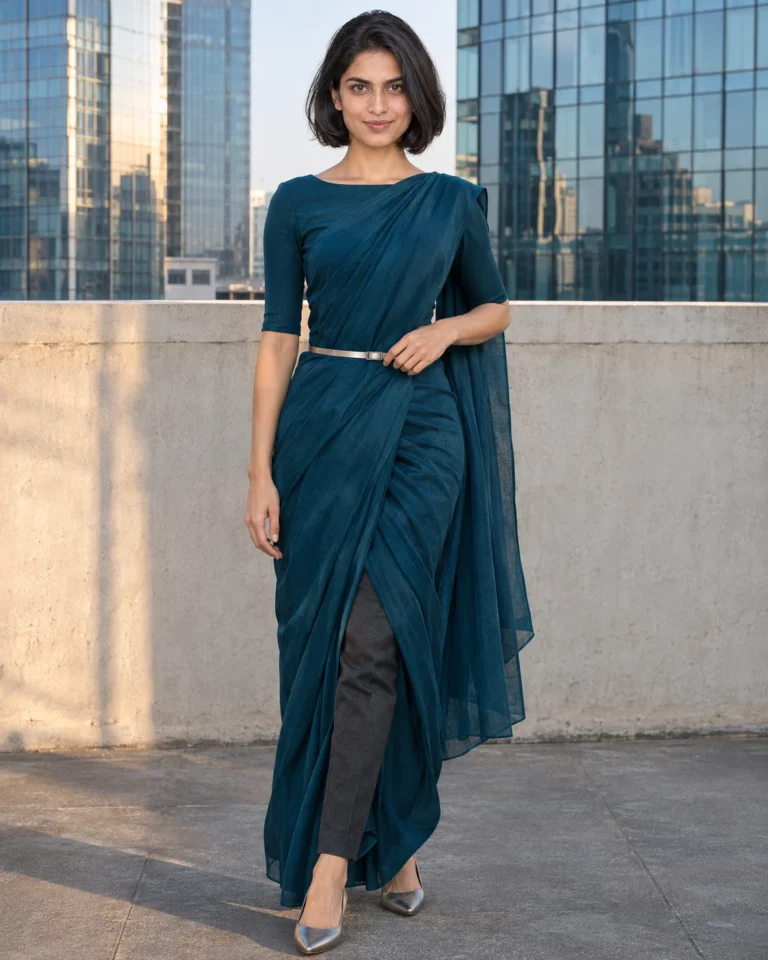
Golden Hour Ruffle Saree Rooftop AI Photo Prompt for Girls
Copy this AI photo prompt for girls below and paste it into ChatGPT or Gemini with your own photo.
Your prompt
Edit the uploaded photo. Use the person in it as the identity reference. Keep their face shape, eyes, nose, lips, skin tone, age and hair exactly as they are. No face reshaping, no plastic-smooth skin.

The person turns gently at a rooftop with a low sandstone wall and a soft skyline under the setting sun, with the ruffled pallu lifting just off her elbow. Frame the whole figure and let low sun from behind catch the edges while warm reflected light reaches her face.

Styling: an apricot silk georgette saree with three fine ruffle tiers along the pallu, a matching blouse and pearl studs.

Golden rim light and a soft, breezy evening feel. Real photo look, natural skin texture, true-to-life colours, crisp detail. 4:5 frame. No watermark.
Collections and similar looks
Share
Help for this look
How to make it, tips, answers and quick fixes. Tap a row to open it.
What this prompt creates
The low sun catches the edge of your apricot saree as you turn on a rooftop. Three fine tiers along the silk georgette pallu lift just above your elbow, and small pearl studs sit beside the warm light on your face. The full-length view gives the lifted fabric room, with a sandstone wall and a soft evening skyline behind you.
Make it yours
- Change the ruffles to muted coral.
- Let the pallu hang over your elbow.
- Use small gold studs in place of pearls.
Want to know more? Read about ruffles on Wikipedia.
How to make this golden hour ruffle saree rooftop photo
- Pick a clear photo
Face towards the camera in good light. Any outfit is fine; the prompt changes it.
- Copy the prompt
Change the ruffles to muted coral.
- Paste with your photo
Open ChatGPT or Gemini, upload your photo, paste and send.
- Fine-tune it
Ask for the ruffle layers to stay separate and light.
Tips for this look
- Pick a photo with a gentle smile.
- Use a clear standing reference.
- Leave room beside the pallu for its lift.
- Pick a bright standing reference with a gentle smile.
- Keep your face at a slight angle.
- Choose a photo with a clear shoulder line.
Quick answers
Can I keep the pallu still?
Yes. Let it fall over the elbow so the tiers stay visible.
What if my face looks dark?
Ask for soft reflected light across your face.
Common problems and quick fixes
😕 My face doesn’t look like me
Use a sharper, front-facing photo in daylight, then reply “keep my face exactly as in my photo, only change the scene”.
🟠 Everything looks too yellow or orange
Reply “keep the colours natural and my skin tone true, less orange cast”.
👗 The outfit colour isn’t right
Use the outfit quick change, or reply “make the outfit exactly [colour]”.
🎨 Skin looks too smooth
Reply “keep my natural skin texture, no beauty filter”. Small follow-ups work better than starting over.
More looks for girls
Similar looks, picked by style and occasion.