Coming up: Christmas
 Find my look in 3 taps








































 Girls
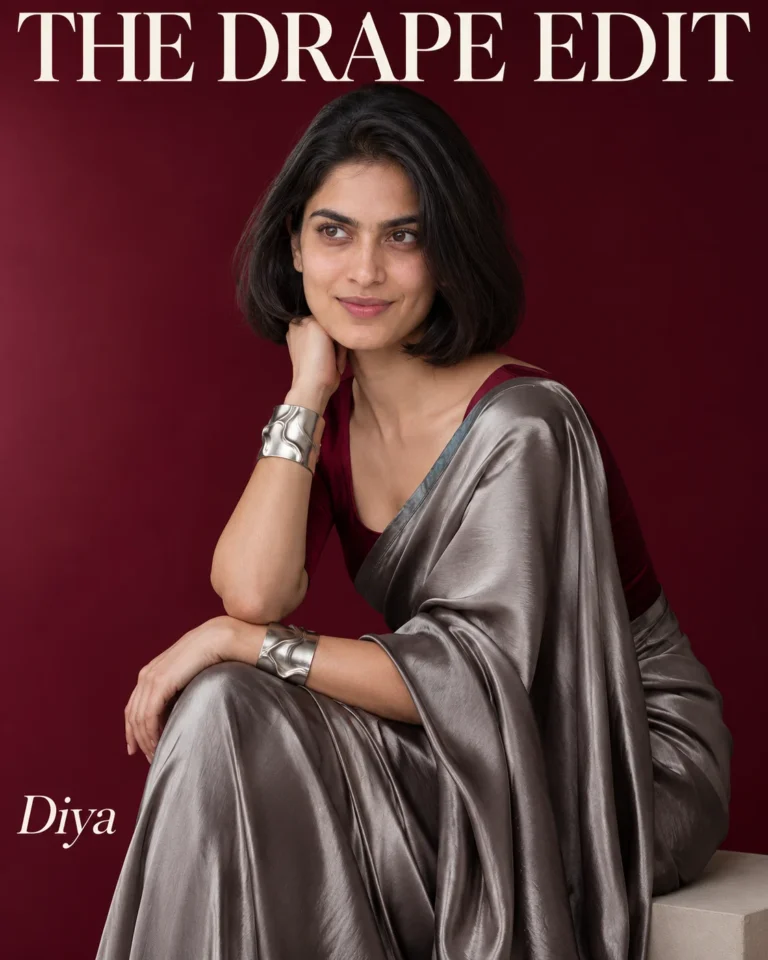
Retro Glam Red and Black Saree Film Poster AI Photo Prompt for Girls
Copy this AI photo prompt for girls below and paste it into ChatGPT or Gemini with your own photo.
Your prompt
Edit the uploaded photo. Use the person in it as the identity reference. Keep their face shape, eyes, nose, lips, skin tone, age and hair exactly as they are. No face reshaping, no plastic-smooth skin.

In a studio set with a deep burgundy backdrop and an oval pool of amber light, the person faces the lens in a tight chest-up crop with her chin raised, full brushed-out waves and bold winged liner. Place a warm lamp high to one side and let the black border cut diagonally across the foreground.

Styling: a scarlet silk georgette saree with a wide black satin border, a black blouse and sculptural gold earrings.

A 1970s film-poster portrait with fine film grain, rich red shadows and a clean background without lettering. Real photo look, natural skin texture, true-to-life colours, crisp detail. 4:5 frame. No watermark.
Collections and similar looks
Share
Help for this look
How to make it, tips, answers and quick fixes. Tap a row to open it.
What this prompt creates
You face the camera with your chin raised, your hair brushed into full waves and dark liner swept out at the corners of your eyes. A warm lamp set high to one side leaves a pool of amber against the burgundy set. Across the chest-up crop, the black satin border runs at an angle over the scarlet saree. Fine grain gives the portrait a film finish.
Make it yours
- Use a wine-red georgette.
- Try smaller round earrings.
- Change the amber pool of light to soft rose.
Want to know more? Read about film grain on Wikipedia.
How to make this retro glam red and black saree film poster photo
- Pick a clear photo
Face towards the camera in good light. Any outfit is fine; the prompt changes it.
- Copy the prompt
Make the earrings small if you want more focus on the eyes.
- Paste with your photo
Open ChatGPT & Gemini, upload your photo, paste and send.
- Fine-tune it
Ask for fine grain across the whole frame.
Tips for this look
- Use a front-facing photo.
- Keep hair away from your eyes in the upload.
- Choose 4:5 for a close poster crop.
- Pick an upload with a clear view of your eyes.
- Keep the top of your hair inside the frame.
- Choose one taken straight on with relaxed shoulders.
Quick answers
Can I keep my hair down?
Yes. Ask for full waves around your shoulders.
Does it add a movie title?
The background is left free of lettering.
Common problems and quick fixes
😕 My face doesn’t look like me
Use a sharper, front-facing photo in daylight, then reply “keep my face exactly as in my photo, only change the scene”.
🔤 The words are spelt wrong
Reply “fix the spelling, it should read: …” with the exact words. Short names come out cleanest.
👗 The outfit colour isn’t right
Use the outfit quick change, or reply “make the outfit exactly [colour]”.
🎨 Skin looks too smooth
Reply “keep my natural skin texture, no beauty filter”. Small follow-ups work better than starting over.
More looks for girls
Similar looks, picked by style and occasion.