Coming up: Christmas
 Find my look in 3 taps















































 Boys
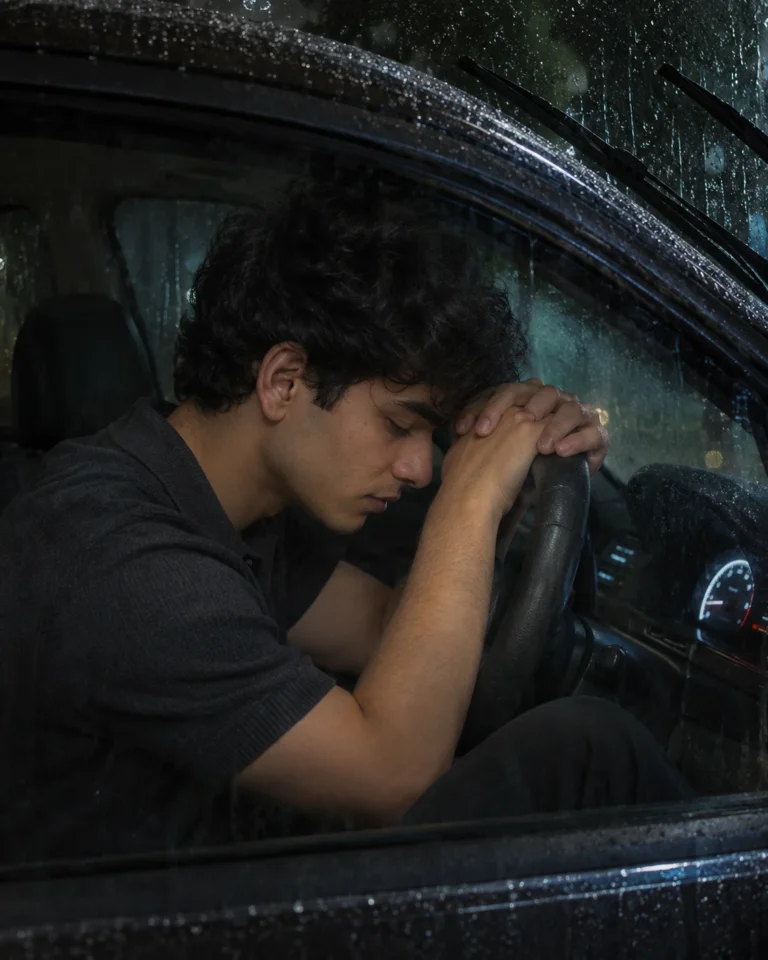
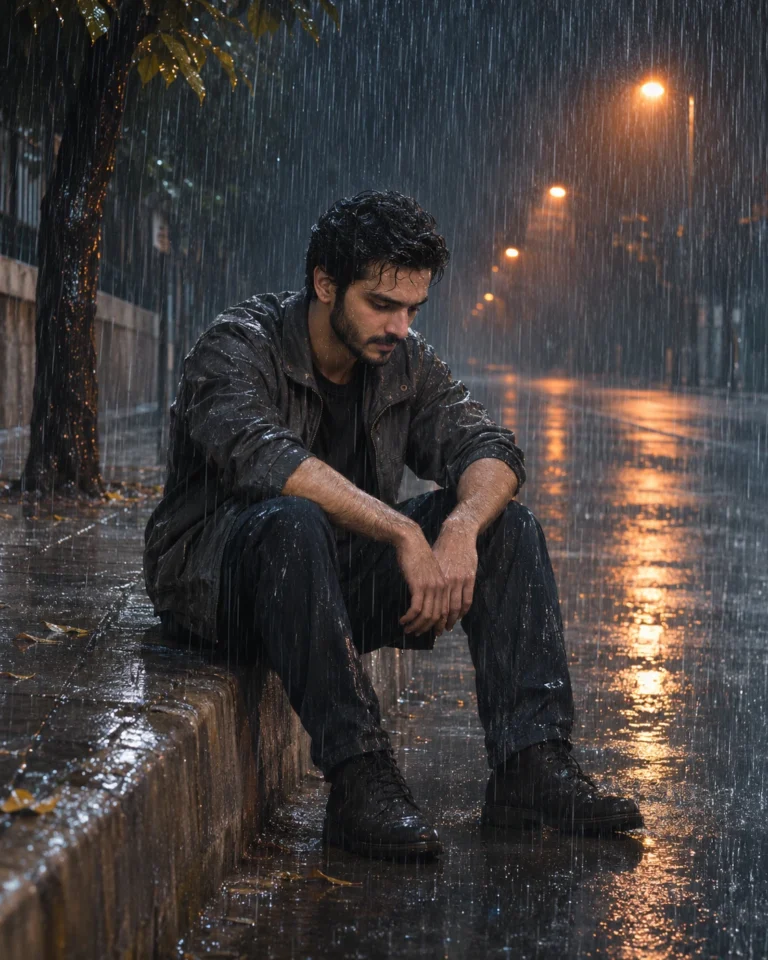
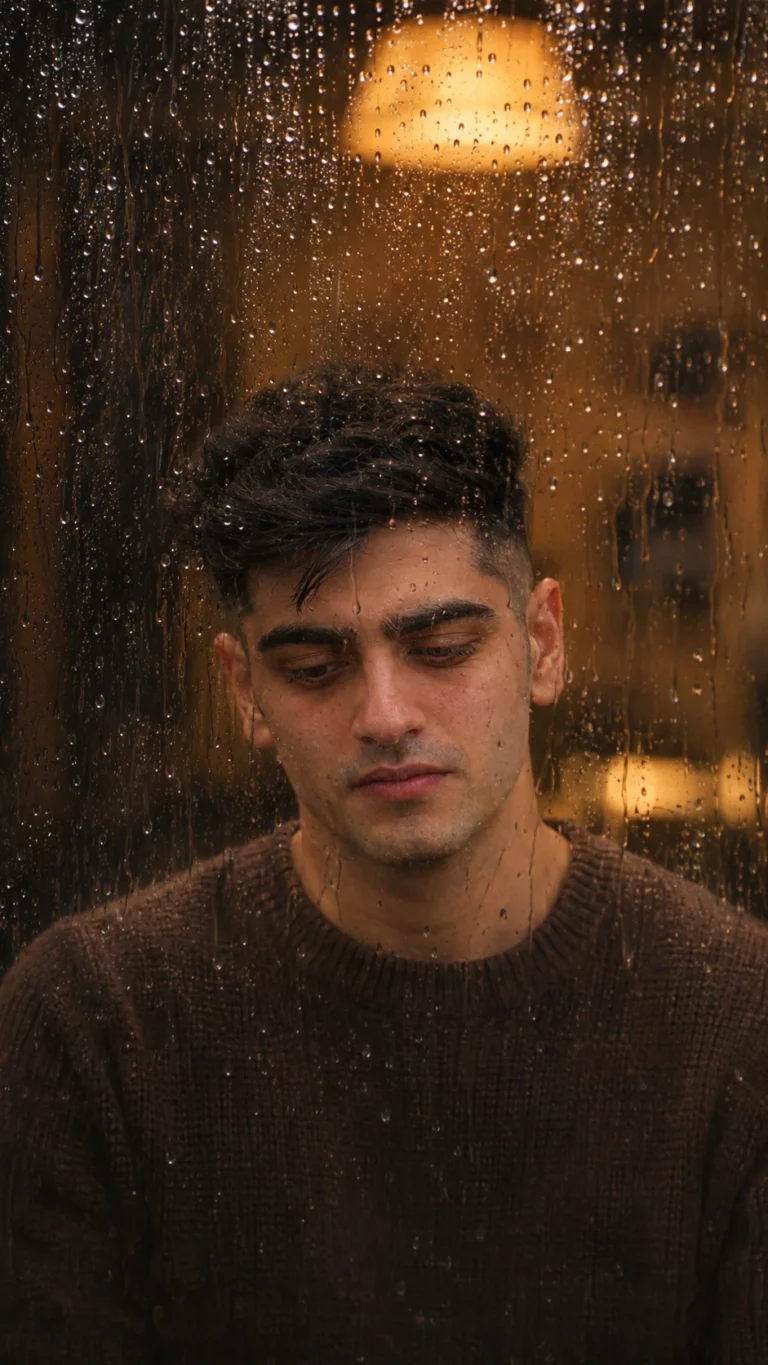
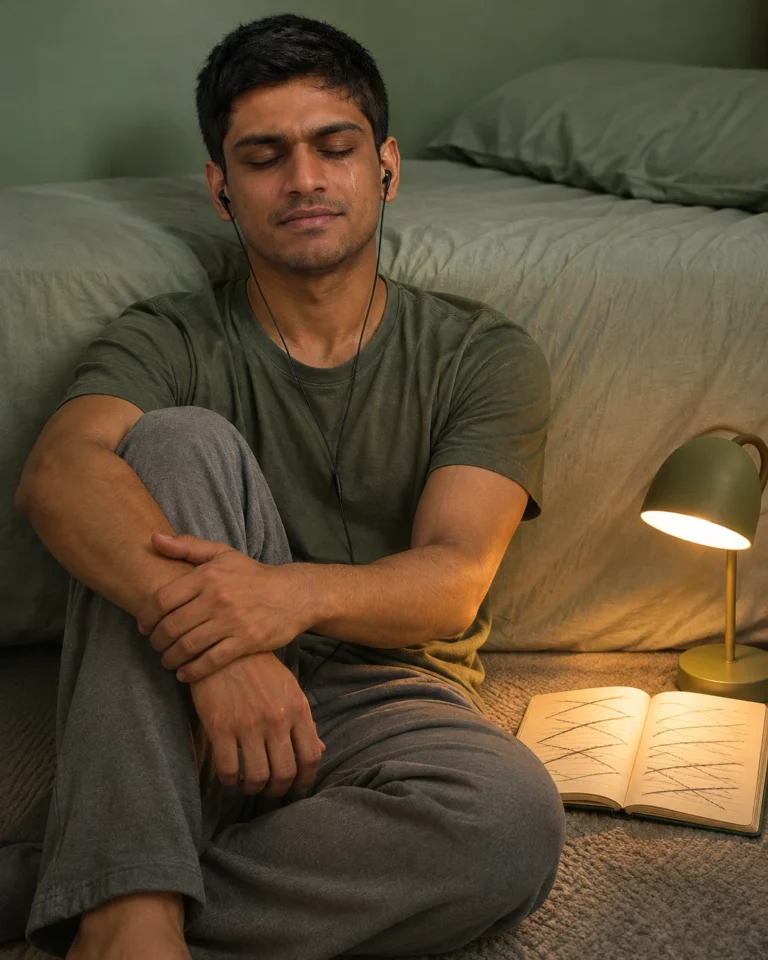
Anime Sad Boy in the Rain AI Photo Prompt for Boys
Copy this AI photo prompt for boys below and paste it into ChatGPT or Gemini with your own photo.
Your prompt
Edit the uploaded photo. Use the person in it as the identity reference. Keep their face shape, eyes, nose, lips, skin tone, age and hair exactly as they are. No face reshaping, no plastic-smooth skin.

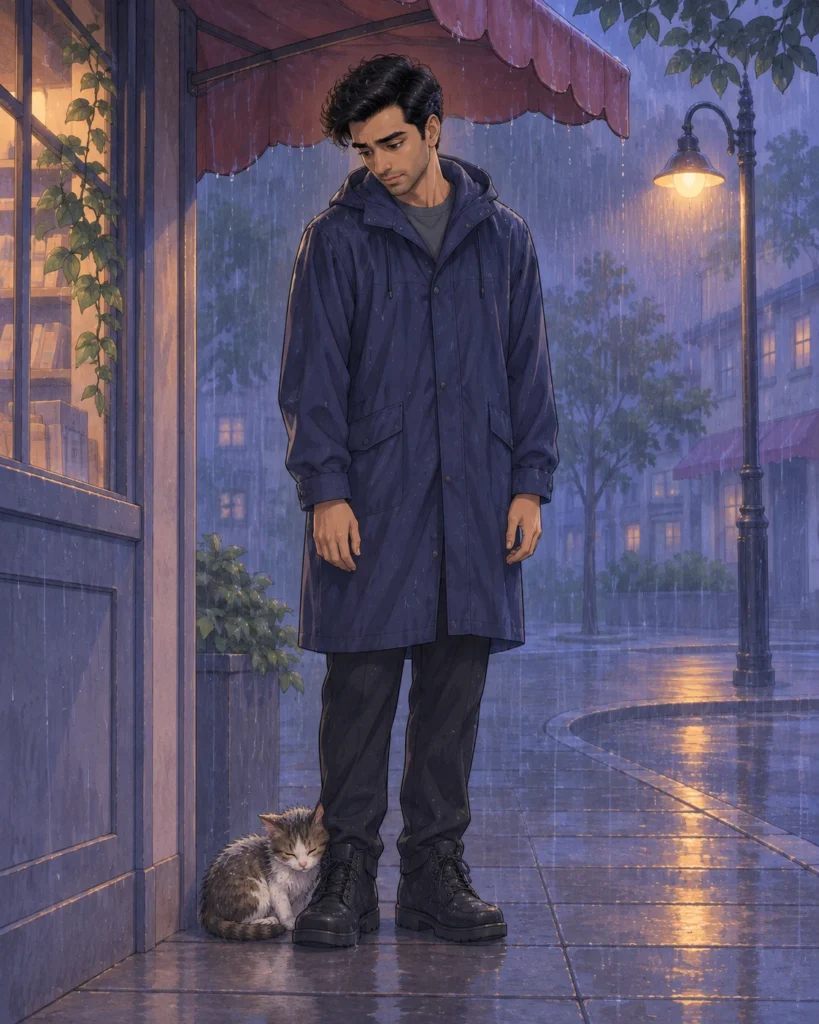
Draw the person full length at a quiet street corner in light rain under a flickering streetlight, shoulders lowered as he looks down at a small kitten sheltering beside his boots under a shop awning. A flicker from the streetlight touches the wet curb.

Styling: a loose navy raincoat and black trousers.

Soft blue-violet anime shading and small warm highlights in the rain. 4:5 frame. No watermark.
Collections and similar looks
Share
Help for this look
How to make it, tips, answers and quick fixes. Tap a row to open it.
What this prompt creates
A quiet street corner takes on soft blue and violet shades as rain falls. In a full-length anime drawing, you wear a navy raincoat and look down at a kitten under the shop awning by your boots. A flicker from the streetlight reaches the wet curb and puts small warm highlights into the rain around the two of you. The awning shelters the kitten's paws.
Make it yours
- Make the kitten ginger.
- Use a brighter navy raincoat.
- Let the streetlight leave a trace of gold on the curb.
Want to know more? Read about anime on Wikipedia.
How to make this anime sad boy in the rain photo
- Pick a clear photo
Face towards the camera in good light. Any outfit is fine; the prompt changes it.
- Copy the prompt
Make the kitten ginger.
- Paste with your photo
Open ChatGPT or Gemini, upload your photo, paste and send.
- Fine-tune it
Keep the lamp glow soft around your face.
Tips for this look
- Choose a sharp portrait.
- Keep your hairstyle visible.
- Use a neutral expression for the drawing.
- Upload a sharp portrait.
- Keep your hairstyle clear.
- Start from a neutral expression.
Quick answers
Can I use a photo of my cat for the kitten?
Yes. Describe its coat or include a clear reference.
Can I share this as a sad status?
Yes. A quiet image works on its own or with a short lyric or caption added after the edit.
Common problems and quick fixes
😕 My face doesn’t look like me
Use a sharper, front-facing photo in daylight, then reply “keep my face exactly as in my photo, only change the scene”.
🧸 The cartoon doesn’t look like me
Reply “keep my hairstyle, face shape and skin tone in the cartoon”. A smiling, front-facing photo helps most.
👗 The outfit colour isn’t right
Use the outfit quick change, or reply “make the outfit exactly [colour]”.
🎨 Skin looks too smooth
Reply “keep my natural skin texture, no beauty filter”. Small follow-ups work better than starting over.
More looks for boys
Similar looks, picked by style and occasion.