Coming up: Christmas
 Find my look in 3 taps







































 Sheru Bhai Photo & Image in Every Style
Sheru Bhai Easy Drawing Prompt
Copy this AI image prompt below and paste it into ChatGPT or Gemini. No photo needed.
Your prompt
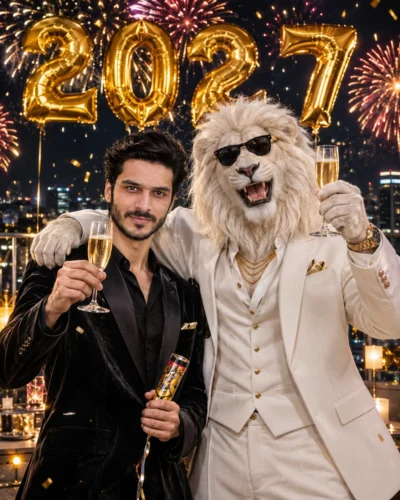
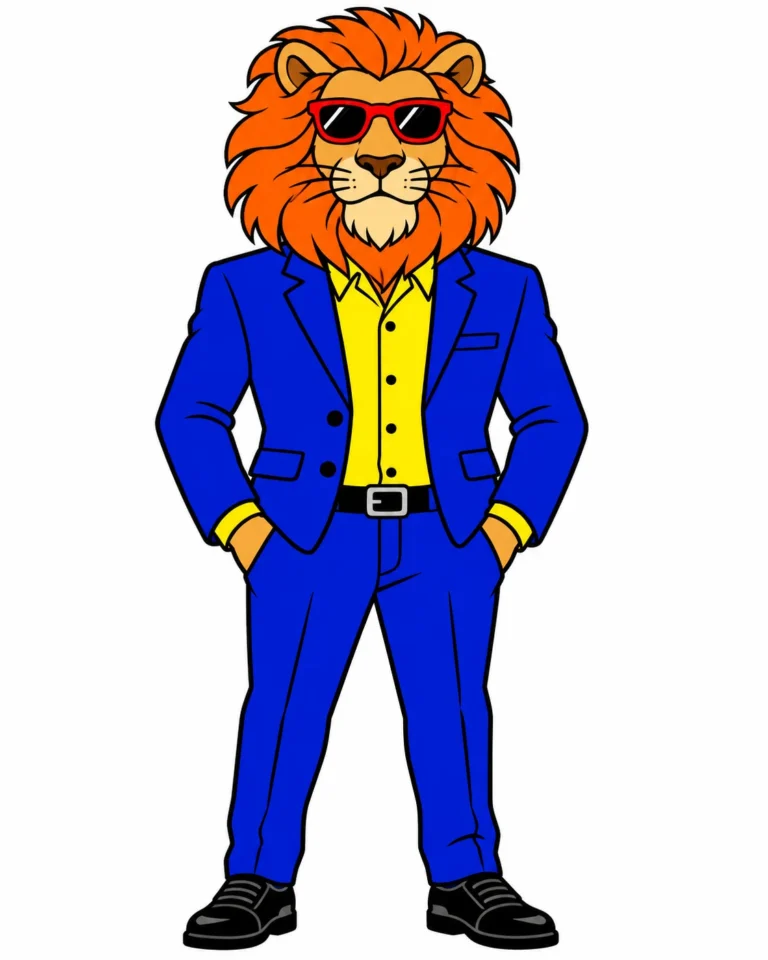
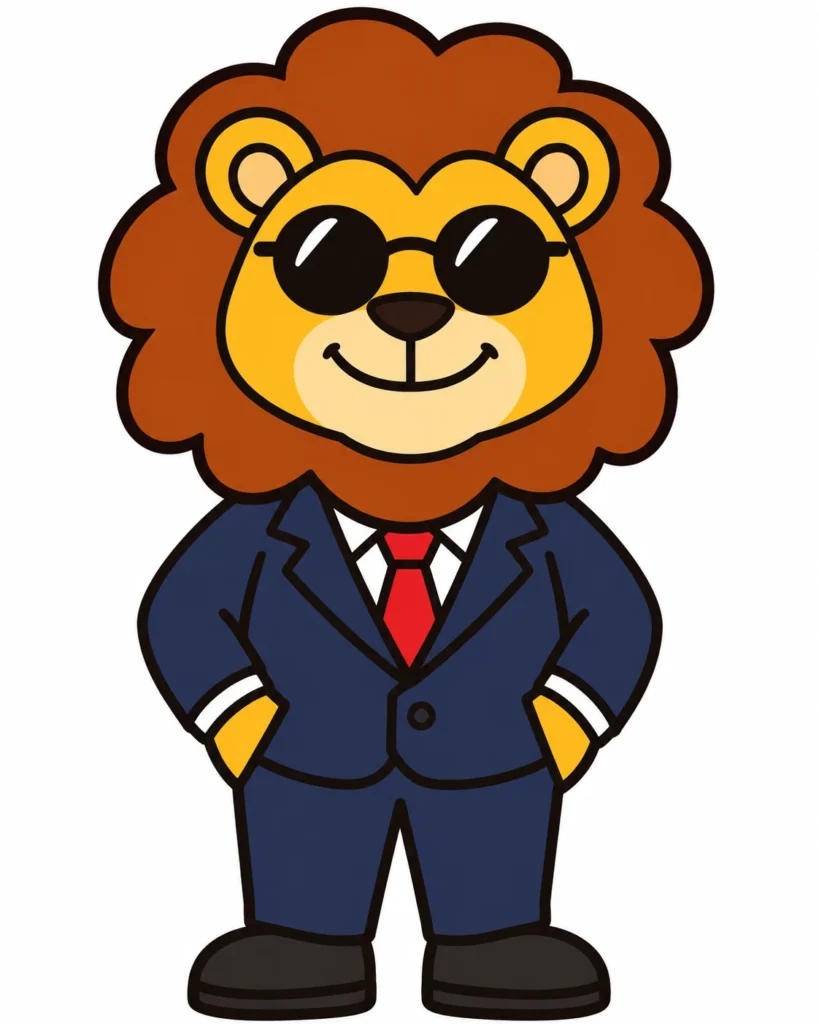
Create an image in this style: simple flat cartoon drawing of Sheru Bhai, the viral lion-headed boss (an AI character, our own version).

A very simple, easy drawing of Sheru Bhai, a cute man with a lion's head and a fluffy mane, full body on a white page, made of a few bold shapes that a beginner can copy.

Styling: a simple suit and round sunglasses.

Thick clean outlines, flat colours, no tiny details, friendly smile. 4:5 frame. No watermark.
Collections and similar looks
Share
Help for this look
How to make it, tips, answers and quick fixes. Tap a row to open it.
What this prompt creates
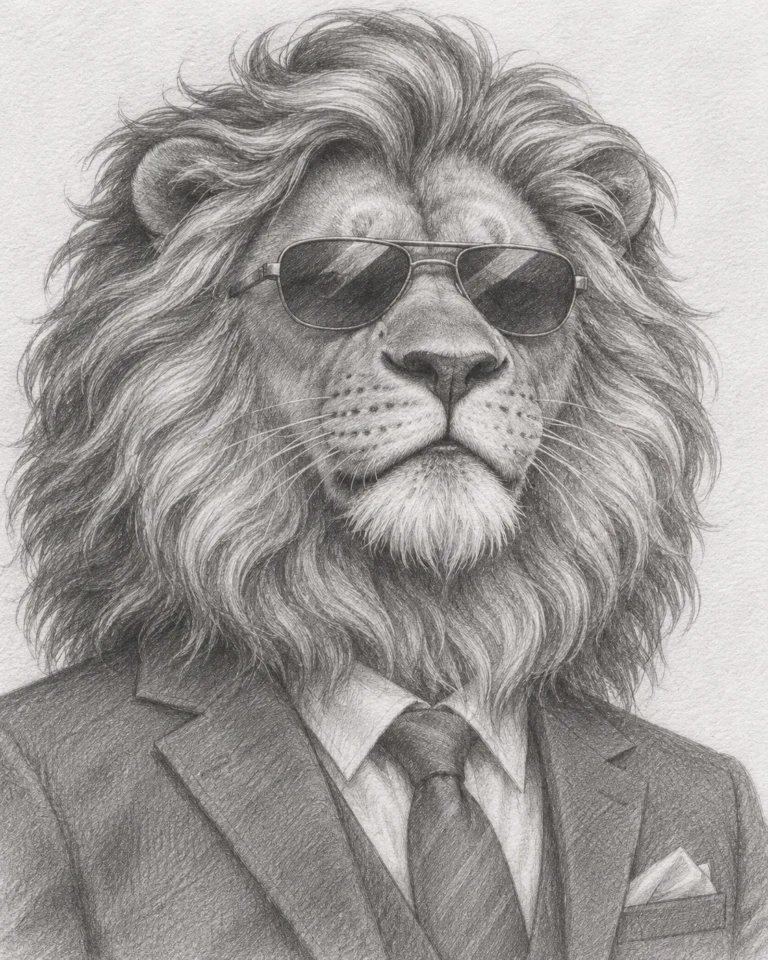
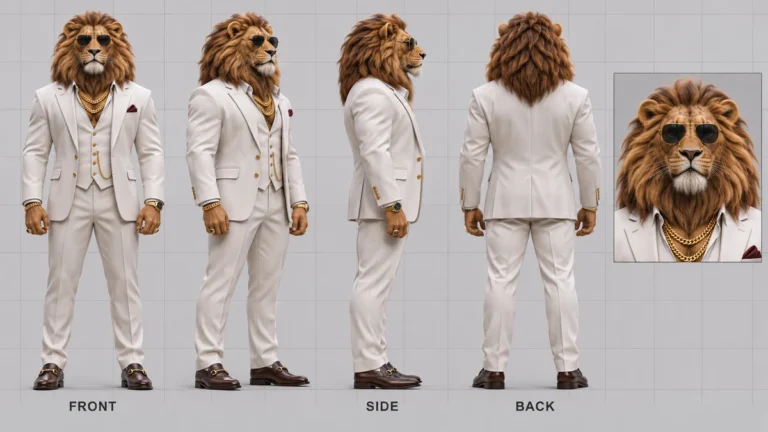
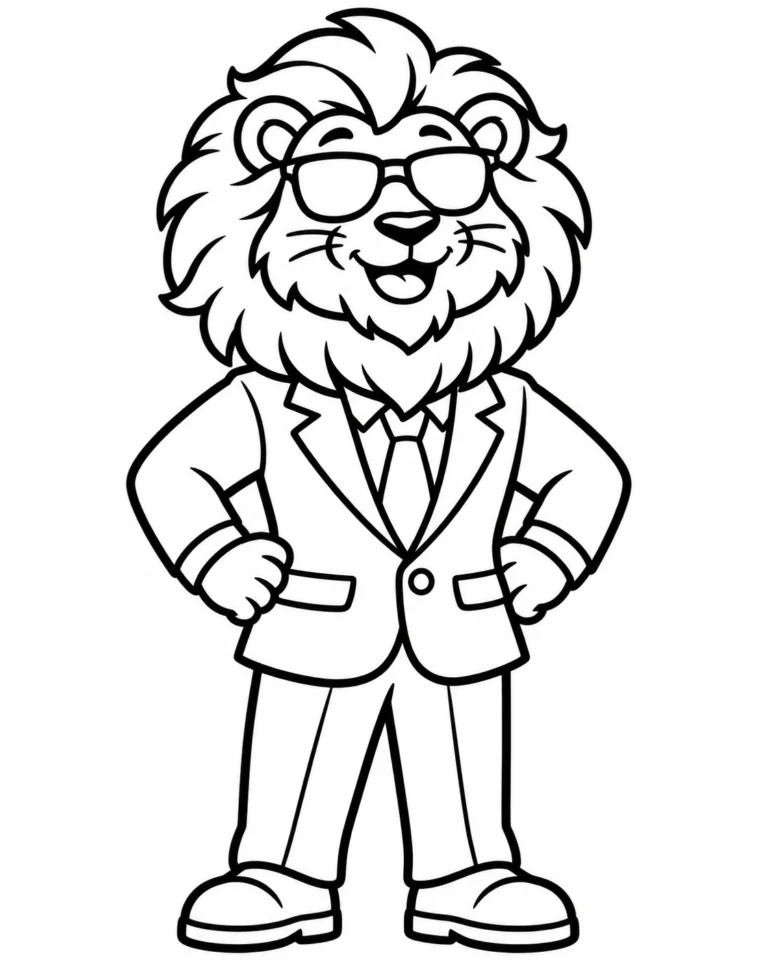
A friendly smile sits in the middle of Sheru Bhai's fluffy mane. On a white page you see his full figure, with round sunglasses and a simple suit picked out in flat colours. Bold lines join the big shapes of his head, body and clothes. The outline stays clear all the way down, so you can see where to start when you copy him.
Make it yours
- Switch the suit to a simple kurta.
- Make the glasses oval.
- Try a light orange mane.
Want to know more? Read about cartoon drawing on Wikipedia.
How to make this Sheru Bhai Easy Drawing
- Copy the prompt
Change the outfit in the quick changes.
- Paste it, no photo needed
Open ChatGPT or Gemini, paste the prompt and send. You do not need to upload anything.
- Fine-tune it
Reply “show it as 4 drawing steps” for a step-by-step guide.
Tips for this look
- Paste it in a new chat for the cleanest result.
- Change only the highlighted parts first.
- Ask for 2 or 3 versions and keep the best.
- Ask for the same drawing broken into four steps if you get stuck.
- Keep the outline bold enough to see from a phone on your desk.
- If the clothes come out too detailed, ask for a jacket built from two or three shapes.
If Sheru Bhai looks different
Reply “keep the same lion head, mane and outfit as before and only change the scene”. A new chat with the same prompt also helps.
- Ask for the same drawing broken into four steps if you get stuck.
- Keep the outline bold enough to see from a phone on your desk.
- If the clothes come out too detailed, ask for a jacket built from two or three shapes.
Quick answers
Is Sheru Bhai a real person?
No. Sheru Bhai is a viral AI character, a man with a lion’s head. There is no real face behind him; this prompt draws him fresh every time.
Do I need to upload a photo?
No. Paste the prompt on its own and ChatGPT or Gemini draws Sheru Bhai from the words.
Is it good for kids?
Yes. The shapes are big and simple so kids can copy them.
Common problems and quick fixes
😕 My face doesn’t look like me
Use a sharper, front-facing photo in daylight, then reply “keep my face exactly as in my photo, only change the scene”.
🧸 The cartoon doesn’t look like me
Reply “keep my hairstyle, face shape and skin tone in the cartoon”. A smiling, front-facing photo helps most.
👗 The outfit colour isn’t right
Use the outfit quick change, or reply “make the outfit exactly [colour]”.
🎨 Skin looks too smooth
Reply “keep my natural skin texture, no beauty filter”. Small follow-ups work better than starting over.
You might also like
Similar looks, picked by style and occasion.