Coming up: Christmas
 Find my look in 3 taps














































 💑 Couple
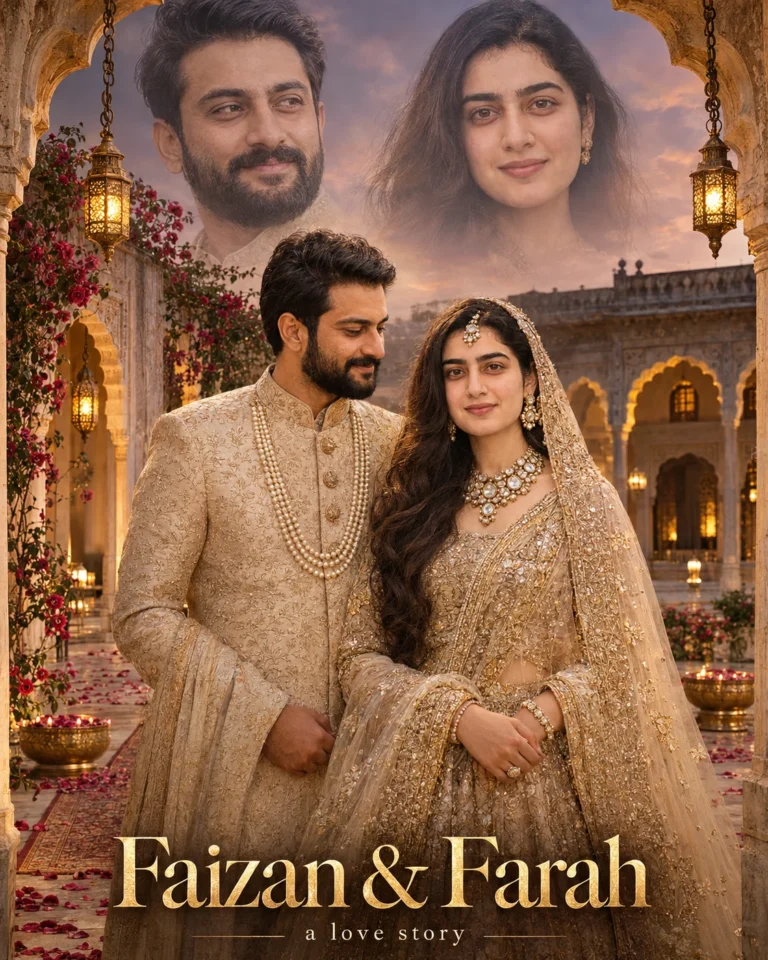
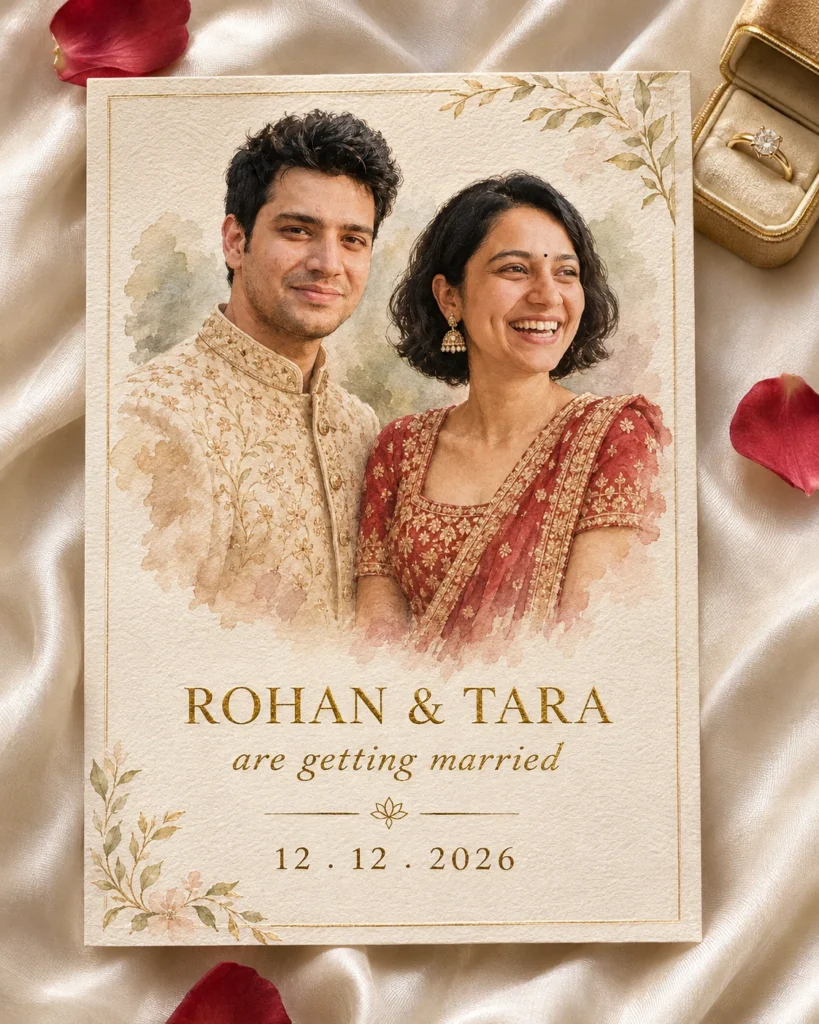
Wedding Card With Our Faces AI Photo Prompt
Copy this couple AI photo prompt below and paste it into ChatGPT or Gemini with a photo of you both.
Your prompt
Edit the uploaded photo of two people. Use each person as their own identity reference and keep both faces exactly as they are: face shape, eyes, nose, lips, skin tone, age and hair. Keep the two people clearly separate; do not blend their features.

Create a flat-lay photo of a luxury wedding invitation card on silk with rose petals and a gold ring box. The card shows an elegant watercolour portrait of the two people in wedding clothes (a sherwani for him and a red lehenga for her in the portrait), with gold foil text “NAME & NAME”, “are getting married” and the date.

Crisp text, premium stationery look, soft daylight. 4:5 frame. No watermark.
Collections and similar looks
Share
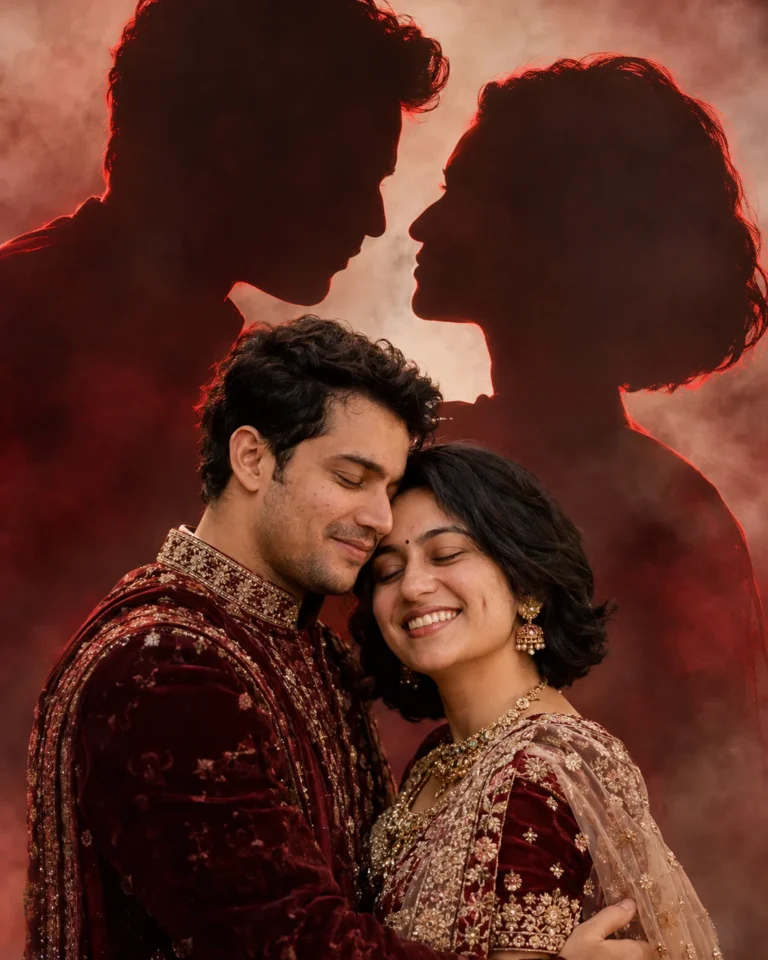
Made with this prompt
More versions of this look
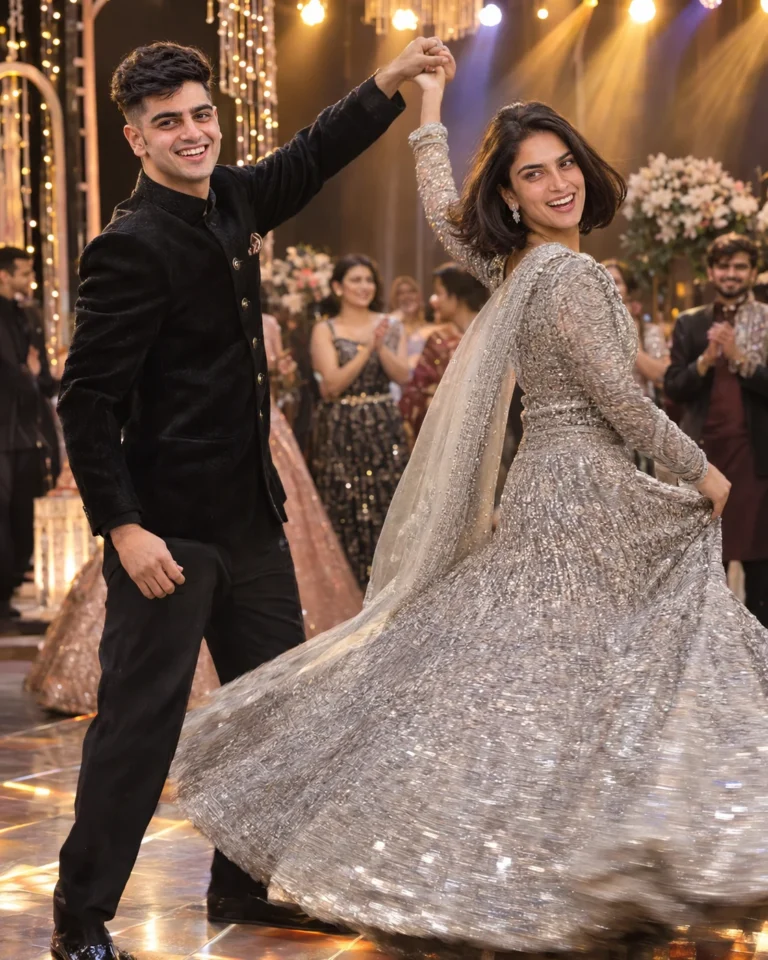
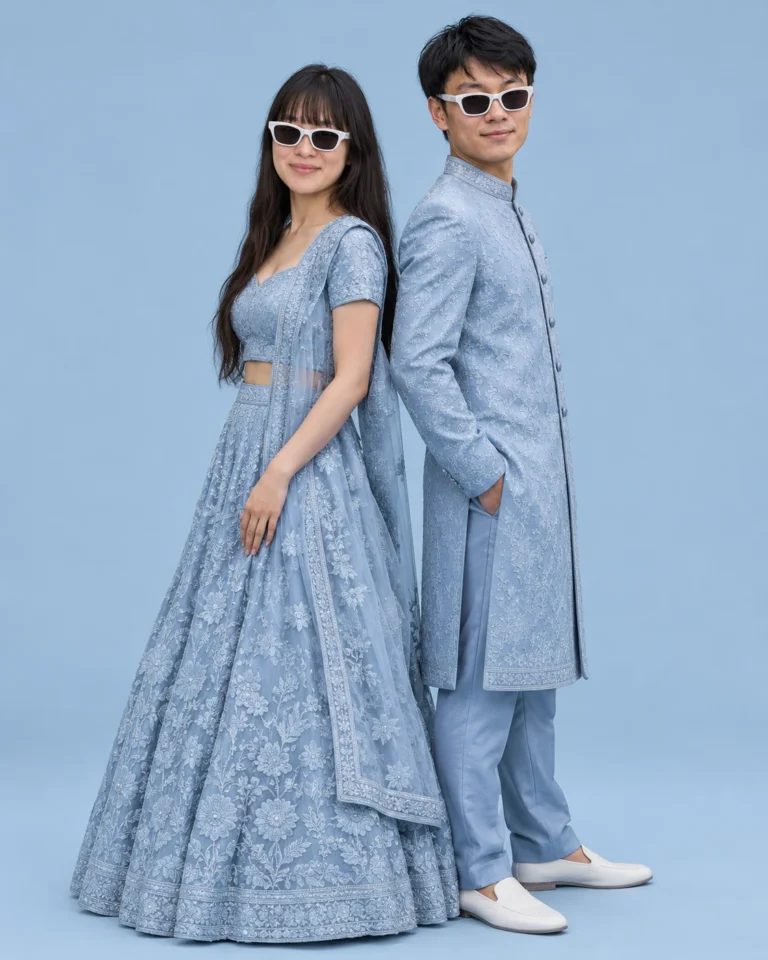
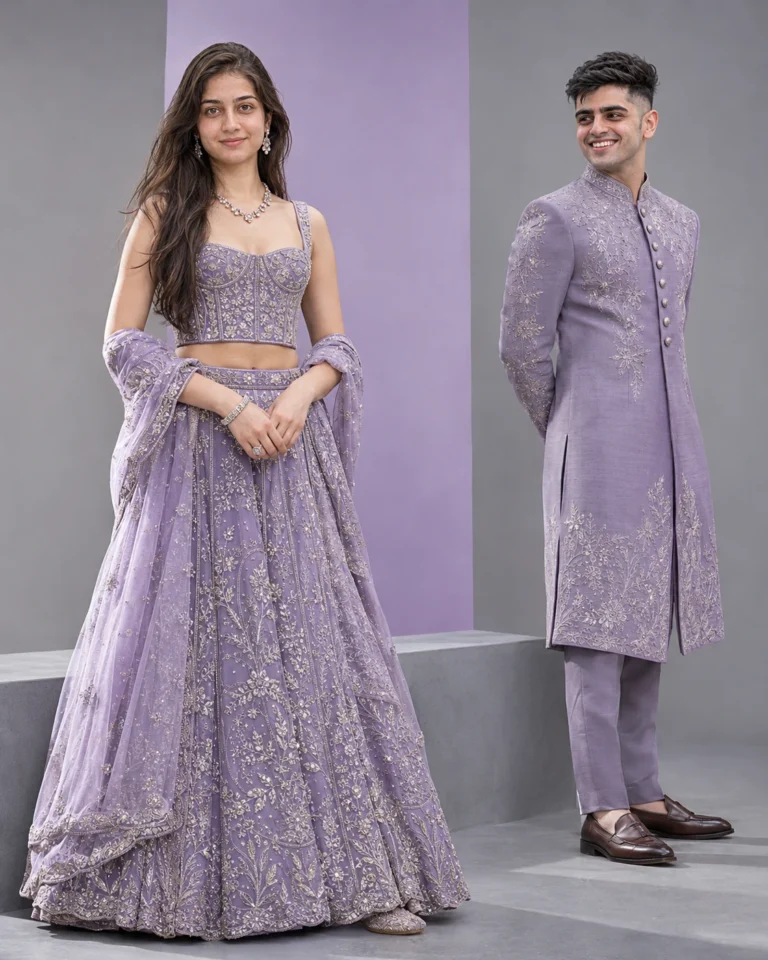
Same prompt, one quick change each. Tap a photo to see it above, or tap Copy prompt to copy that version.
Help for this look
How to make it, tips, answers and quick fixes. Tap a row to open it.
What this prompt creates
A flat-lay photo of a luxury wedding invitation laid on silk, with rose petals around it and a gold ring box beside it. On the card is a soft watercolour painting of you both in wedding clothes, him in a sherwani and her in a red lehenga. Gold foil letters spell your names, the words are getting married and the date, all crisp and readable in soft daylight.
Make it yours
- Replace NAME & NAME and the date with your own names and wedding date.
- Change the silk to ivory and the petals to white jasmine.
- Ask for the portrait in a saree and veshti for a South Indian card.
Want to know more? Read about wedding invitations on Wikipedia.
How to make this wedding card photo
- Pick a clear photo of you both
Face towards the camera in good light. Any outfit is fine; the prompt changes it.
- Copy the prompt
Before you copy: replace NAME & NAME and the date with yours.
- Paste with your photo
Open ChatGPT or Gemini, upload your photo, paste and send.
- Fine-tune it
Reply “fix the spelling” if a letter is off.
Tips for this look
- Use it as your WhatsApp e-invite.
- Try a Ganesha motif at the top.
- Use 9:16 for a status invite.
- Use a photo of you both facing the camera, since the painting is based on your faces.
- Check every letter of the names after it is made, and ask the AI to fix the spelling if needed.
- A clear, well-lit photo gives a cleaner watercolour likeness.
Quick answers
Will the names be spelt right?
Short names come out clean; reply with any fixes.
Can I print it?
It is great for sharing; for print, ask your designer to match it.
Common problems and quick fixes
👥 Our faces got mixed
Keep the first lines of the prompt: they tell the tool to keep you two separate. Two separate clear photos also help.
🔤 The words are spelt wrong
Reply “fix the spelling, it should read: …” with the exact words. Short names come out cleanest.
👗 The outfit colour isn’t right
Use the outfit quick change, or reply “make the outfit exactly [colour]”.
🎨 Skin looks too smooth
Reply “keep my natural skin texture, no beauty filter”. Small follow-ups work better than starting over.
More couple looks
Similar looks, picked by style and occasion.