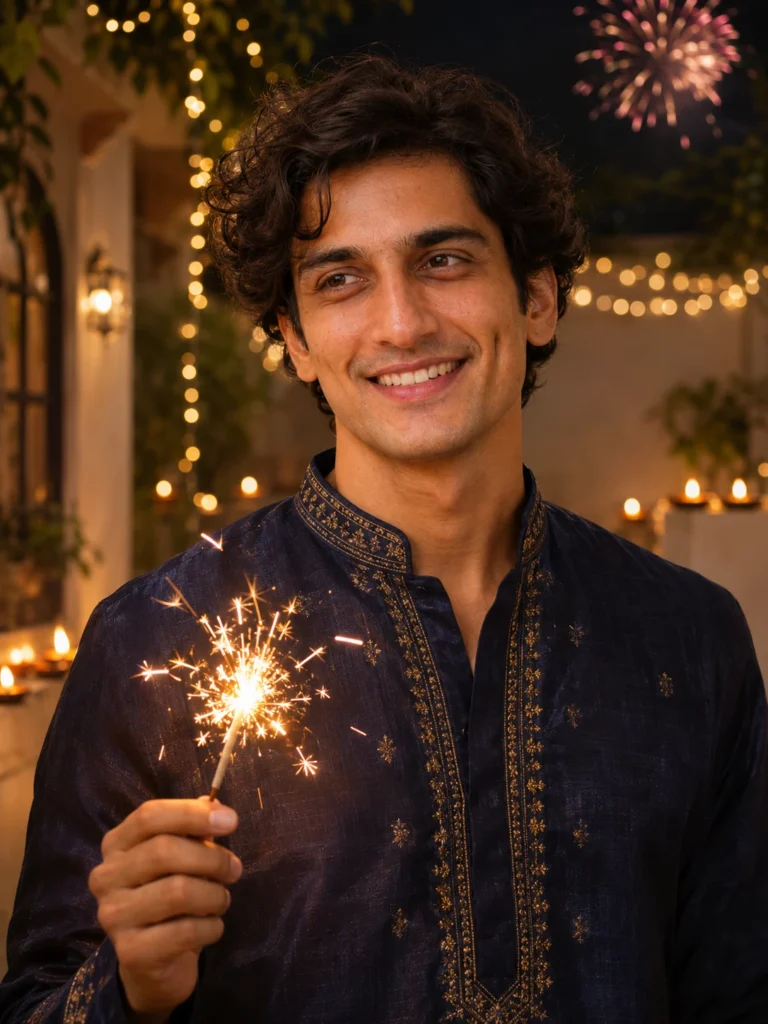
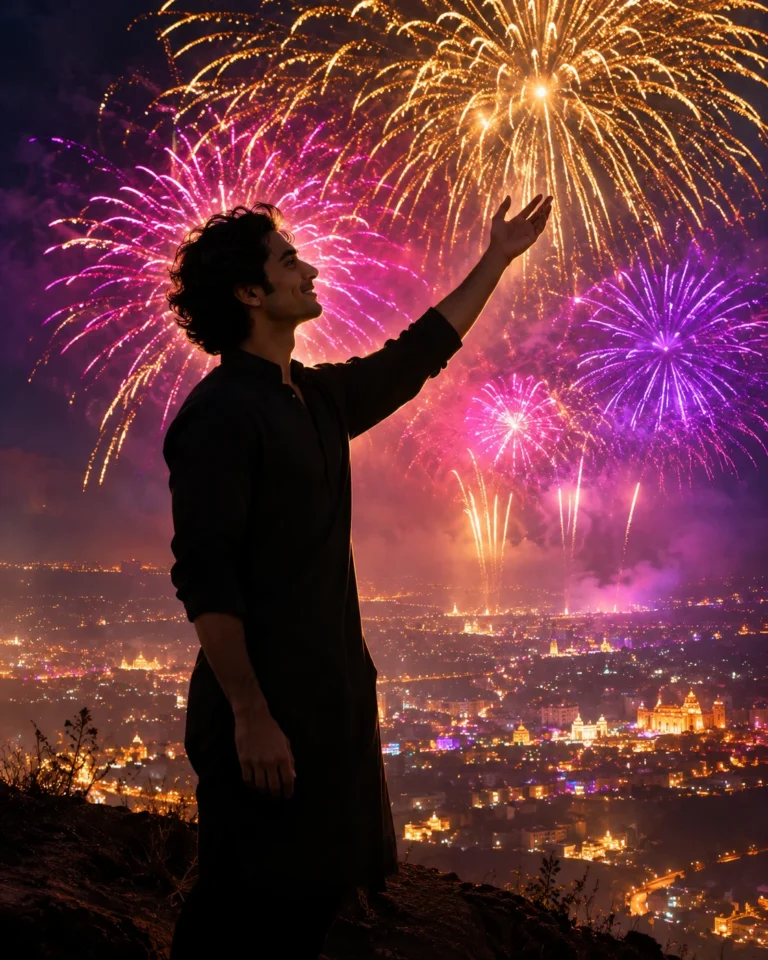
Coming up: Christmas
 Find my look in 3 taps





























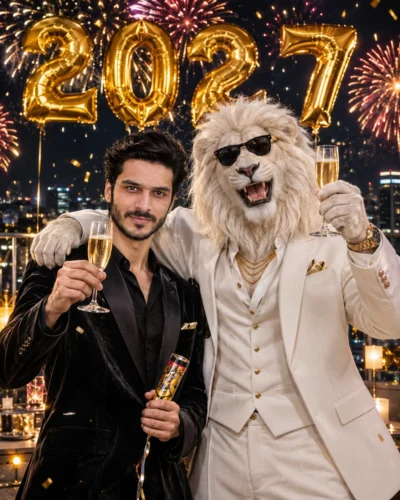











 🪔 Festive
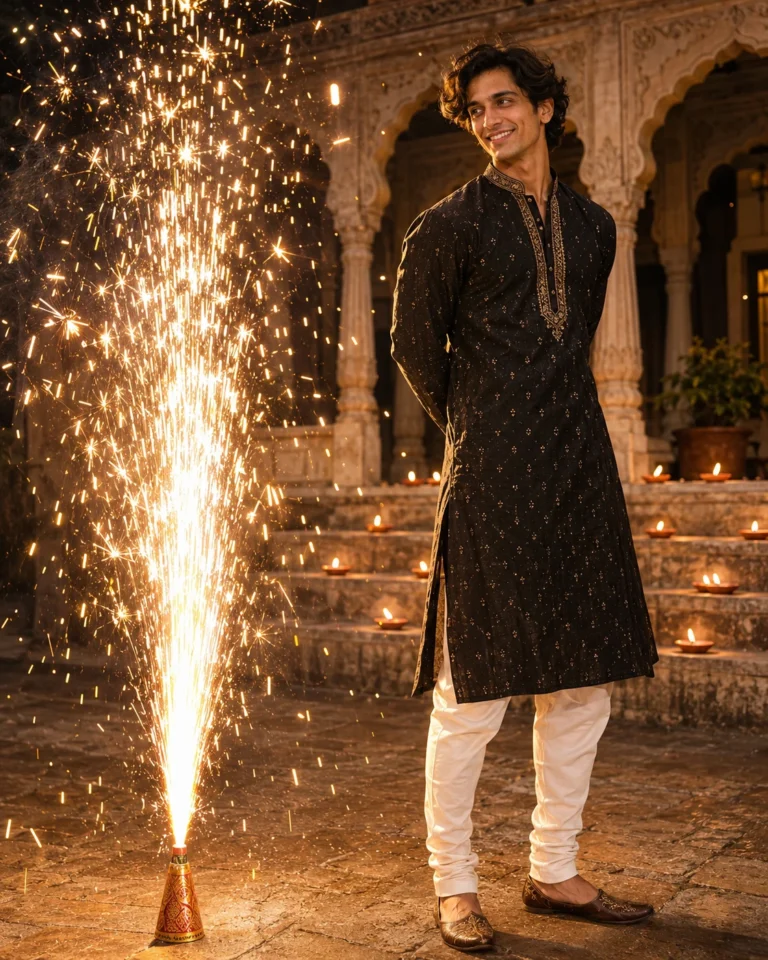
Diwali Anaar Fountains Happy Diwali Text AI Photo Prompt
Copy this AI photo prompt for boys below and paste it into ChatGPT or Gemini with your own photo.
Your prompt
Edit the uploaded photo. Use the person in it as the identity reference. Keep their face shape, eyes, nose, lips, skin tone, age and hair exactly as they are. No face reshaping, no plastic-smooth skin.

Scene: Diwali night in a palace-style courtyard lined with diyas. They stand in the centre, smiling, arms slightly open, between two tall fountain firecrackers (anaar) erupting in golden sparks on both sides, framing them symmetrically.

Styling: they wear a royal blue silk kurta with a white churidar.

Finish: bold glowing golden 3D text “Happy Diwali” above them. Low angle, sparks frozen. Premium festive finish: rich warm golden light, glowing bokeh, crisp detail, natural skin texture. 4:5 frame. No watermark.
Collections and similar looks
Share
Help for this look
How to make it, tips, answers and quick fixes. Tap a row to open it.
What this prompt creates
He stands in the middle of a palace-style courtyard lined with diyas, arms slightly open and smiling, while two tall anaar fountains shoot golden sparks on either side of him. The sparks are frozen mid-air like two glowing pillars. He wears a royal blue silk kurta with a white churidar, and bold glowing 3D letters reading Happy Diwali float above his head, shot from a low angle.
Make it yours
- Change the royal blue kurta to emerald green or black with gold buttons.
- Replace Happy Diwali with Shubh Deepavali or your family name.
- Set it on a rooftop instead of a courtyard, with the anaars on the parapet.
Want to know more? Read about fireworks on Wikipedia.
How to make this anaar Diwali wish photo
- Pick a clear photo
Face towards the camera in good light. Any outfit is fine; the prompt changes it.
- Copy the prompt
Tap Copy prompt. Change the outfit or place in the prompt first.
- Paste with your photo
Open ChatGPT or Gemini, upload your photo, paste and send.
- Fine-tune it
Reply “add my name under Happy Diwali” to make it a personal wish.
Tips for this look
- A full-body standing photo works best.
- Great as a WhatsApp DP for Diwali day.
- Girls: switch the outfit to a lehenga.
- Upload a front-facing photo where you stand straight: the pose is symmetrical, so a tilted body looks odd.
- Choose a picture with your arms visible, so the open-arms pose looks natural.
- A full or three-quarter body photo works better than a close selfie for this low-angle shot.
Quick answers
Can I add my name to the text?
Yes. Add “from [your name]” after Happy Diwali in the prompt.
Is it safe to be near anaars?
It is an AI photo, so no real fireworks are needed.
Common problems and quick fixes
😕 My face doesn’t look like me
Use a sharper, front-facing photo in daylight, then reply “keep my face exactly as in my photo, only change the scene”.
🔤 The words are spelt wrong
Reply “fix the spelling, it should read: …” with the exact words. Short names come out cleanest.
🧸 The cartoon doesn’t look like me
Reply “keep my hairstyle, face shape and skin tone in the cartoon”. A smiling, front-facing photo helps most.
🌙 My face looks too dark
Reply “add soft warm light on my face, keep the background the same”.
More looks for boys
Similar looks, picked by style and occasion.