Coming up: Christmas
 Find my look in 3 taps








































 💑 Couple
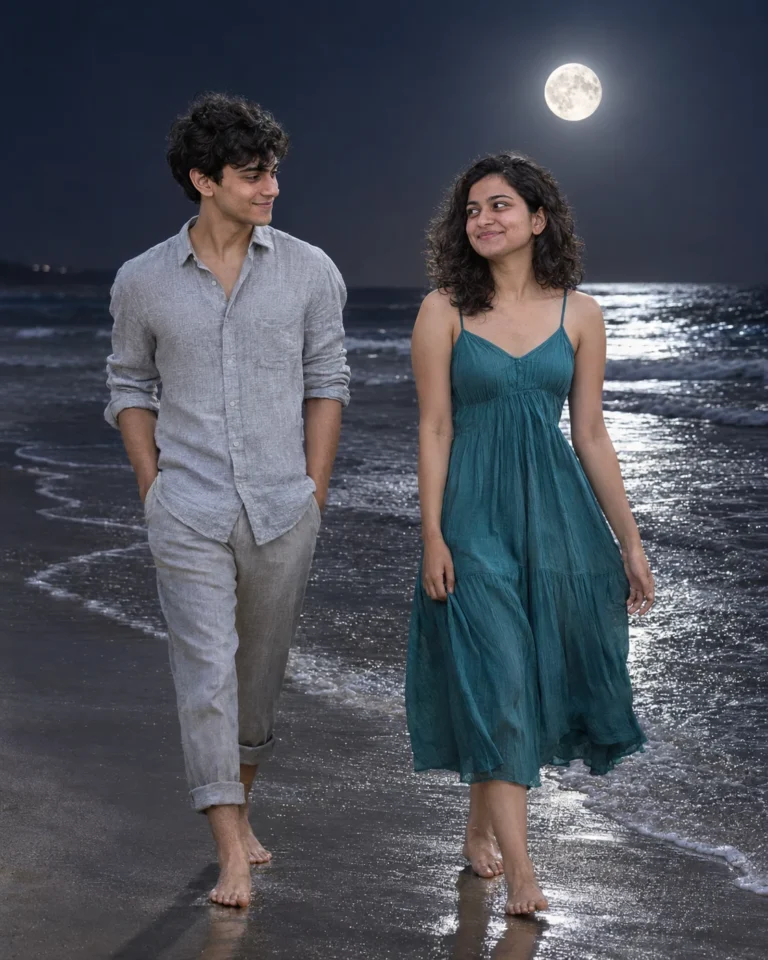
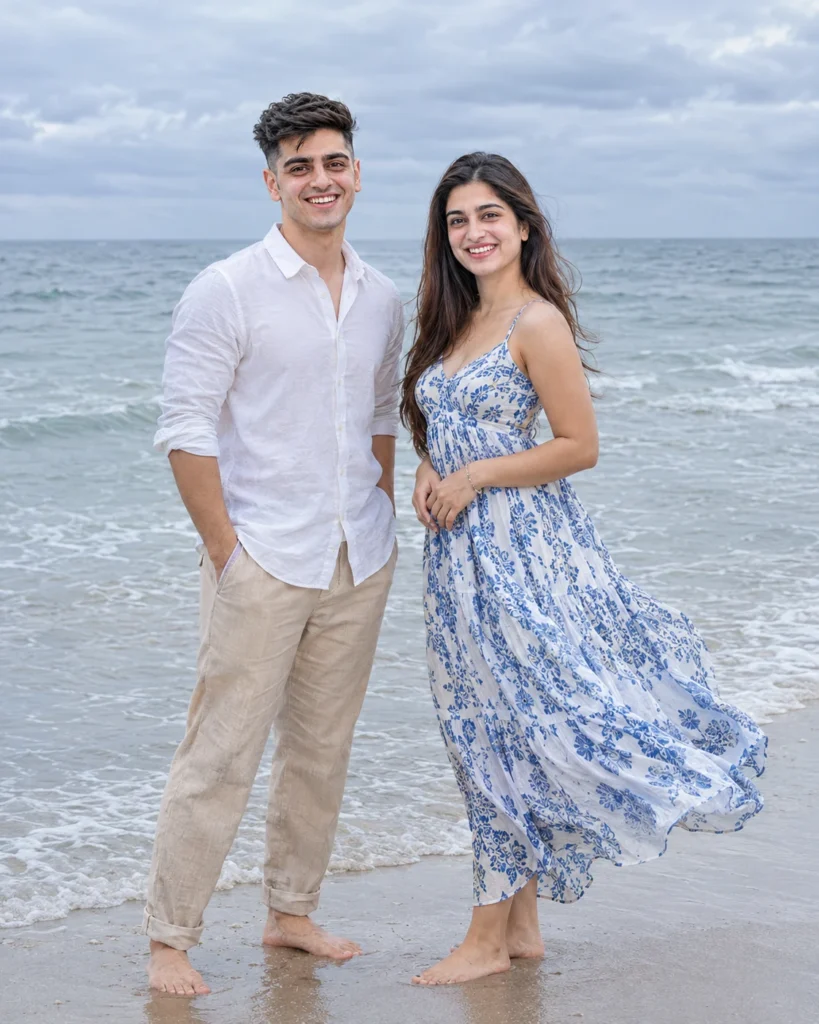
Cloudy Ocean Beach Couple AI Photo Prompt
Copy this couple AI photo prompt below and paste it into ChatGPT or Gemini with a photo of you both.
Your prompt
Edit the uploaded photo of two people. Use each person as their own identity reference and keep both faces exactly as they are: face shape, eyes, nose, lips, skin tone, age and hair. Keep the two people clearly separate; do not blend their features.

At a wide ocean beach with pale waves and a soft blanket of cloud, frame the couple from head to toe just above the wash of the waves, with their shoulders turned towards each other. Let the breeze catch her hem as light through the clouds falls evenly on their faces.

Styling: a white full-sleeve shirt with beige trousers for him, and a flowing white-and-blue dress for her.

Soft grey daylight, pale sea blues and an easy holiday mood. Real photo look, natural skin texture, true-to-life colours, crisp detail. 4:5 frame. No watermark.
Collections and similar looks
Share
Help for this look
How to make it, tips, answers and quick fixes. Tap a row to open it.
What this prompt creates
You both stand close to the ocean where the wash thins out on the sand. A white long-sleeved shirt and beige trousers pick up the pale colours of the shore, while the blue in the dress ties it to the sea. You turn your shoulders towards each other as the breeze lifts the hem. Light from the cloudy sky reaches both faces evenly.
Make it yours
- Try a finer blue stripe on the dress.
- Use pale stone trousers.
- Place the foam farther behind you.
Want to know more? Read about the ocean beach on Wikipedia.
How to make this cloudy ocean beach couple photo
- Pick a clear photo of you both
Face towards the camera in good light. Any outfit is fine; the prompt changes it.
- Copy the prompt
Try a dress with a narrower blue stripe.
- Paste with your photo
Open ChatGPT or Gemini, upload your photo, paste and send.
- Fine-tune it
Ask for a level horizon and the full hem in view.
Tips for this look
- Pick a sharp photo of each face.
- A clear photo together works too.
- Choose 4:5 for a portrait post.
- Pick photos taken in open shade.
- Show both faces from the front or a slight angle.
- Use an unfiltered photo for each person.
Quick answers
How do I keep the white clothes visible?
Ask for visible fabric folds and soft grey highlights.
Can the sea look calm?
Ask for a low line of foam behind your feet.
Common problems and quick fixes
👥 Our faces got mixed
Keep the first lines of the prompt: they tell the tool to keep you two separate. Two separate clear photos also help.
👗 The outfit colour isn’t right
Use the outfit quick change, or reply “make the outfit exactly [colour]”.
🎨 Skin looks too smooth
Reply “keep my natural skin texture, no beauty filter”. Small follow-ups work better than starting over.
🔁 It isn’t quite the look
Regenerate once, or reply with one change at a time, like “wider shot” or “warmer light”.
More couple looks
Similar looks, picked by style and occasion.