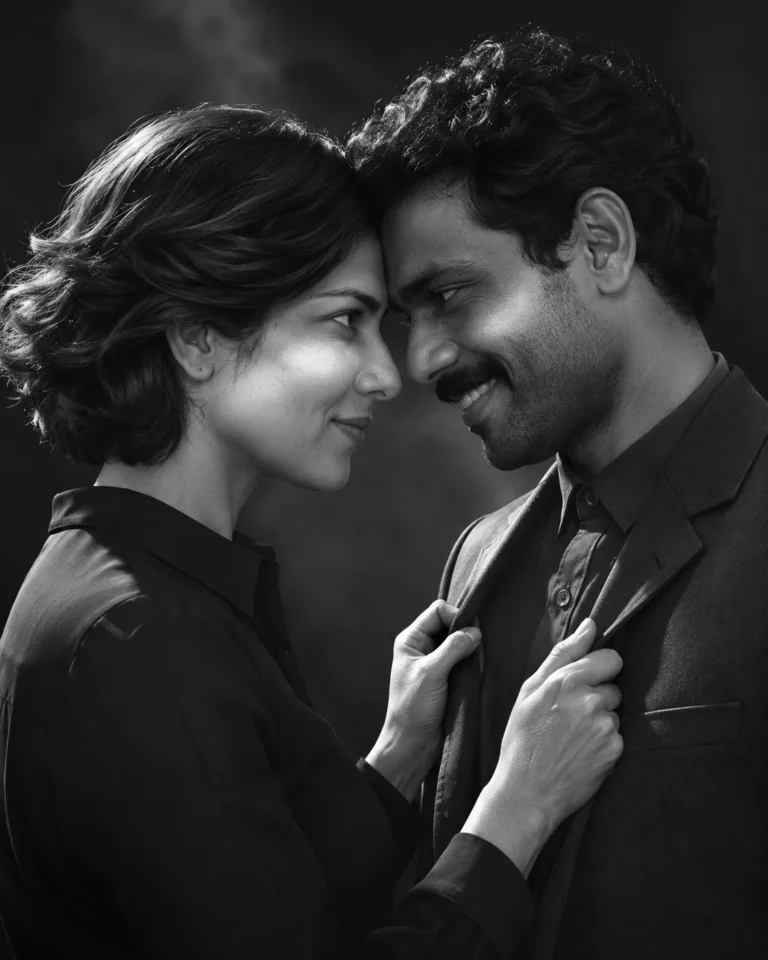
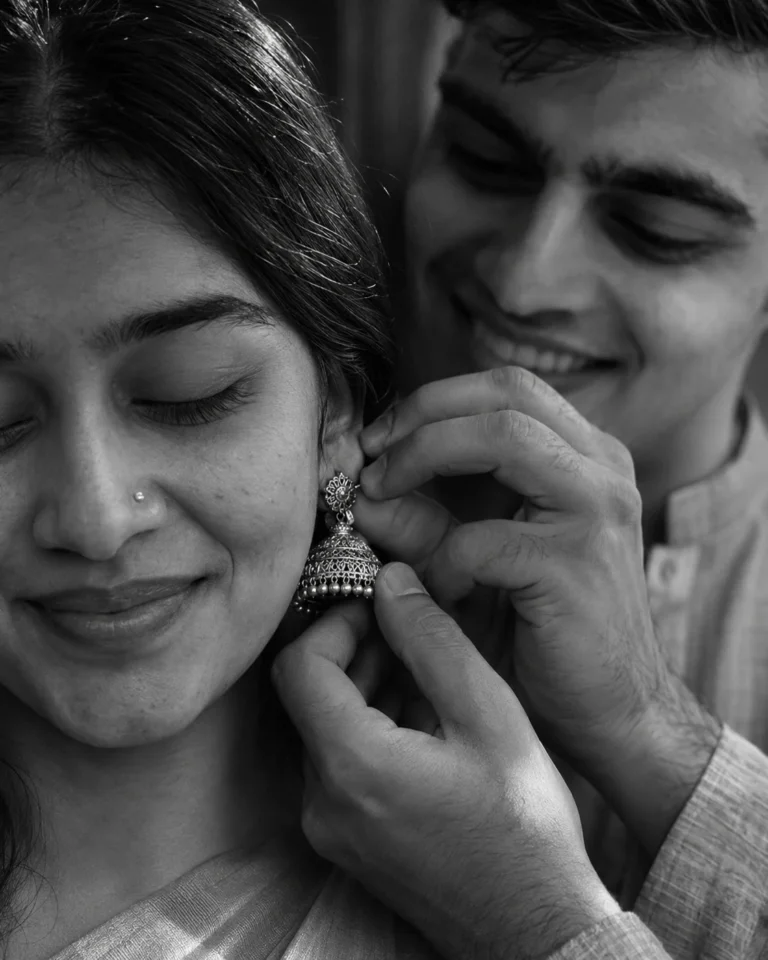
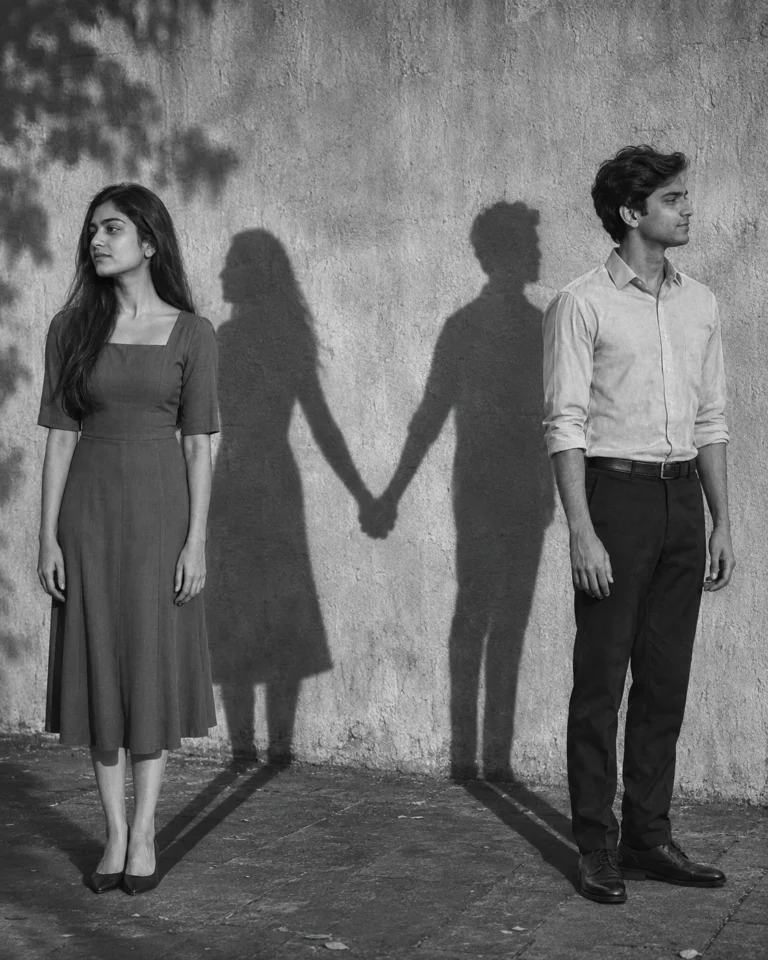
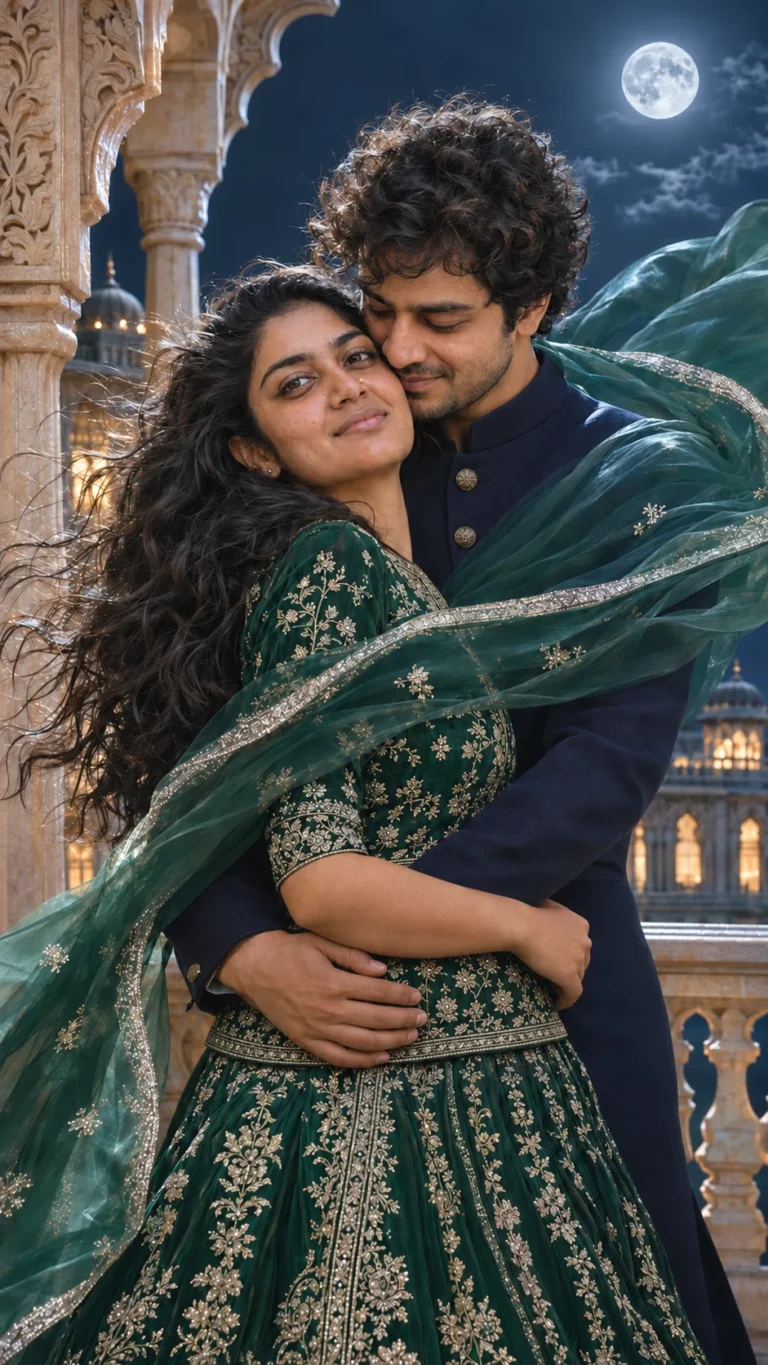
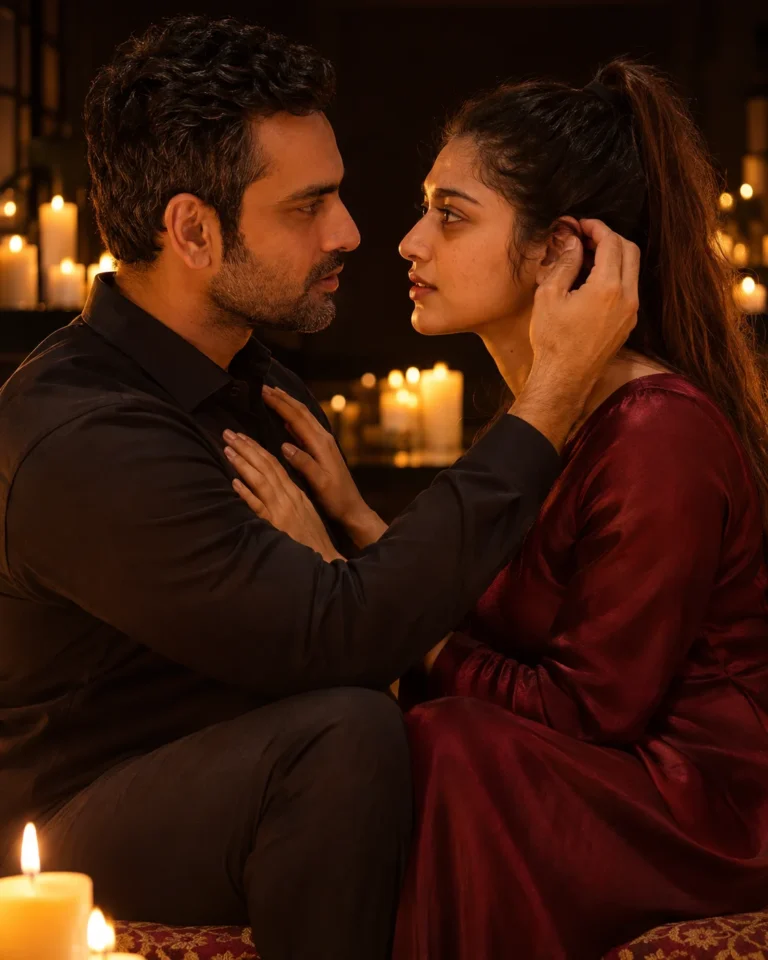
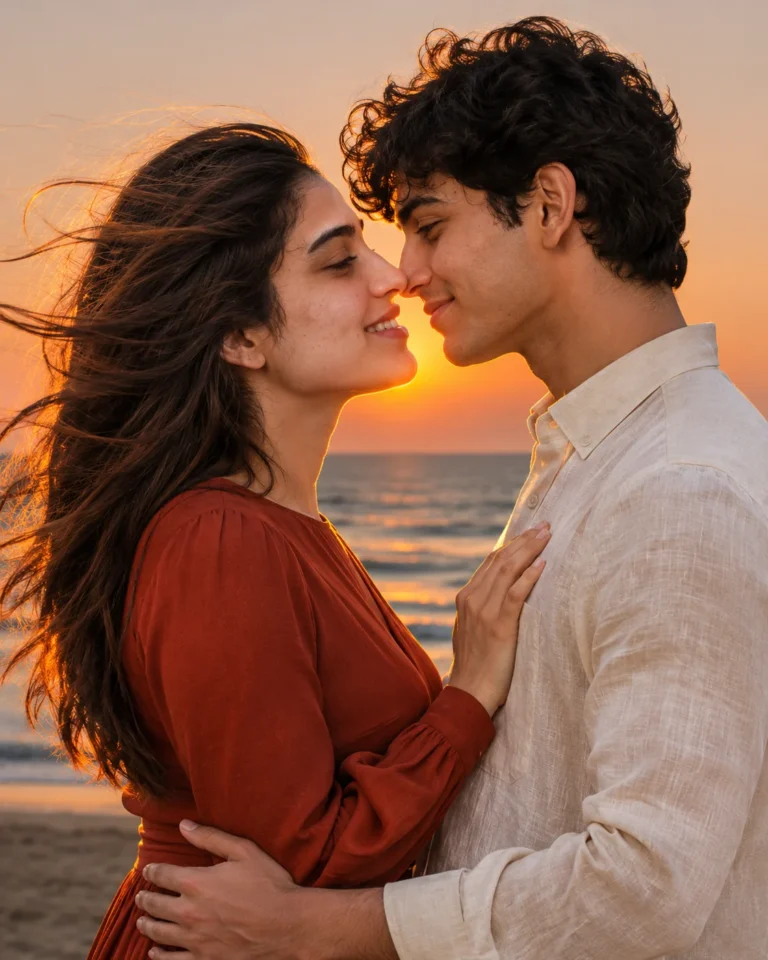
Coming up: Christmas
 Find my look in 3 taps

















































 💑 Couple
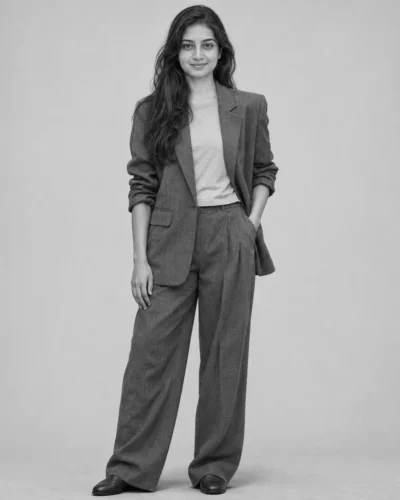
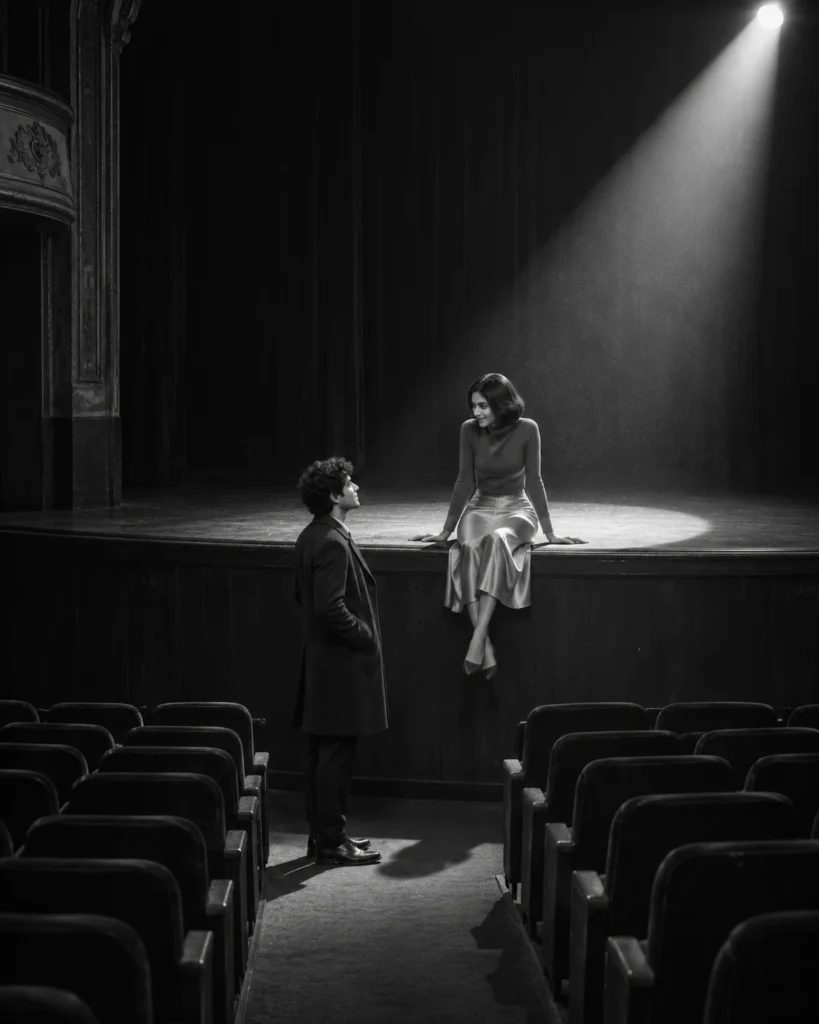
One Spotlight Black and White Romantic Couple AI Photo Prompt
Copy this couple AI photo prompt below and paste it into ChatGPT or Gemini with a photo of you both.
Your prompt
Edit the uploaded photo of two people. Use each person as their own identity reference and keep both faces exactly as they are: face shape, eyes, nose, lips, skin tone, age and hair. Keep the two people clearly separate; do not blend their features.

From across an empty old theatre with velvet seats and a bare stage, show the couple at different heights, her seated on the stage lip and him standing in the aisle below looking up. A hard spotlight singles her out as a little stage dust catches in the beam.

Styling: a silk midi skirt and fitted knit top for her and a tailored coat for him.

A bright circle falls on the stage as the velvet rows fade to deep grey. True monochrome with deep blacks, silver highlights and fine film grain. Real photo detail and natural skin texture. 4:5 frame. No lip kisses, beds, underwear, alcohol, cigarettes, brand names, logos, badges, app interface, religious elements or watermarks. Natural anatomy: each person has two arms and five fingers on each visible hand, no extra, merged or floating hands; correct reflections and shadows.
Collections and similar looks
Share
Help for this look
How to make it, tips, answers and quick fixes. Tap a row to open it.
What this prompt creates
There is one lit spot on the stage in an empty theatre. She sits against its edge in a silk skirt and fitted knit while he stands below in the aisle in a tailored coat, looking up. The camera sees the two of you across the room. Dust picks up in the beam and the velvet rows fade into the darker parts of the frame.
Make it yours
- Show a little more of the empty aisle.
- Let the outer edge of the beam reach his profile.
- Make her skirt mid-calf length.
Want to know more? Read about stage lighting on Wikipedia.
How to make this one spotlight black and white romantic couple photo
- Pick a clear photo of you both
Face towards the camera in good light. Any outfit is fine; the prompt changes it.
- Copy the prompt
Show a little more of the empty aisle.
- Paste with your photo
For ChatGPT & Gemini, open your preferred app, upload your photos, then paste and send.
- Fine-tune it
Let the outer edge of the beam reach his profile.
Tips for this look
- Use a clear side view for him.
- Pick a soft downward glance for her.
- Leave dark space above the stage.
- Choose a slight upward angle for him.
- Try a subtle downward smile for her.
- Use clear references without strong coloured light.
Quick answers
Should he join her in the light?
Keep him below the stage with enough spill to read his expression.
Can we make the view closer?
Yes. Keep one row of seats to show where you are.
Common problems and quick fixes
👥 Our faces got mixed
Keep the first lines of the prompt: they tell the tool to keep you two separate. Two separate clear photos also help.
🔤 The words are spelt wrong
Reply “fix the spelling, it should read: …” with the exact words. Short names come out cleanest.
✋ Hands or fingers look odd
Reply “fix the hands and fingers, keep everything else the same”.
👗 The outfit colour isn’t right
Use the outfit quick change, or reply “make the outfit exactly [colour]”.
More couple looks
Similar looks, picked by style and occasion.