Coming up: Christmas
 Find my look in 3 taps















































 🪔 Festive
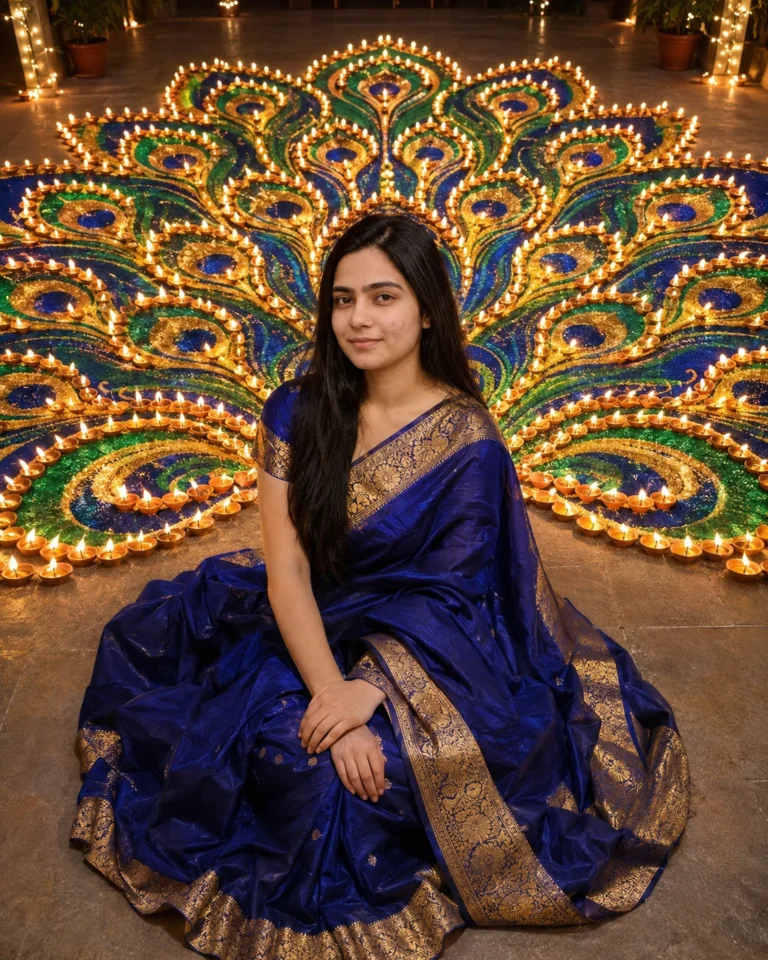
Diwali Photo Filter AI Prompt for Diya and Decor Photos
Copy this AI photo prompt below and paste it into ChatGPT or Gemini with your own photo.
Your prompt
Edit the uploaded photo of Diwali decor. Keep every object, its position and the camera angle exactly as they are. Do not add, remove or move anything.

Change only the look, like a premium Diwali photo filter: a deep warm golden colour grade with rich saffron and rose tones, the diya flames glowing brighter with a soft bloom, gentle reflections of the flames on any water or metal, and the scene shown with a darker, moody background and a soft vignette.

Finish: fine film grain, realistic and natural, like a cinematic festival photograph. 4:5 frame. No text, no watermark.
Collections and similar looks
Share
Help for this look
How to make it, tips, answers and quick fixes. Tap a row to open it.
What this prompt creates
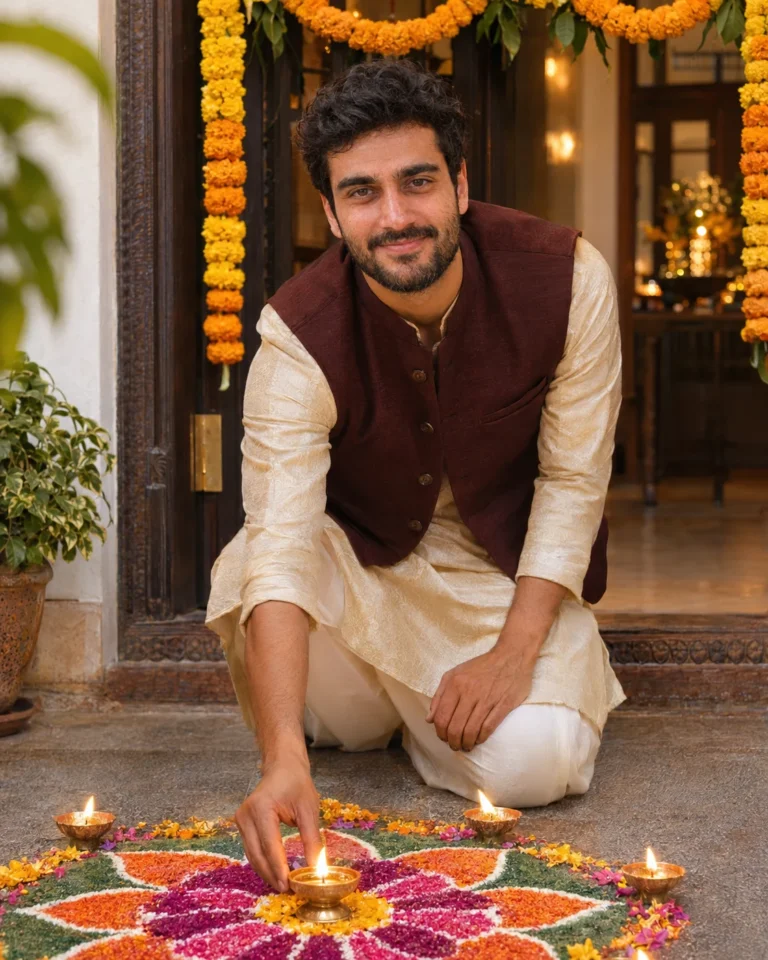
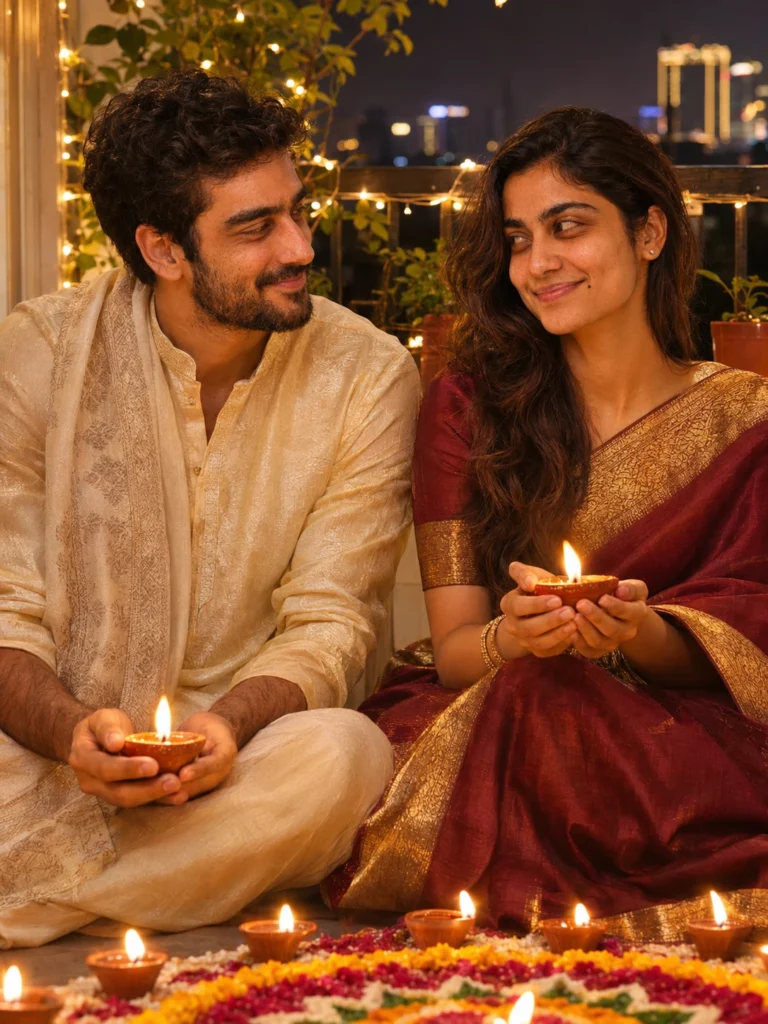
Your own photo of Diwali decor stays exactly as you shot it, with every diya, flower and object in the same place, but the look changes completely. It gets a deep warm golden grade with rich saffron and rose tones, brighter diya flames with a soft bloom, gentle reflections of the flames on any water or metal, a darker moody background, a soft vignette and fine film grain.
Make it yours
- Ask for a cooler blue-and-gold grade for a modern, calm look.
- Keep the background as it is and only warm up the flames.
- Change the 4:5 frame to 9:16 for a story or reel cover.
Want to know more? Read about colour grading on Wikipedia.
How to make this Diwali photo filter
- Pick a clear photo
Face towards the camera in good light. Any outfit is fine; the prompt changes it.
- Copy the prompt
Tap Copy prompt. Prefer a cooler blue-gold mood? Change the colour grade in the prompt.
- Paste with your photo
Open ChatGPT or Gemini, upload your photo, paste and send.
- Fine-tune it
Reply “keep everything the same, only make it a little brighter” if it turns too dark.
Tips for this look
- Works on diyas, rangoli, urli bowls, torans, puja thalis and lit-up balconies.
- Take the photo with the lights on; the filter needs flames to glow.
- Use the same prompt on several decor photos for a matching Diwali set.
- Take your photo at dusk or in a dim room so the diyas are the main light.
- Hold the phone steady or rest it on something, since the prompt keeps your exact framing.
- Include a brass plate or water urli in the shot if you want the flame reflections.
Common problems and quick fixes
😕 My face doesn’t look like me
Use a sharper, front-facing photo in daylight, then reply “keep my face exactly as in my photo, only change the scene”.
🔤 The words are spelt wrong
Reply “fix the spelling, it should read: …” with the exact words. Short names come out cleanest.
🟠 Everything looks too yellow or orange
Reply “keep the colours natural and my skin tone true, less orange cast”.
👗 The outfit colour isn’t right
Use the outfit quick change, or reply “make the outfit exactly [colour]”.
You might also like
Similar looks, picked by style and occasion.