Coming up: Christmas
 Find my look in 3 taps















































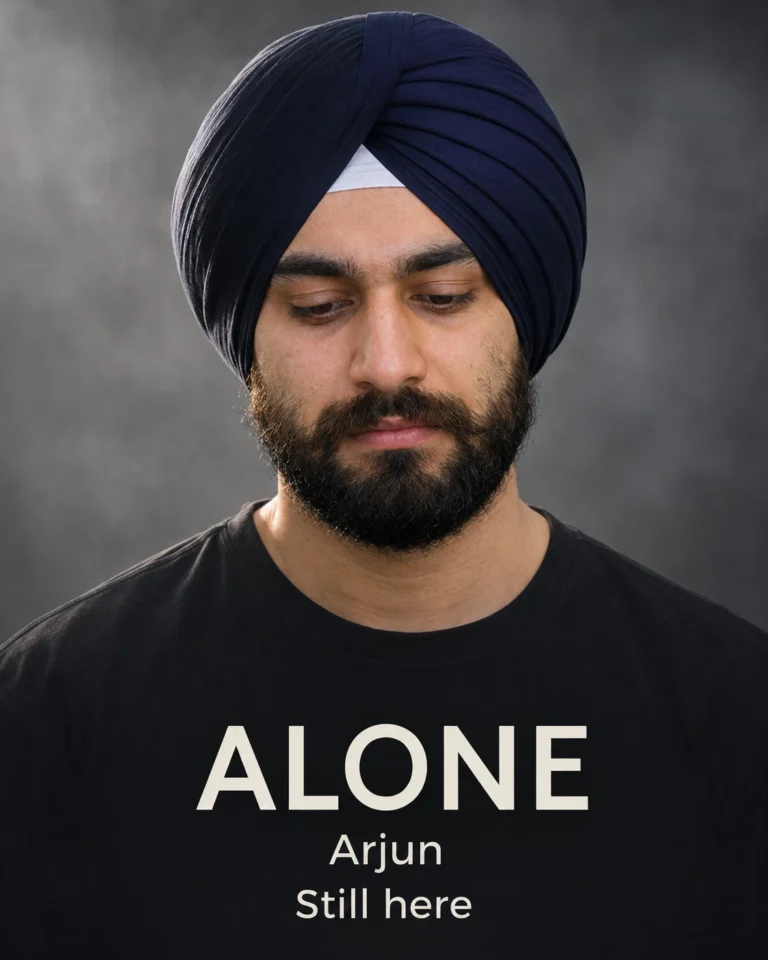
 Boys
Giant Initial and Printed Suit AI Photo Prompt for Boys
Copy this AI photo prompt for boys below and paste it into ChatGPT or Gemini with your own photo.
Your prompt
Edit the uploaded photo. Use the person in it as the identity reference. Keep their face shape, eyes, nose, lips, skin tone, age and hair exactly as they are. No face reshaping, no plastic-smooth skin.

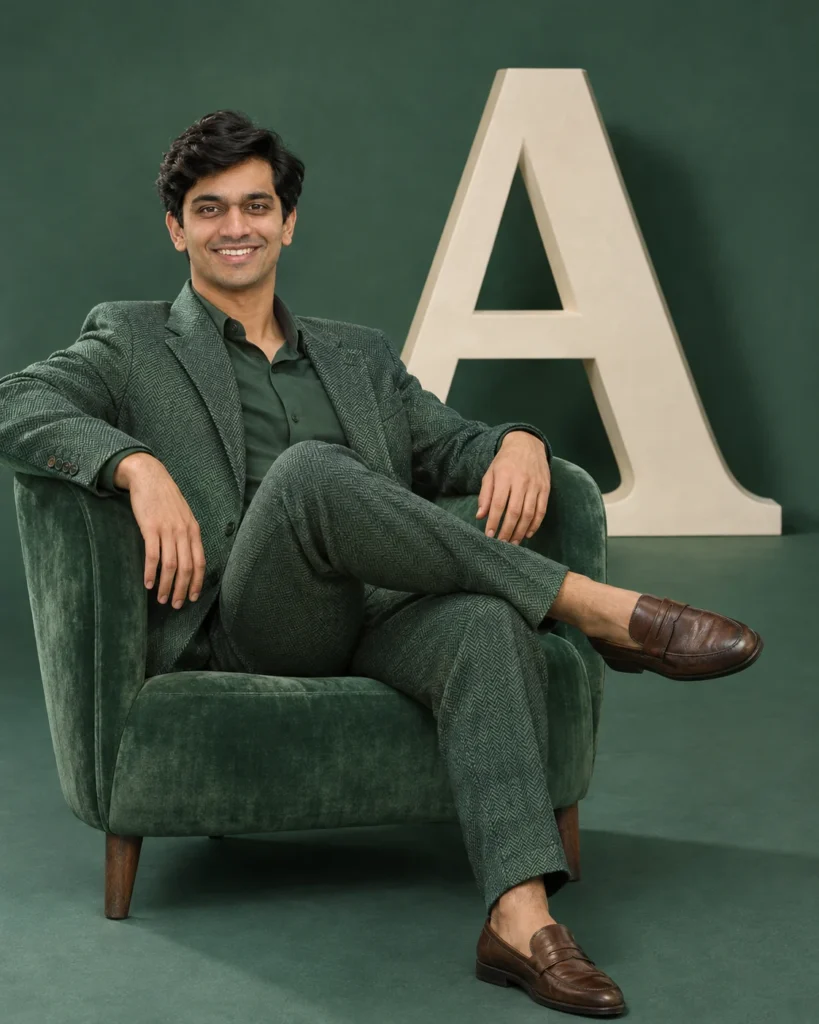
In a spruce-green studio with one oversized freestanding ivory capital letter "{letter}" behind a low green velvet armchair, the person lounges at a slight angle with one ankle on the opposite knee and one arm along the chair. Use a wide seated portrait with soft light from the left, placing the chair off centre so the letter stays readable.

Styling: a spruce-green tailored suit with a fine ivory herringbone print, a plain green shirt and walnut loafers.

Soft studio shadows and matching greens give it the feel of a tailored fashion cover. Real photo look, natural skin texture, true-to-life colours, crisp detail. 4:5 frame. No watermark.
Collections and similar looks
Share
Help for this look
How to make it, tips, answers and quick fixes. Tap a row to open it.
What this prompt creates
An oversized ivory initial stands behind your low velvet chair in a spruce-green studio. You sit angled to one side with an ankle on the opposite knee, wearing a green suit with a fine ivory pattern and walnut loafers. Soft light falls from the left, and the chair sits off centre so the letter has enough room to keep its shape.
Make it yours
- Use the first letter of your surname.
- Match the suit and studio in navy.
- Try a small ivory check on the suit.
Want to know more? Read about decorative initials on Wikipedia.
How to make this giant initial and printed suit photo
- Pick a clear photo
Face towards the camera in good light. Any outfit is fine; the prompt changes it.
- Copy the prompt
Replace “{letter}” with your own capital letter.
- Paste with your photo
Open ChatGPT & Gemini, upload your photo, paste and send.
- Fine-tune it
Ask to move the chair aside until the letter reads clearly.
Tips for this look
- Use a clear waist-up or full-length upload.
- Try a relaxed seated photo.
- Pick a backdrop shade close to your suit colour.
- Pick a seated source photo if one is handy.
- Use soft light so your expression is clear.
- Include your legs and shoes in the upload if possible.
Quick answers
Can I put my whole name behind the chair?
You can try it, but one letter gives the chair and the outfit more breathing room.
Can I use a different colour for the suit?
Yes. Change the backdrop, jacket and trousers to the same new shade.
Common problems and quick fixes
😕 My face doesn’t look like me
Use a sharper, front-facing photo in daylight, then reply “keep my face exactly as in my photo, only change the scene”.
👗 The outfit colour isn’t right
Use the outfit quick change, or reply “make the outfit exactly [colour]”.
🎨 Skin looks too smooth
Reply “keep my natural skin texture, no beauty filter”. Small follow-ups work better than starting over.
🔁 It isn’t quite the look
Regenerate once, or reply with one change at a time, like “wider shot” or “warmer light”.
More looks for boys
Similar looks, picked by style and occasion.