Coming up: Christmas
 Find my look in 3 taps















































 💑 Couple
Lock Screen Selfie Couple AI Photo Prompt
Copy this couple AI photo prompt below and paste it into ChatGPT or Gemini with a photo of you both.
Your prompt
Edit the uploaded photo of two people. Use each person as their own identity reference and keep both faces exactly as they are: face shape, eyes, nose, lips, skin tone, age and hair. Keep the two people clearly separate; do not blend their features.

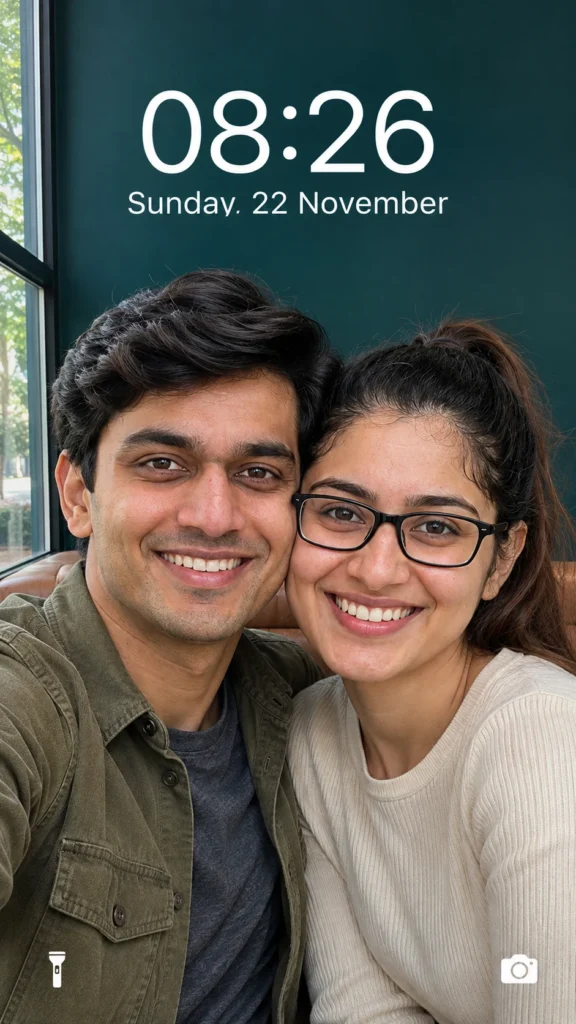
At a cafe window seat with a dark teal wall behind it, the couple leans cheek to cheek and smiles into an arm's-length camera, with their faces in the middle below a band of plain teal. Place a large white clock reading '08:26' and a smaller 'Sunday, 22 November' date line above them, with tiny torch and camera icons in the lower corners of the edge-to-edge photo.

Styling: an olive overshirt for him and a cream ribbed top for her.

Soft window light from the left, relaxed phone selfie feel and clean white screen graphics. Keep natural skin texture and fine detail in both faces. 9:16 frame. No watermark.
Collections and similar looks
Share
Help for this look
How to make it, tips, answers and quick fixes. Tap a row to open it.
What this prompt creates
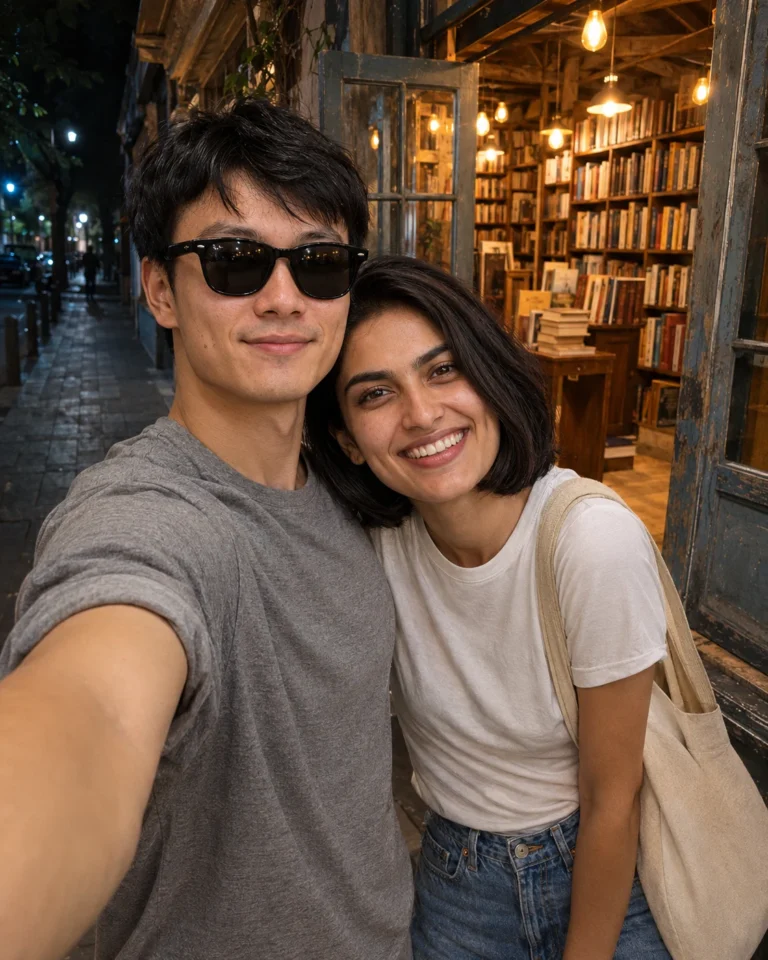
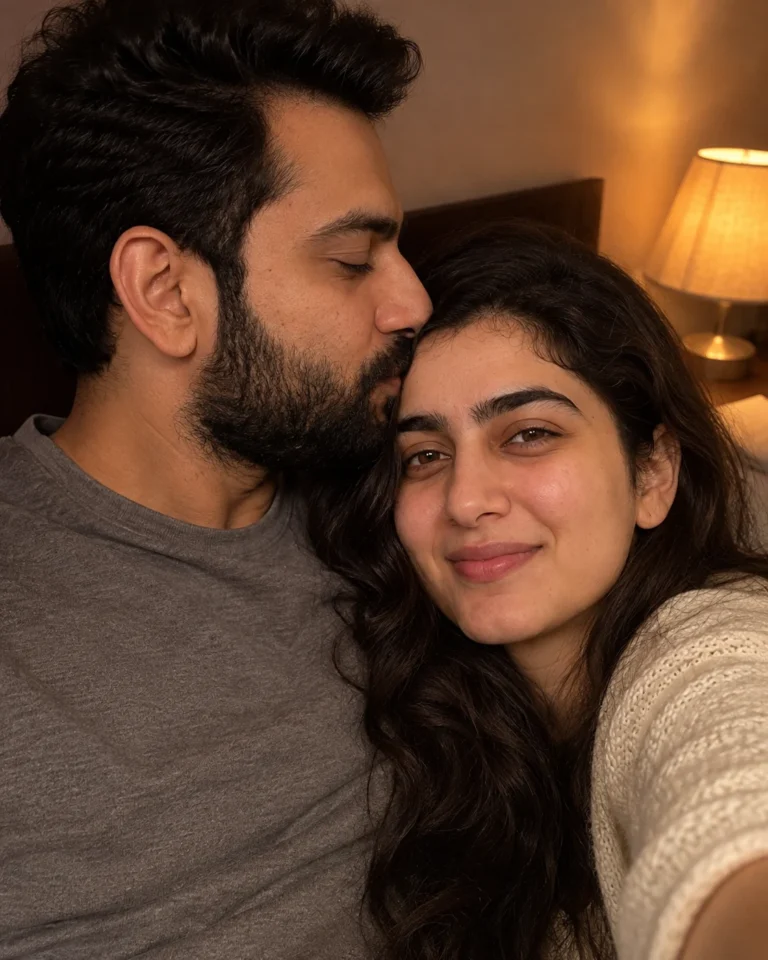
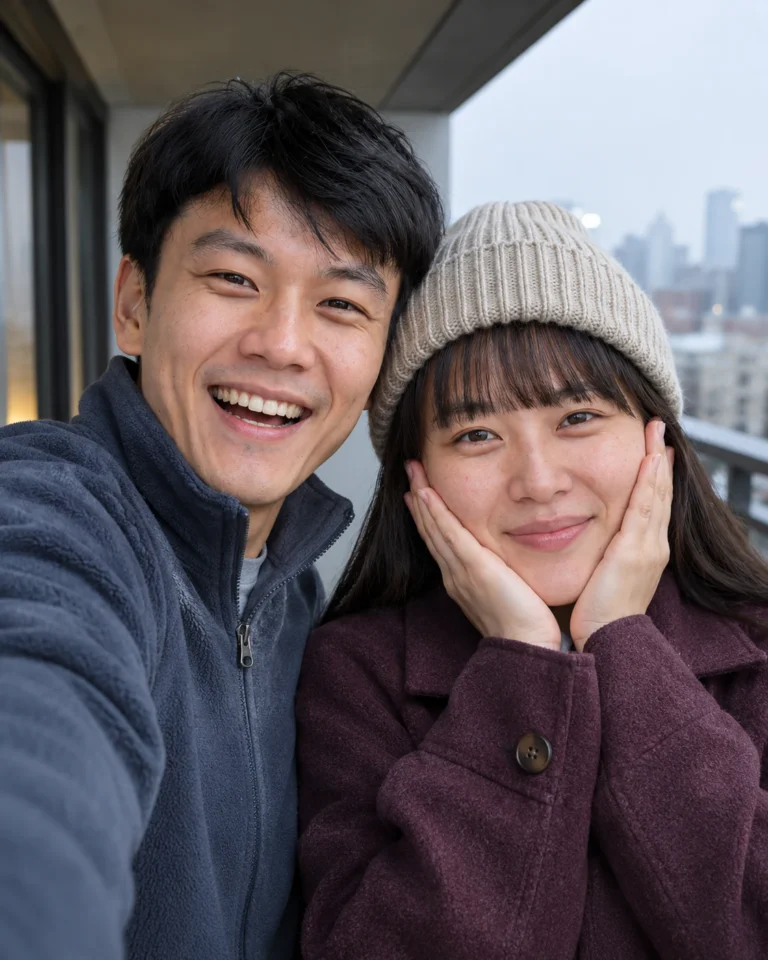
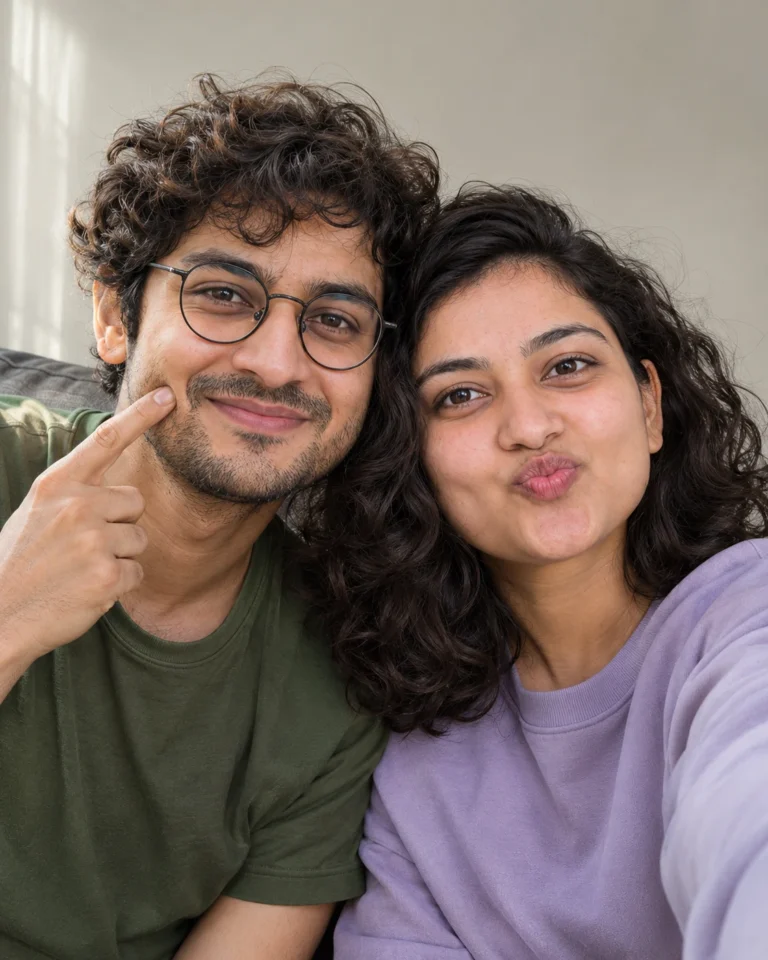
Your cheeks meet in a close cafe selfie, with a cream ribbed top and an olive overshirt picking up the soft light from the window. A strip of dark teal wall above your heads carries a large white clock and a smaller date line. The photo fills the tall panel from edge to edge, with tiny torch and camera icons down in the corners.
Make it yours
- Set the clock to the time you first met.
- Try a deep blue wall in place of teal.
- Swap the olive overshirt for a denim shirt.
Want to know more? Read about phone lock screens on Wikipedia.
How to make this lock screen selfie couple photo
- Pick a clear photo of you both
Face towards the camera in good light. Any outfit is fine; the prompt changes it.
- Copy the prompt
Edit the clock and date in the prompt.
- Paste with your photo
For ChatGPT & Gemini, open either app and upload your photo. Paste the prompt and send it.
- Fine-tune it
Ask for more teal space between the clock and your heads.
Tips for this look
- Choose a selfie where both faces are sharp.
- Keep the cheeks and eyes clear of shadows.
- Use 9:16 for a tall screen.
- Choose a selfie with both eyes in focus.
- If you upload separate photos, pick similar smiles.
- Use a photo where you can see both hairlines.
Quick answers
Will the clock update?
The time and date are part of the picture.
How do I leave room for my phone’s own clock?
Remove the clock, date and icons from the prompt, and keep the plain teal space.
Common problems and quick fixes
👥 Our faces got mixed
Keep the first lines of the prompt: they tell the tool to keep you two separate. Two separate clear photos also help.
👥 People in the background look strange
Reply “blur the people in the background more” so the focus stays on you.
👗 The outfit colour isn’t right
Use the outfit quick change, or reply “make the outfit exactly [colour]”.
🎨 Skin looks too smooth
Reply “keep my natural skin texture, no beauty filter”. Small follow-ups work better than starting over.
More couple looks
Similar looks, picked by style and occasion.