Coming up: Christmas
 Find my look in 3 taps








































 Girls
Lock Screen Wallpaper AI Photo Prompt for Girls
Copy this AI photo prompt for girls below and paste it into ChatGPT or Gemini with your own photo.
Your prompt
Edit the uploaded photo. Use the person in it as the identity reference. Keep their face shape, eyes, nose, lips, skin tone, age and hair exactly as they are. No face reshaping, no plastic-smooth skin.

Create a phone lock-screen wallpaper. The person sits on a city rooftop ledge at dusk under a violet-orange sky, holding a loose bunch of white baby's-breath flowers, head tilted, eyes softly closed. Leave the top third mostly sky. Over it, like a real lock screen: a large thin white clock “9:41”, a small date line above it, a tiny torch icon bottom-left and a camera icon bottom-right.

Styling: a mint-green anarkali with a blush-pink dupatta, dupatta moving in the breeze.

Dreamy soft focus, twinkling city lights. Natural skin texture, true-to-life colours, crisp detail. 9:16 frame. No watermark.
Collections and similar looks
Share
Made with this prompt
More versions of this look
Same prompt, one quick change each. Tap a photo to see it above, or tap Copy prompt to copy that version.
Help for this look
How to make it, tips, answers and quick fixes. Tap a row to open it.
What this prompt creates
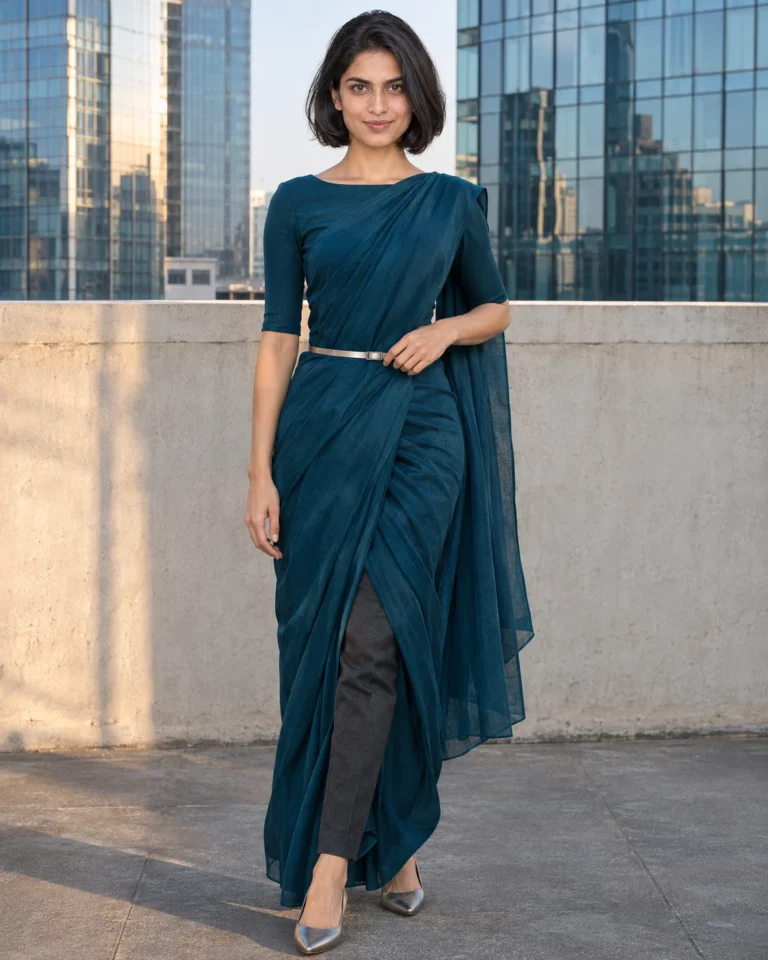
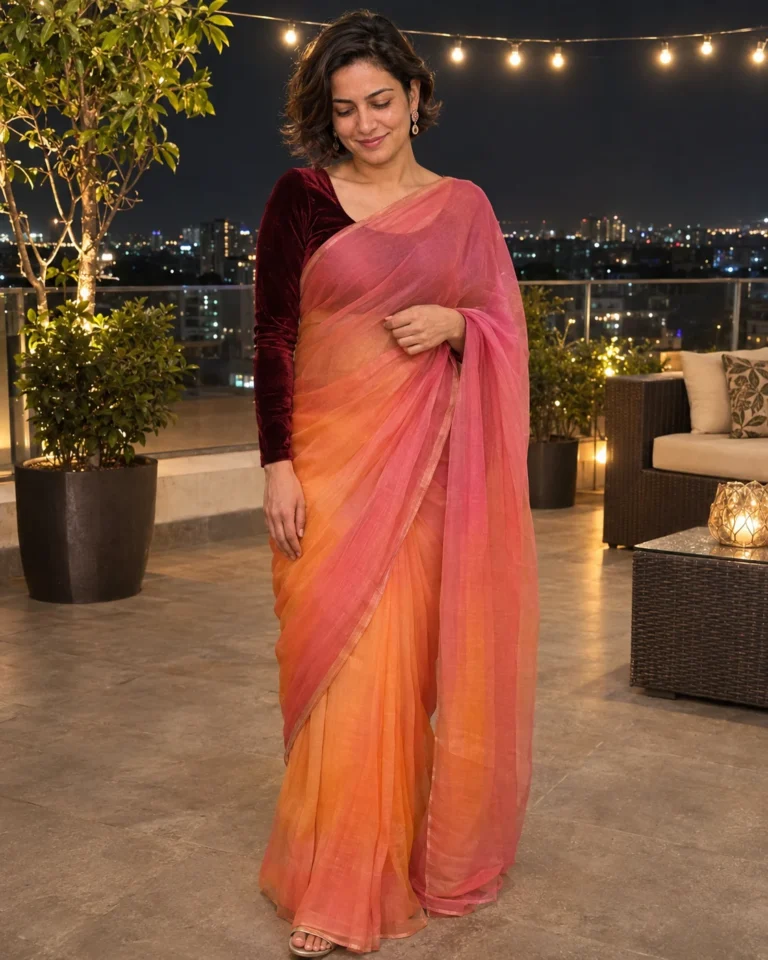
A tall 9:16 wallpaper of you sitting on a city rooftop ledge at dusk, in a mint-green anarkali with a blush-pink dupatta lifting in the breeze. You hold a loose bunch of white baby's-breath flowers, head tilted, eyes softly closed. The top third is left as violet-orange sky, and a thin white 9:41 clock, a small date line and torch and camera icons sit over it, so the picture already looks like a real phone lock screen.
Make it yours
- Put your own time and date in the clock line, like your birthday or an anniversary.
- Swap the baby's-breath for sunflowers or a single red rose.
- Move it to a beach at sunset or a hill-station balcony with mist.
Want to know more? Read about lock screens on Wikipedia.
How to make this lock screen wallpaper
- Pick a clear photo
Face towards the camera in good light. Any outfit is fine; the prompt changes it.
- Copy the prompt
Tap Copy prompt. Put your own time and date in the clock line.
- Paste with your photo
Open ChatGPT or Gemini, upload your photo, paste and send.
- Fine-tune it
Reply “move me lower so the clock doesn’t cover my face”.
Tips for this look
- Keep 9:16 so it fits your phone screen.
- Change the flowers to roses or sunflowers.
- Remove the clock line to use it as a normal photo.
- Use a photo where your face is clear and not too close: the prompt places you in the lower half, so a half-body photo works best.
- A side-lit or evening photo blends well with the dusk light.
- Keep 9:16 so it fills the screen without cropping.
Quick answers
Will the clock match my phone?
It is part of the picture, so set your phone clock style to minimal for a clean look.
Can boys use it?
Yes. Change the outfit and the flowers to anything you like.
Common problems and quick fixes
😕 My face doesn’t look like me
Use a sharper, front-facing photo in daylight, then reply “keep my face exactly as in my photo, only change the scene”.
🌙 My face looks too dark
Reply “add soft warm light on my face, keep the background the same”.
👶 The child’s face changed
Reply “keep the child’s face exactly as in my photo”. Add a clear photo of the child if you can.
👗 The outfit colour isn’t right
Use the outfit quick change, or reply “make the outfit exactly [colour]”.
More looks for girls
Similar looks, picked by style and occasion.