Coming up: Christmas
 Find my look in 3 taps








































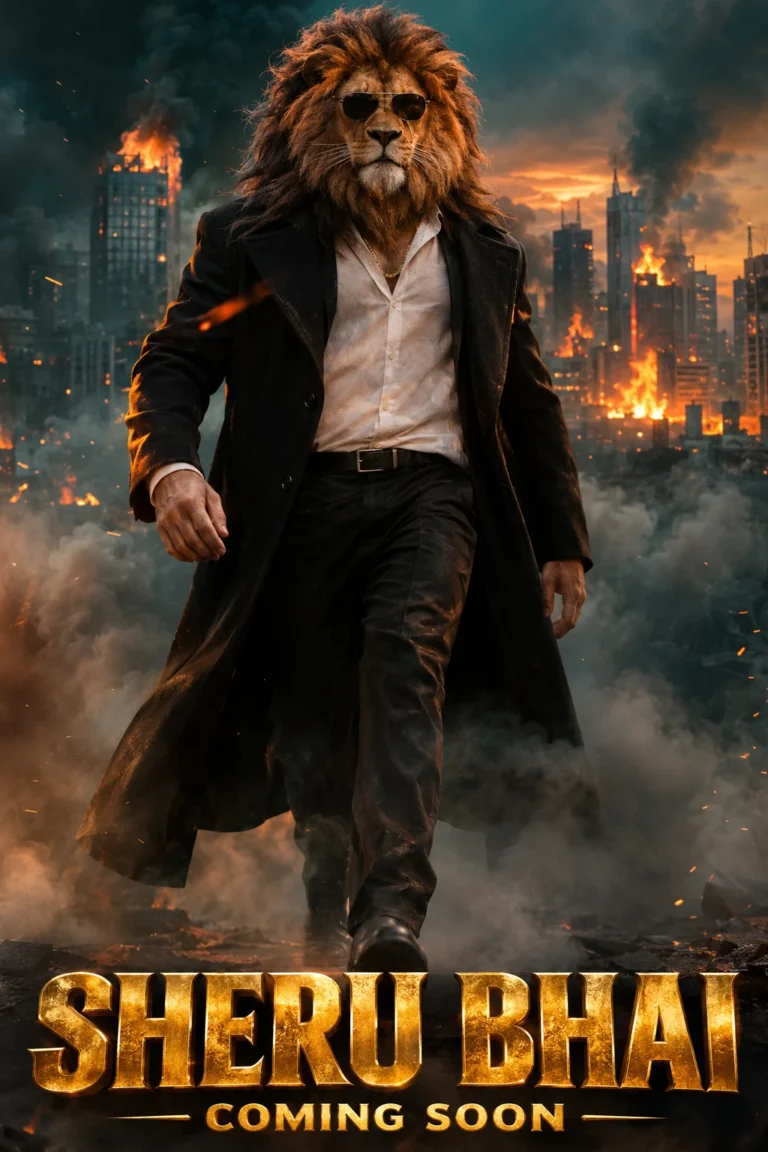
 Sheru Bhai Photo & Image in Every Style
Sheru Bhai 4K Wallpaper Prompt
Copy this AI image prompt below and paste it into ChatGPT or Gemini. No photo needed.
Your prompt
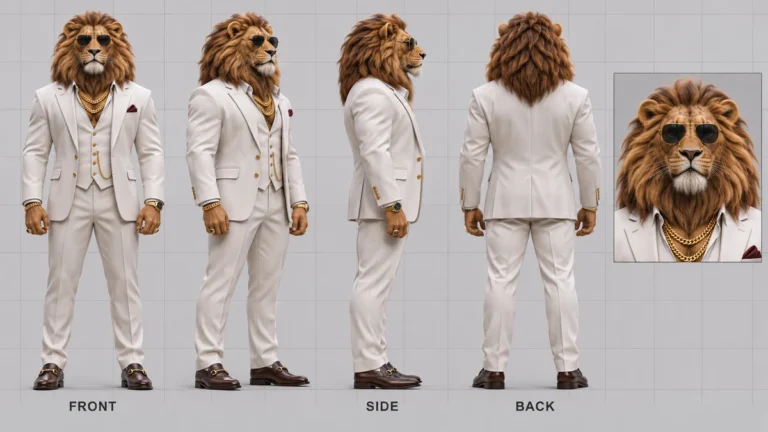
Create a photorealistic image of Sheru Bhai, the viral lion-headed boss (an AI character, our own version).

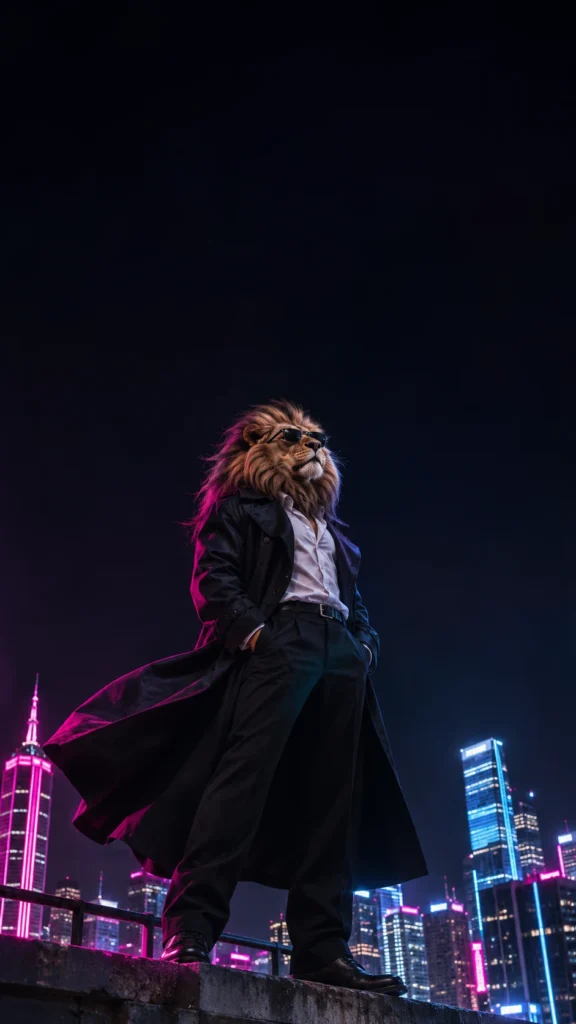
A tall phone wallpaper of Sheru Bhai, a tall man with a realistic tawny lion's head and a full thick dark-brown mane, standing alone on a skyscraper rooftop at night above a neon city, seen from a low angle, his coat moving in the wind, lots of sky above him for the clock.

Styling: a long black coat over a white shirt and sunglasses.

Neon pink and blue city glow, crisp 4K detail, dark top area so the time stays readable. Real photo look, true-to-life fur texture, crisp detail. 9:16 frame. No watermark.
Collections and similar looks
Share
Help for this look
How to make it, tips, answers and quick fixes. Tap a row to open it.
What this prompt creates
From a low angle, you look up at Sheru Bhai in a long black coat with the hem lifting in the wind. He stands against a neon city at night, with pink and blue light around his dark brown mane, black sunglasses and white shirt. Above his tawny lion face there is a broad stretch of dark sky where your phone can show its clock.
Make it yours
- Change the neon to violet and amber.
- Try a charcoal coat with a wider collar.
- Set the rooftop over a waterfront skyline.
Want to know more? Read about digital wallpapers on Wikipedia.
How to make this Sheru Bhai 4K Wallpaper
- Copy the prompt
Change the city or the coat in the quick changes.
- Paste it, no photo needed
Open ChatGPT or Gemini, paste the prompt and send. You do not need to upload anything.
- Fine-tune it
Reply “make the top darker” if the clock is hard to read.
Tips for this look
- Paste it in a new chat for the cleanest result.
- Change only the highlighted parts first.
- Ask for 2 or 3 versions and keep the best.
- Keep the 9:16 line for a tall phone frame.
- Preview it on your lock screen and ask to place him lower if the clock touches his mane.
- Request a darker sky if the time is hard to read.
If Sheru Bhai looks different
Reply “keep the same lion head, mane and outfit as before and only change the scene”. A new chat with the same prompt also helps.
- Keep the 9:16 line for a tall phone frame.
- Preview it on your lock screen and ask to place him lower if the clock touches his mane.
- Request a darker sky if the time is hard to read.
Quick answers
Is Sheru Bhai a real person?
No. Sheru Bhai is a viral AI character, a man with a lion’s head. There is no real face behind him; this prompt draws him fresh every time.
Is it the right size for a phone?
Yes. It is set to 9:16, the shape of a phone screen.
Do I need to upload a photo?
No. Paste the prompt on its own and ChatGPT or Gemini draws Sheru Bhai from the words.
Common problems and quick fixes
😕 My face doesn’t look like me
Use a sharper, front-facing photo in daylight, then reply “keep my face exactly as in my photo, only change the scene”.
🌙 My face looks too dark
Reply “add soft warm light on my face, keep the background the same”.
👗 The outfit colour isn’t right
Use the outfit quick change, or reply “make the outfit exactly [colour]”.
🎨 Skin looks too smooth
Reply “keep my natural skin texture, no beauty filter”. Small follow-ups work better than starting over.
You might also like
Similar looks, picked by style and occasion.