Coming up: Christmas
 Find my look in 3 taps















































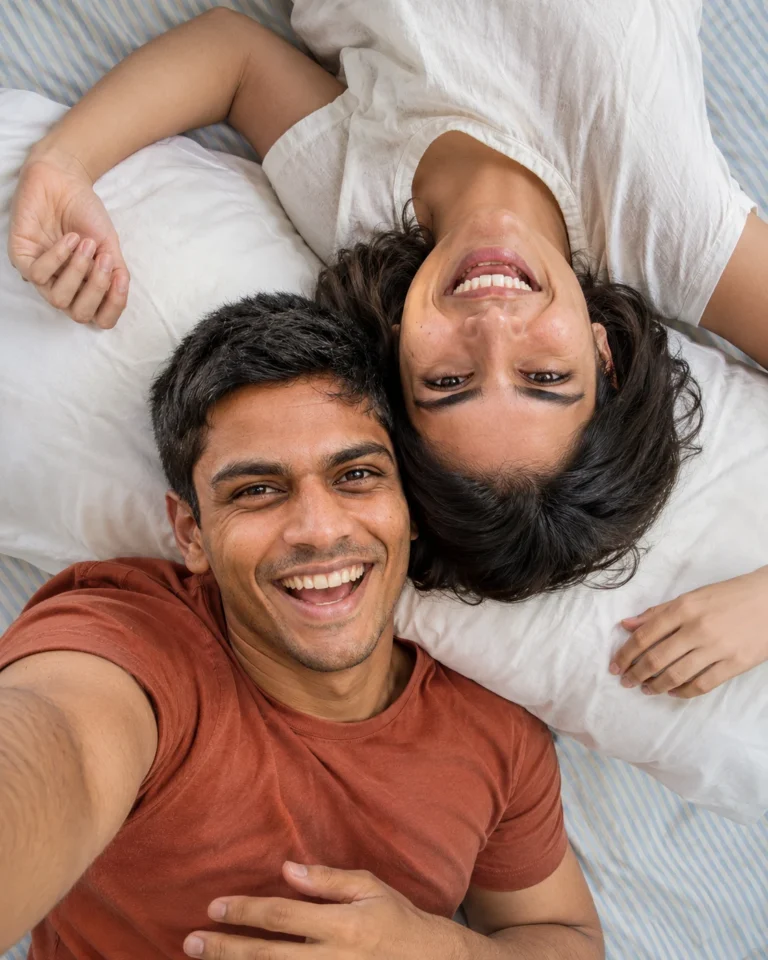

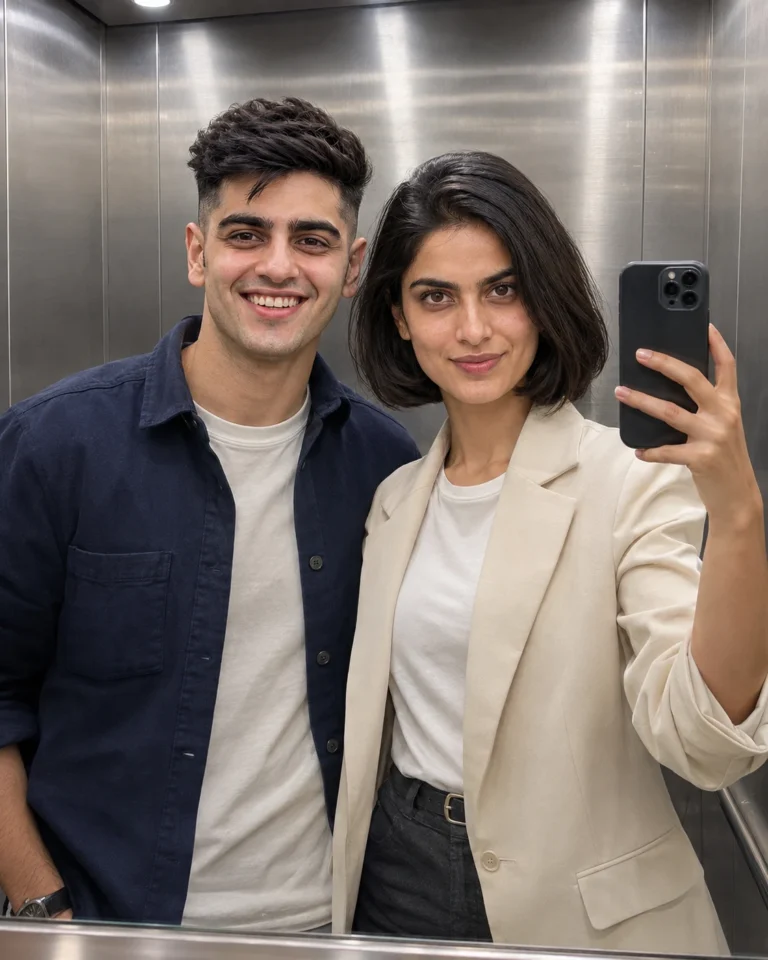
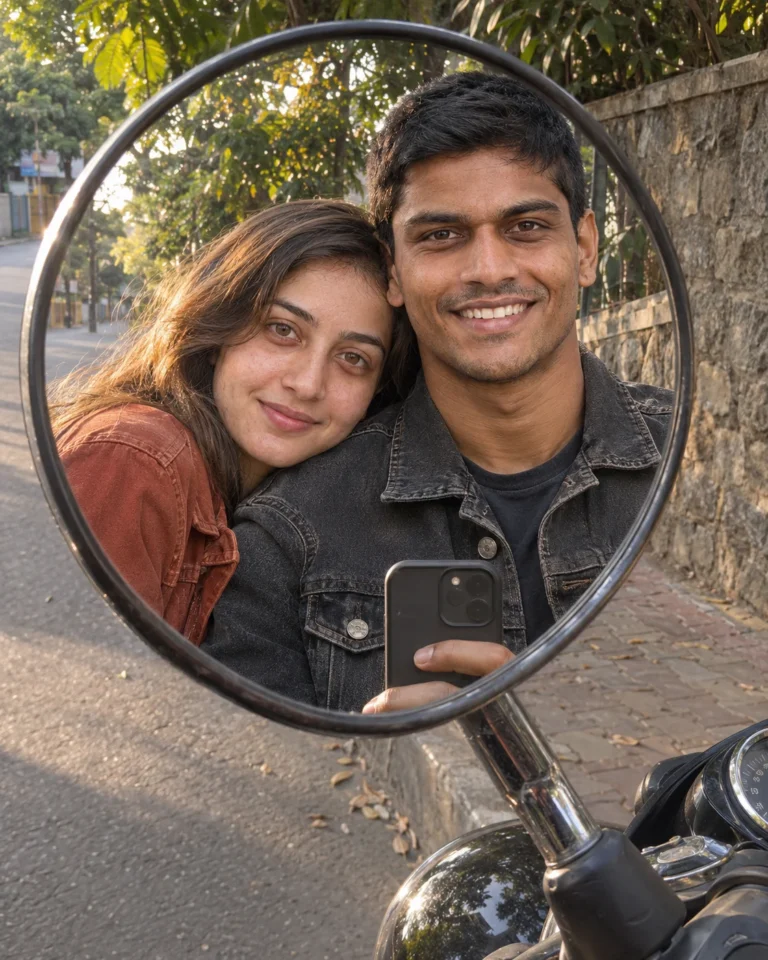
 💑 Couple
Golden Night Couple Selfie AI Photo Prompt for Instagram
Copy this couple AI photo prompt below and paste it into ChatGPT or Gemini with a photo of you both.
Your prompt
Edit the uploaded photo of two people. Use each person as their own identity reference and keep both faces exactly as they are: face shape, eyes, nose, lips, skin tone, age and hair. Keep the two people clearly separate; do not blend their features.

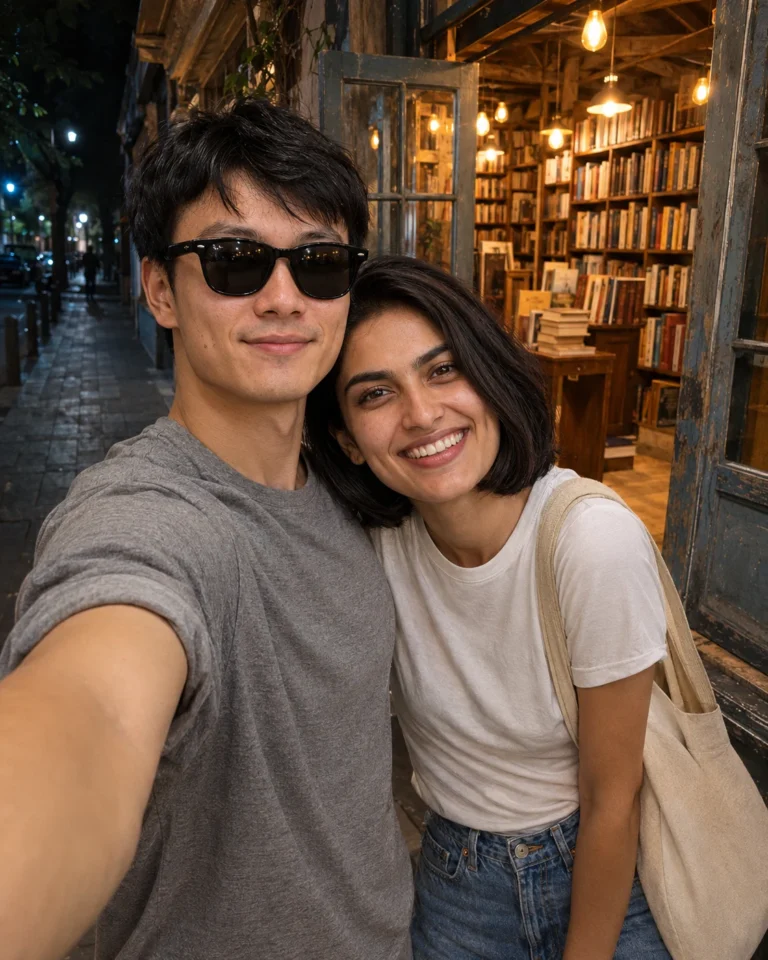
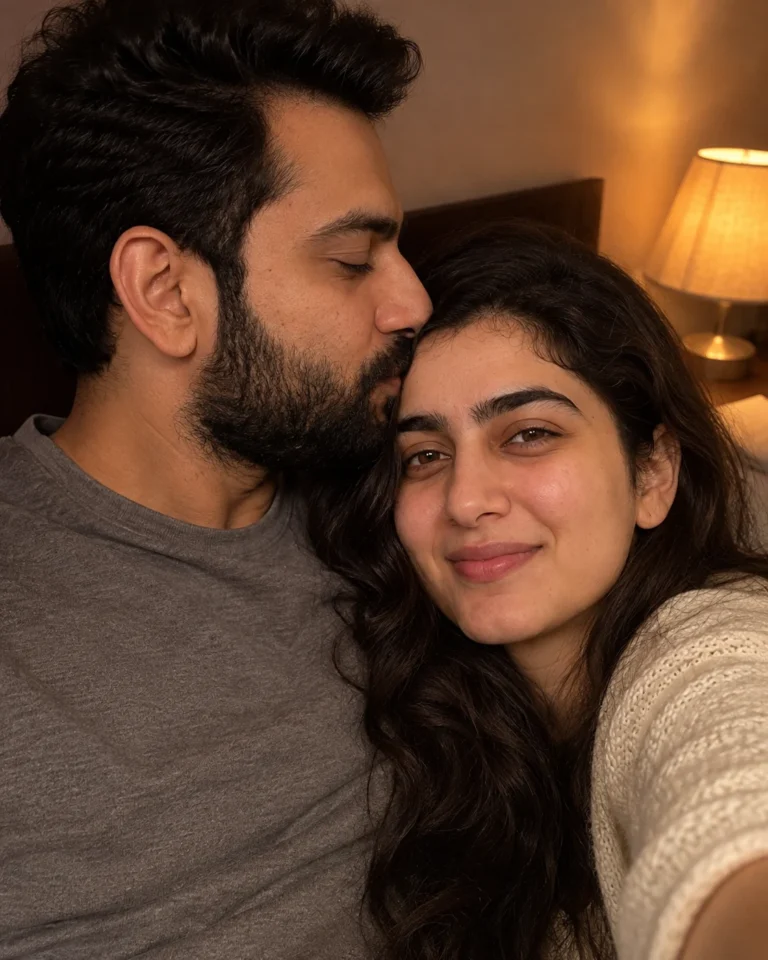
Scene: a close, candid selfie at night against a dark night with a few warm golden bokeh lights behind. One person holds the phone at arm's length (arm visible at the edge of the frame) and smiles at the other; the other rests their head on their shoulder, half in frame, looking up at them with a shy smile.

Styling: a cream knit sweater for him and a simple black top for her.

Warm golden light from one side on both faces, slight film grain, the feel of a real phone night photo. Natural skin texture, true-to-life colours, crisp detail. 4:5 frame. No watermark.
Collections and similar looks
Share
Made with this prompt
More versions of this look
Same prompt, one quick change each. Tap a photo to see it above, or tap Copy prompt to copy that version.
Help for this look
How to make it, tips, answers and quick fixes. Tap a row to open it.
What this prompt creates
Here is a close, candid night selfie of you both against a dark background with a few warm golden bokeh lights. One of you holds the phone at arm's length, arm visible at the edge, and smiles at the other. The other rests their head on that shoulder, half in frame, looking up with a shy smile. He wears a cream knit sweater; she wears a simple black top, with warm golden light falling on both faces from one side.
Make it yours
- Write "she holds the phone" if you want to swap who takes the selfie.
- Change the sweater to a denim jacket and the black top to maroon.
- Make the bokeh lights blue or pink instead of gold.
Want to know more? Read about bokeh in photography on Wikipedia.
How to make this golden night couple selfie
- Pick a clear photo of you both
Face towards the camera in good light. Any outfit is fine; the prompt changes it.
- Copy the prompt
Tap Copy prompt. Change the outfits or the light colour in the prompt.
- Paste with your photo
Open ChatGPT or Gemini, upload your photo, paste and send.
- Fine-tune it
Reply “make it warmer” or “less grain” to adjust.
Tips for this look
- Use a photo where both faces are clear.
- Great for anniversaries and couple DPs.
- Try 9:16 for an Instagram story.
- Use a photo where both faces are clear and well lit.
- A soft evening or warm indoor photo blends best with the golden light.
- Two separate photos work if you have no clear photo together.
Quick answers
Who holds the phone?
Write “she holds the phone” if you want to swap.
Will it look AI-made?
The prompt asks for a real phone-photo feel with natural skin.
Common problems and quick fixes
👥 Our faces got mixed
Keep the first lines of the prompt: they tell the tool to keep you two separate. Two separate clear photos also help.
🌙 My face looks too dark
Reply “add soft warm light on my face, keep the background the same”.
🟠 Everything looks too yellow or orange
Reply “keep the colours natural and my skin tone true, less orange cast”.
👗 The outfit colour isn’t right
Use the outfit quick change, or reply “make the outfit exactly [colour]”.
More couple looks
Similar looks, picked by style and occasion.