Coming up: Christmas
 Find my look in 3 taps














































 Boys
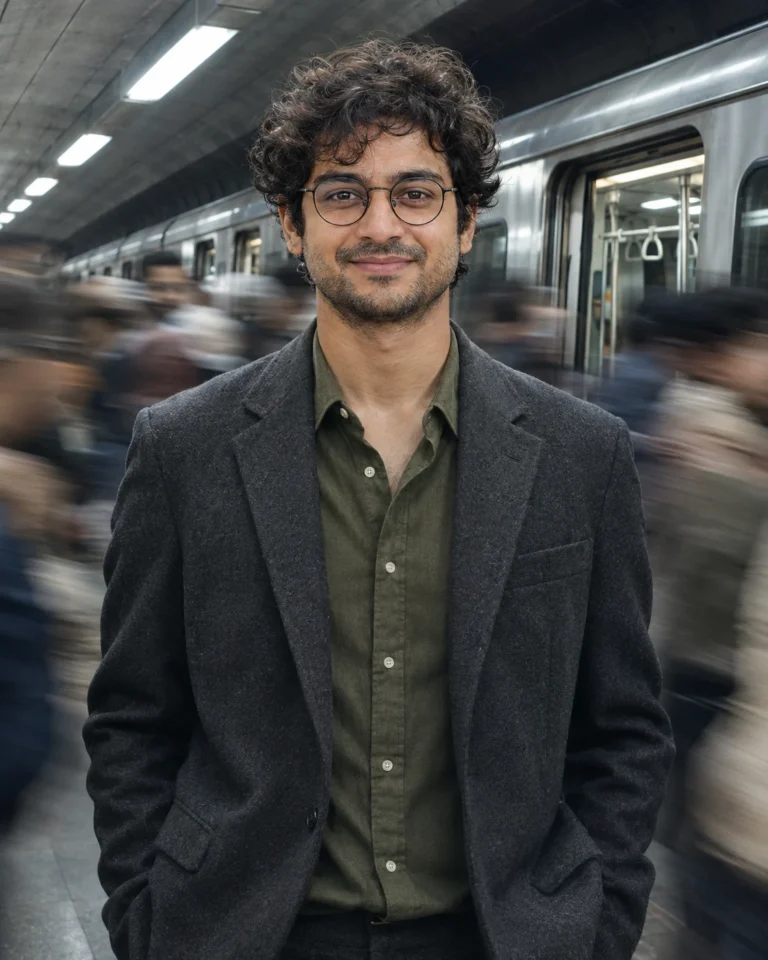
Overhead Crowd Effect AI Photo Prompt for Boys
Copy this AI photo prompt for boys below and paste it into ChatGPT or Gemini with your own photo.
Your prompt
Edit the uploaded photo. Use the person in it as the identity reference. Keep their face shape, eyes, nose, lips, skin tone, age and hair exactly as they are. No face reshaping, no plastic-smooth skin.

Seen from directly above, like a drone shot, the person stands still in the centre of a wide stone city square full of people walking in every direction, seen from high above and looks straight up at the camera. He is sharp, while the crowd around him flows past in soft circular streaks of motion blur, leaving a small clear space around him.

Styling: a plain white T-shirt, black jeans and white sneakers.

Neutral daylight, clean contrast, the white T-shirt standing out. Real photo look, natural skin texture, true-to-life colours, crisp detail. 4:5 frame. No watermark.
Collections and similar looks
Share
Help for this look
How to make it, tips, answers and quick fixes. Tap a row to open it.
What this prompt creates
A view from straight above, like a drone shot, over a wide stone city square full of walking people. You stand still in the centre in a plain white T-shirt, black jeans and white sneakers and look straight up at the camera. The crowd flows around you in soft circular streaks, leaving a small clear space where you stand.
Make it yours
- Wear a red hoodie so you stand out even more.
- Make it night time, with streaks of light from the crowd.
- Add a friend standing back to back with you.
Want to know more? Read about aerial photography on Wikipedia.
How to make this overhead crowd effect photo
- Pick a clear photo
Face towards the camera in good light. Any outfit is fine; the prompt changes it.
- Copy the prompt
Change the white T-shirt to a red hoodie so you stand out even more.
- Paste with your photo
Open ChatGPT or Gemini, upload your photo, paste and send.
- Fine-tune it
Reply “make it a straight top-down view” if the angle looks tilted.
Tips for this look
- A photo where you look up works best, but any clear face photo is fine.
- Ask for “night” for streaks of light.
- Use 4:5 or 1:1.
- Make sure your face is evenly lit, with no cap shading it.
- Use 4:5 or 1:1 so the circle of blur fits.
Quick answers
Will my face be visible from above?
Yes. You look up at the camera, so your face stays clear.
Can I add a friend?
Yes. Upload both photos and say “two friends standing back to back”.
Common problems and quick fixes
😕 My face doesn’t look like me
Use a sharper, front-facing photo in daylight, then reply “keep my face exactly as in my photo, only change the scene”.
💨 My face came out blurred
Reply “keep my face sharp, blur only the background and the moving parts”.
👥 People in the background look strange
Reply “blur the people in the background more” so the focus stays on you.
👗 The outfit colour isn’t right
Use the outfit quick change, or reply “make the outfit exactly [colour]”.
More looks for boys
Similar looks, picked by style and occasion.