Coming up: Christmas
 Find my look in 3 taps
















































 💑 Couple
Skyscraper Rooftop Proposal AI Photo Prompt for Couple
Copy this couple AI photo prompt below and paste it into ChatGPT or Gemini with a photo of you both.
Your prompt
Edit the uploaded photo of two people. Use each person as their own identity reference and keep both faces exactly as they are: face shape, eyes, nose, lips, skin tone, age and hair. Keep the two people clearly separate; do not blend their features.

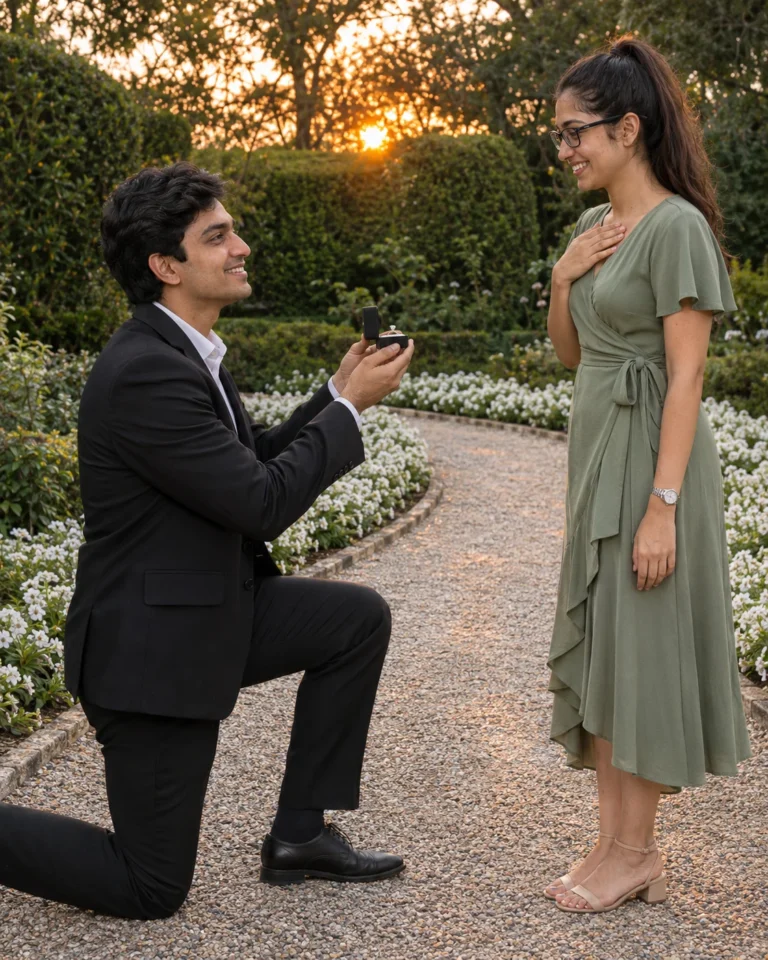
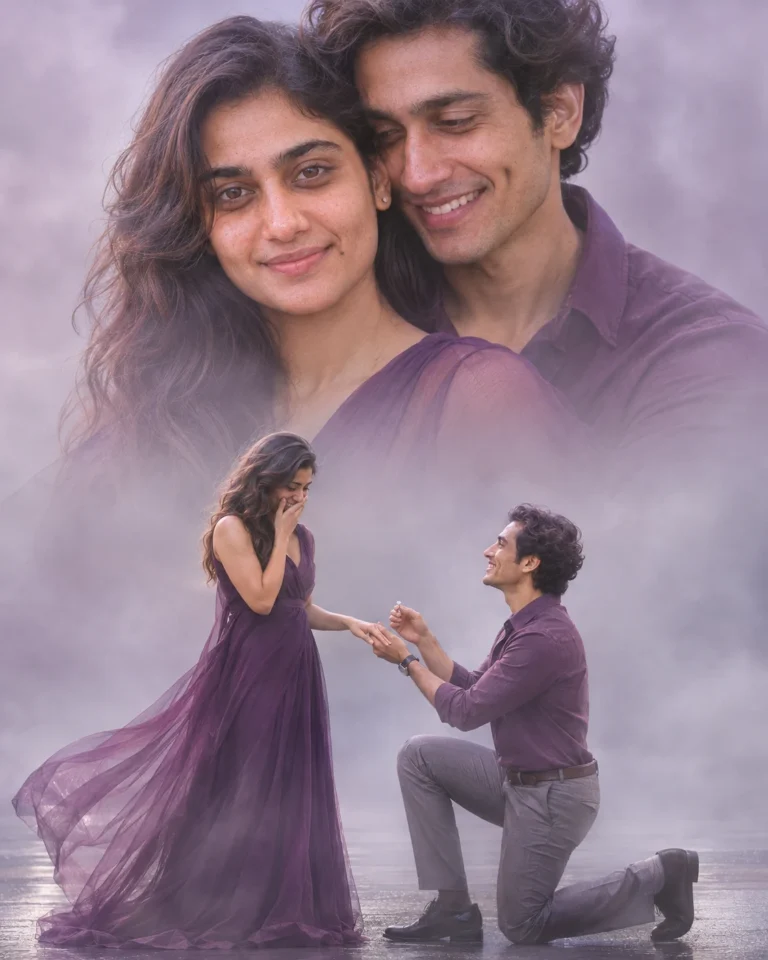
A couple on the open rooftop of a very tall glass tower at blue hour, the whole city glowing far below and a few soft clouds around. He kneels on one knee near the safety rail, holding up an open ring box; she stands in front of him with both hands over her mouth, eyes shining. Her dress and hair move in the wind. Shot from a little above so the drop to the city lights is clear behind them.

Styling: a navy suit with a white shirt for him, a flowing red satin dress for her.

Cool blue-hour sky with warm city lights, dramatic wide-angle film still. Real photo look, natural skin texture, true-to-life colours, crisp detail. 4:5 frame. No watermark.
Collections and similar looks
Share
Help for this look
How to make it, tips, answers and quick fixes. Tap a row to open it.
What this prompt creates
You both stand on the open rooftop of a very tall glass tower at blue hour, the whole city glowing far below. He kneels on one knee by the safety rail and holds up an open ring box; she stands before him with both hands over her mouth, eyes shining. His navy suit and white shirt are sharp, and her red satin dress and hair move in the wind.
Make it yours
- Change the time to a golden sunset.
- Swap who kneels with the ring.
- Dress her in an ivory gown instead of red.
Want to know more? Read about marriage proposals on Wikipedia.
How to make this skyscraper rooftop proposal photo
- Pick a clear photo of you both
Face towards the camera in good light. Any outfit is fine; the prompt changes it.
- Copy the prompt
Change the time to sunset with a golden sky.
- Paste with your photo
Open ChatGPT or Gemini, upload your photo, paste and send.
- Fine-tune it
Reply “show the city lights more” for a wider view.
Tips for this look
- Two clear photos of you both work best.
- Swap who kneels by saying so.
- Use 4:5 or 9:16.
- Two separate clear photos of you both work best.
- A full-length photo of the person kneeling helps the pose.
- Pick photos with relaxed, happy faces.
Quick answers
Is there any building name or flag?
No. It is an unnamed tall tower with no logos.
Good for an engagement post?
Yes, that is what it is made for.
Common problems and quick fixes
👥 Our faces got mixed
Keep the first lines of the prompt: they tell the tool to keep you two separate. Two separate clear photos also help.
✋ Hands or fingers look odd
Reply “fix the hands and fingers, keep everything else the same”.
👗 The outfit colour isn’t right
Use the outfit quick change, or reply “make the outfit exactly [colour]”.
🎨 Skin looks too smooth
Reply “keep my natural skin texture, no beauty filter”. Small follow-ups work better than starting over.
More couple looks
Similar looks, picked by style and occasion.